

FlexyConsent – Cookie Consent Management (GDPR, CCPA)

Consent Layers
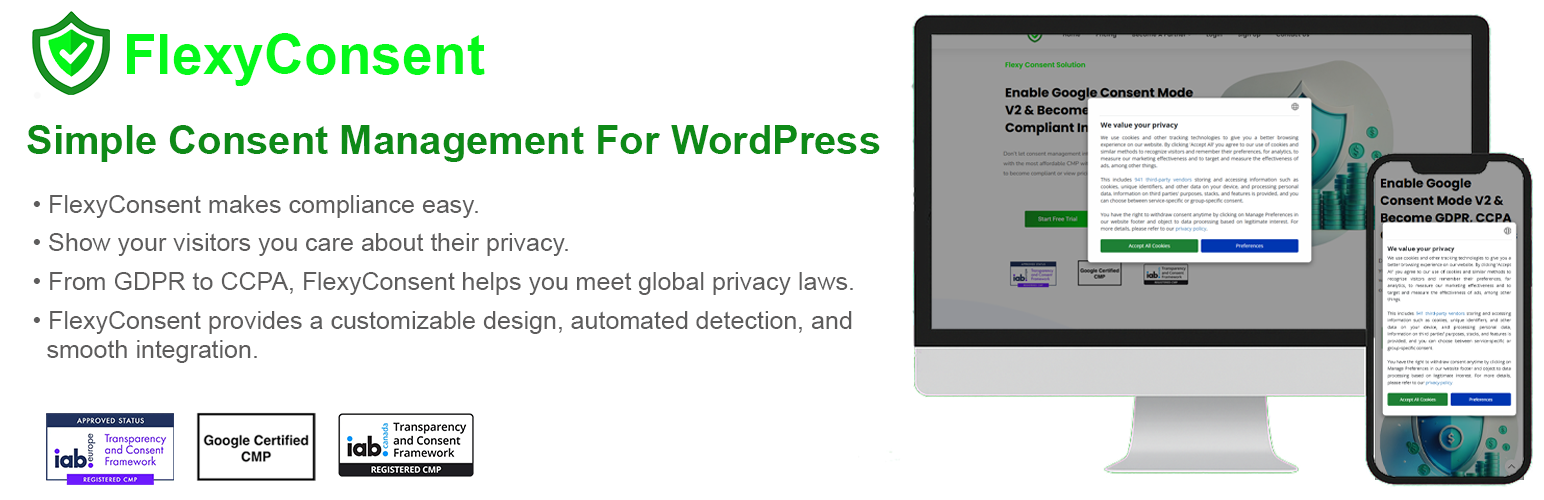
FlexyConsent is an IAB-registered Consent Management Platform (CMP) for WordPress. It adds a customizable consent banner to your site, records what every visitor agreed to, and gives you the reporting you need to show it — all configurable from the WordPress admin, with no coding.
The plugin supports IAB TCF v2.3, Google Consent Mode v2 and the IAB Global Privacy Platform (GPP), so it covers the EU/EEA and Switzerland, the United Kingdom, the United States (national and the California, Virginia, Colorado, Utah and Connecticut state sections), Canada, Türkiye, Brazil, South Africa, Japan, Australia, South Korea, Thailand and India.
The admin interface is available in 41 languages, including Turkish, German, French, Spanish, Italian, Portuguese, Dutch, Polish, Russian, Japanese, Korean and Simplified Chinese.
Features
- GDPR, CCPA and IAB TCF v2.3 support: Attain compliance with the General Data Protection Regulation (GDPR) and the California Consumer Privacy Act (CCPA) and avoid fines.
- Simple integration, easy to use: Show a consent notice to your visitors within minutes — the plugin injects the script for you, no manual code editing required.
- No vendor limits: Manage both IAB and non-IAB vendors under the TCF v2.3 framework.
- Google Consent Mode v2: Enabled automatically as soon as you select a browser-storage region, so your analytics and ads tags respect visitor choices.
- 13 consent regions: Apply the right rules per region, with United States Section Preferences for US National, California, Virginia, Colorado, Utah and Connecticut.
- Geo Preview: See exactly how the consent message will appear to a visitor from a specific region, country, state and language before you publish.
- Cookie Manager: Scan your site for cookies, classify them by storage type (HTTP cookie, local storage, session storage, tracking pixel) and import or export them as JSON.
- Consent Logs: A sortable, paginated record of the consent choices made on your site, exportable as CSV as proof of consent.
- Collect consent on any device: Our compliance solution extends to all customer-oriented enterprises, encompassing brands, websites, applications, and blogs.
- Advanced reporting: Comprehensive insights into how visitors interact with consent messages, for in-depth analysis of your consent rates.
- Privacy-conscious by design: Your API key is stored encrypted and never sent to the browser — all calls to the FlexyConsent API go through a server-side proxy.
User Guide
After activating FlexyConsent plugin, it will appear in the WordPress Admin Menu. Then, click it and you will be redirected to start page. Just click the continue button int this page. You don’t need to enter any information. After that you will see FlexyConsent Dashboard.
This dashboard is designed for representing statistical data about the registered web pages. All these data provide statistics of how effectively FlexyConsent works with the web pages by collecting the number of visits, page views etc.
In addition, It mainly consists of 3 buttons; Website Settings, User Settings and Subscription.
Website Settings
This button is used to create a configuration set for web pages. A user can do the following:
-
Add websites to the “Domains” field to specify on which sites the plugin will work.
-
You should Cookie Policy and Privacy Policy URLs to the related fields.
-
Check the “Consent Management Enabled” checkbox to decide whether the plugin will work or not on the web pages.
-
Check “GDPR Applies Globally” checkbox to enable GDPR compliance globally.
User Settings
-
The button represents basic information about the user and invoice.
-
Users can enter and change their email address with another that is not used actively in the plugin.
-
Users can close their accounts,
-
Users can update their user information and invoice details by using the “Update user info” button.
Subscription
-
When the plugin is installed for a website, a free subscription (which might take up to 10% of ad impressions placed only by FlexyConsent after 3 months) is assigned to it.
-
Users can upgrade or downgrade their subscription with one of the subscription plans.
-
For plan upgrades the process is immediate and if the user has an existing plan a discount is applied for the first payment.
-
For plan downgrades, the process completes at the end of the current period and the new plan becomes active for the following periods.
Cookie Manager
-
The Cookie Manager is a feature that scans your website for cookies and provides a list of cookies found on your site.
-
It allows you to manage cookies, view their details, and add new cookies as needed.
-
Adding cookies is done by clicking the “Add Cookie” button, which opens a modal where you can enter the cookie name, description, type, and other relevant information.
3rd Party Services
Our plugin uses flexyconsent.com services (https://flexyconsent.com/rest/)
- to display consent screen and store consent states of website visitors
- use vendor databases from Internet Advertising Bureau and Google Inc
- to decode and encode TCF Consent strings