
Event Monster – Event Manager, Event Booking, Event Ticket & Registration
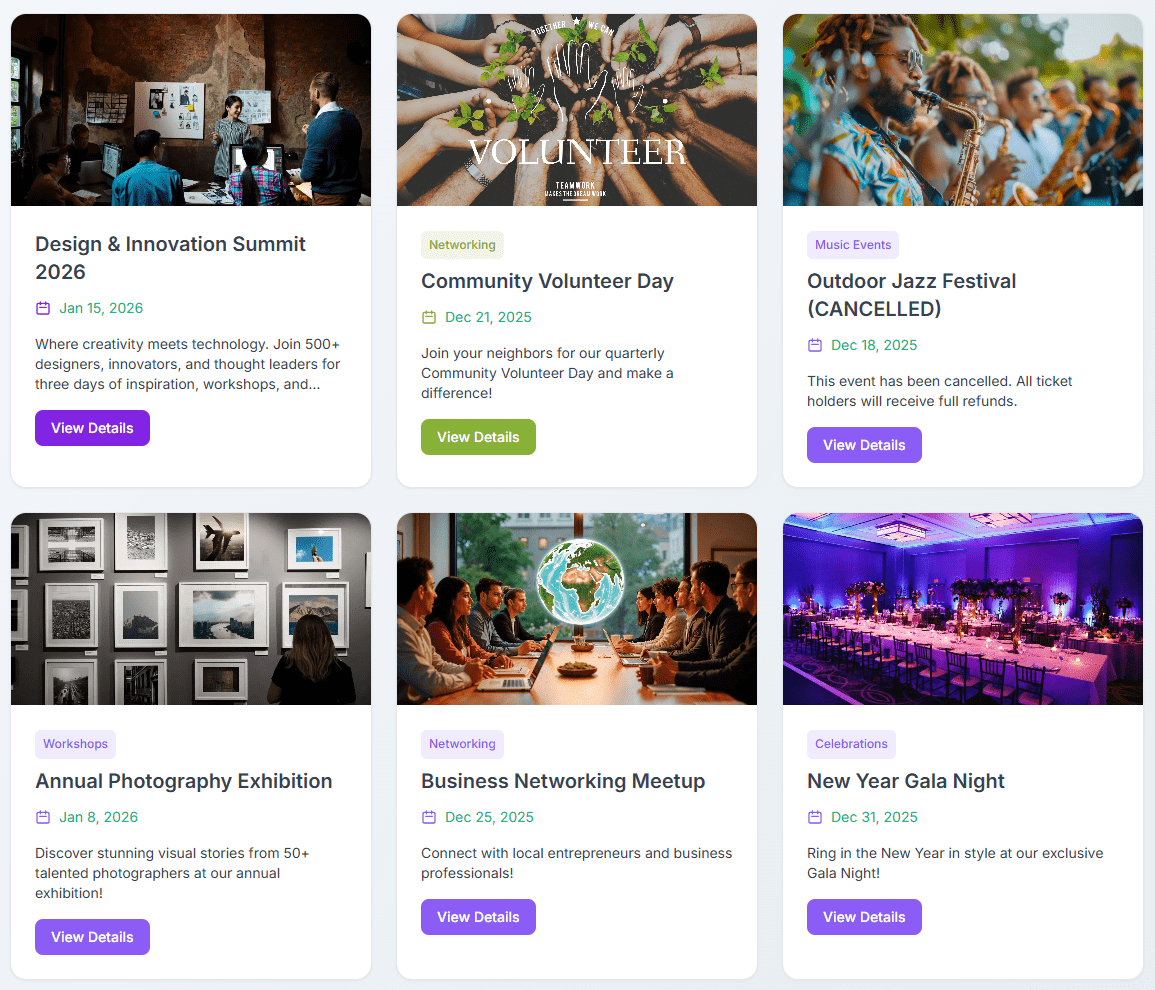
Interactive Event Calendar - Month, week, day, and list views for event browsing.
Event Monster is a feature-rich WordPress event manager designed for event booking, event registration, and event ticket management. Whether you host conferences, workshops, webinars, sports activities, or community meetups, Event Monster gives you complete control over your event schedule, venue maps, attendee sign-ups, and calendar displays.
With Event Monster, you can publish detailed event pages in minutes. Visitors can easily browse upcoming schedules using an interactive event calendar or modern card listing, submit registrations, select assigned seats, and receive automated email confirmations.
Pro Demo Links
- Pro Demo: Event Monster Premium Demo
- Pro Features: Event Monster Premium Details
- Purchase Pro: Get Event Monster Premium
Core Features of Event Monster
- Complete Event Manager Dashboard: Easily create and manage unlimited events with custom dates, start and end times, descriptions, venue locations, and organizer details.
- Event Booking and Registration: Allow visitors to register for events directly on your site with instant attendee management in the WordPress admin panel.
- Seat Allocation and Seat Selection: Set up a custom seat grid (Rows A-Z, Columns 1-50) so attendees can choose their preferred seats during event registration.
- Interactive Event Calendar: Display events on a clean calendar with month, week, day, and list view toggles powered by FullCalendar.
- OpenStreetMap Integration: Display venue locations on responsive maps automatically without needing a Google Maps API key.
- Event Countdown Timers: Build excitement with real-time countdown timers leading up to the start of each event.
- Automated Confirmation Emails: Automatically send branded registration notices to attendees and notification emails to site administrators.
- Search and Category Filtering: Let users filter events by custom categories or search keywords for fast navigation.
- Mobile-Responsive Design: Works across smartphones, tablets, and desktop displays.
Available Shortcodes
[EM-CALENDAR]– Displays the interactive event calendar with month, week, day, and list views.[EM-LIST]– Shows all published events in a card layout with search and category filters.[EM id="123"]– Displays a single specific event page (replace 123 with your event ID).[EM]– Displays the default event list.
Free Version Features
- Unlimited event creation
- Interactive event calendar view (
[EM-CALENDAR]) - Free event booking and registration form
- Interactive seat selection map with grid allocation
- Attendee tracking and management dashboard
- Automatic email confirmations for registrations
- OpenStreetMap venue location display
- Real-time event countdown timer
- Custom event categories and search filter
- Social sharing buttons for event pages
- Organizer profile display with contact information
- Gallery photos (up to 3 images per event)
- Speaker profile (up to 1 speaker per event)
- Sponsor logos (up to 3 sponsors per event)
- Schedule items (up to 3 schedule entries per event)
- Two responsive layout templates (Default and Magazine)
Pro Version Features
Event Monster Pro unlocks advanced event manager and ticket booking tools:
- Unlimited gallery photos, speakers, sponsors, and schedule items
- Paid ticket booking with multiple ticket types and pricing tiers
- Integrated payment gateways (PayPal, Stripe, Razorpay, and Square)
- Promotional coupon codes and discounts for event booking
- Drag-and-drop custom layout builder for event pages
- Customizable email templates with custom branding and SMTP support
- QR Code venue check-in system for scanning attendee tickets
- Priority customer support
Suitable for All Types of Events
- Conferences, summits, and seminars
- Workshops, classes, and training sessions
- Webinars and virtual online events
- Concerts, shows, and musical performances
- Community, school, and university gatherings
- Corporate meetings, networking, and business functions
- Fundraisers and charity events
- Sports tournaments and fitness activities