
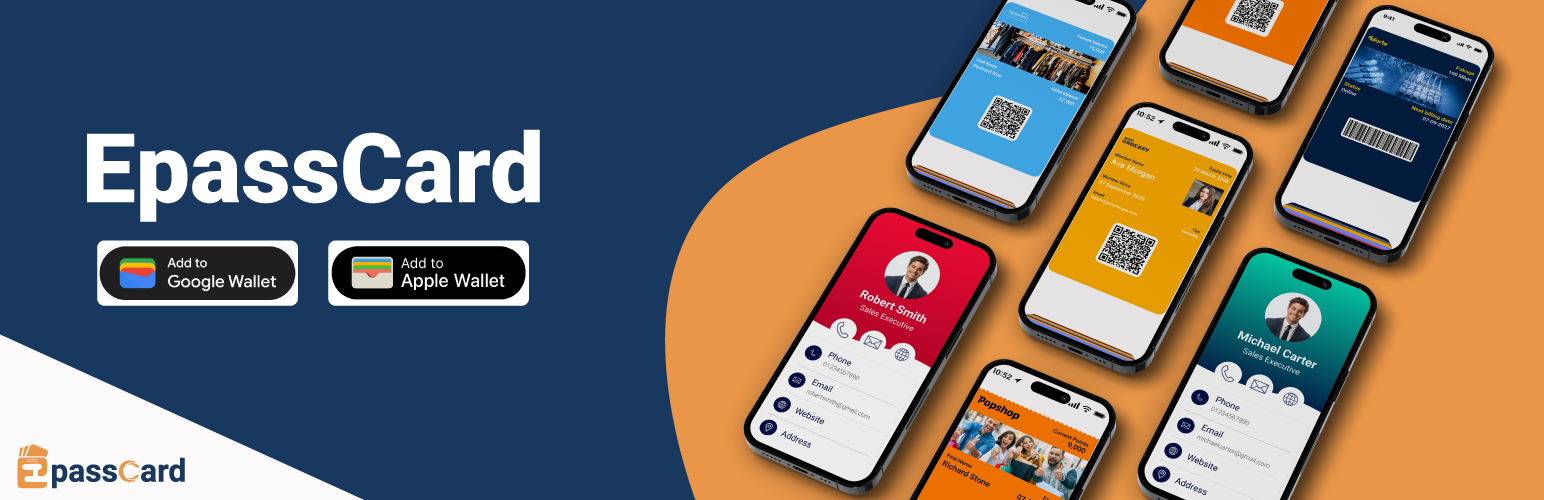

EpassCard – Apple & Google Wallet Passes for Loyalty, Memberships, Events & Gift Cards

Connection settings — connect your EpassCard account and enable integrations.
EpassCard turns your WordPress data into Apple Wallet and Google Wallet passes. Loyalty cards for WooCommerce, membership cards, event tickets, appointment cards, vouchers, gift cards and cards from form entries are issued, updated and pushed to your customers’ phones automatically. No code, no Zapier.
Why EpassCard
- Built for WordPress. One plugin with 19 integrations. Most wallet pass tools reach WordPress only through Zapier or cover a single plugin.
- Set up in minutes. A guided Home screen walks you through connect, choose what to give, design the card, try it on your own phone, and go live.
- A loyalty program with a wallet card, built in. Points, tiers and rewards for WooCommerce, with the card living in Apple Wallet and Google Wallet.
- Both wallets from one template. Apple Wallet (
.pkpassfor iPhone, iPad and Apple Watch) and Google Wallet (Android). - Passes stay up to date. When points, a balance, a membership level or an expiry date changes, the pass on the phone changes too, and you can send push notifications.
- Free to start. 50 live passes free. Paid plans from $19/month, or $13/month billed yearly.
Documentation | Pricing | Book a demo
WooCommerce loyalty program with an Apple Wallet and Google Wallet card
Give every customer a loyalty card that lives on their phone, not in a forgotten account page.
- Earn points on orders
- Tiers and milestone rewards
- Coupon rewards, and point redemption at checkout
- The wallet card shows the current points balance and updates automatically
- Push notifications to bring customers back
Already use WPLoyalty? EpassCard puts its points, level and referral link on a wallet card too.
Full setup walkthrough (16 minutes, with chapters):
Digital membership cards
Turn memberships into digital membership cards members save to their phone wallet.
- MemberPress – issue a membership wallet pass on signup, renewal and profile updates; expire it on refund or expiry
- Paid Memberships Pro – issue passes when a level is assigned, renewed, cancelled or expires
- Simple Membership – issue passes when members register, change level or change account state
- Ultimate Membership Pro – a card per membership level; you choose what happens when a membership is on hold, paused, cancelled or expired
- Ultimate Member – a member card per user, with a design per role
- WooCommerce Subscriptions – create a subscription wallet pass when a subscription activates or renews
Members find their card on their account page (a “Wallet passes” tab or an “Add to wallet” link, depending on the plugin).
Event tickets in Apple Wallet and Google Wallet
- The Events Calendar (with Event Tickets) – map events to pass templates and issue a wallet ticket to each attendee
- Events Manager – issue wallet passes when bookings are approved, and update them when the status changes
- Tickera – a wallet ticket per attendee; Tickera’s check-in apps scan it
- Amelia – a card per event booking, voided when the booking is canceled
- WooCommerce – sell a ticket as a product; each ticket bought becomes a wallet ticket (no other plugin needed)
Appointments, vouchers and form cards
- Amelia appointments – a card per appointment with the date, time and service, updated when it is rescheduled
- WooCommerce vouchers and product cards – sell a voucher or any card as a WooCommerce product
- WPForms – a wallet card for each form submission (Lite or Pro), sent to the email on the form
Gift cards in the wallet
- PW WooCommerce Gift Cards – issue a pass when a gift card is created, and update the balance on the pass
- YITH WooCommerce Gift Cards – issue and update passes when gift cards are generated or used
Map names, plans, expiry dates, QR codes, barcodes and custom fields from your plugin to your pass template.
Other pass types
Because passes are designed in EpassCard, you can also issue stamp cards, coupons, employee and student ID cards, visitor passes, conference badges, digital business cards (vCard) and reservation passes.
Pricing
Plans are based on live passes: passes in your customers’ wallets that you can update and send notifications to at any time. Delete a pass you no longer need to free its slot.
- Free – 50 live passes, 3 templates
- Starter – $19/month – 250 live passes, 5 templates, AI pass designer
- Growth – $39/month – 1,000 live passes, 10 templates
- Business – $65/month – 5,000 live passes, 25 templates
- Pro, Scale and Scale+ – up to 50,000 live passes
Save 30%+ with yearly billing. See all plans.
A PassKit alternative for WordPress
Looking for a PassKit, Passcreator or Pass2U alternative that works natively inside WordPress? EpassCard is a wallet pass platform with a built-in WordPress connector, not a middleware automation. Connect your account, map your templates, and passes are created when things happen on your site.
Features
- Apple Wallet and Google Wallet – one integration, both wallets
- Automatic pass issuing – on signup, renewal, purchase, booking, form submission or points earned
- Pass updates – passes stay in sync when the source data changes
- Ready-made card designs – your logo, strip image, colors and labels with a live preview, no template building needed; one design can cover every plan, event or product
- Template mapping – map your plugin’s fields to pass fields, including QR codes, barcodes and any field of the customer’s WordPress profile
- Status rules – choose what happens to the card for each membership, order or booking status
- Try it – send a test card to your own phone before customers get theirs
- Cards – one list of every card from every integration, with search, filters, CSV export, retry for failed cards and “give cards to existing customers”
- Push notifications – reminders before expiry, renewal or an event
- Built-in WooCommerce loyalty program – points, tiers, rewards and checkout redemption, including the Cart and Checkout blocks
- My Account access – customers open their passes from their account area
- Email delivery – the pass link is emailed automatically
- Developer API – issue, update, void and read cards from PHP or the REST API
Who is it for?
- WooCommerce stores that want a loyalty program customers actually use
- Membership sites – gyms, clubs, associations and online courses
- Subscription businesses using WooCommerce Subscriptions
- Event organisers using The Events Calendar, Events Manager, Tickera, Amelia or plain WooCommerce products
- Salons, clinics and studios taking appointments with Amelia
- Gift card and voucher sellers using PW or YITH gift cards, or WooCommerce products
- Anyone collecting sign-ups with WPForms
- Agencies that build WordPress sites and want to offer wallet passes to clients
Requirements
- An EpassCard account (free plan available – sign up from the plugin or at app.epasscard.com)
- For the loyalty program: WooCommerce
- For other passes: at least one supported plugin (MemberPress, Paid Memberships Pro, Simple Membership, Ultimate Membership Pro, Ultimate Member, WooCommerce Subscriptions, The Events Calendar + Event Tickets, Events Manager, Tickera, Amelia, PW Gift Cards, YITH Gift Cards, WPLoyalty or WPForms). Tickets, vouchers and product cards need only WooCommerce.
External services
This plugin relies on the following third-party services. Nothing is sent to them until you use the related feature.
EpassCard API (https://api.epasscard.com) — the service that creates and delivers the wallet passes.
- Every request to the EpassCard API includes your site address in its request headers.
- When you sign up from the plugin, your name, email address and site address are sent to create an EpassCard account.
- When you sign in, your EpassCard email and password are sent once to generate an API key, together with your site name, site address (used to lock the key to your domain) and timezone. The password is not stored by the plugin.
- When you connect, refresh or renew an API key, the key is sent for validation.
- When passes are created, updated, expired or notified, the pass field values you map (for example member name, email, membership level, expiry date, ticket or gift card details, loyalty points) are sent.
- Pass templates and template fields are read from your EpassCard account.
- The sign-up, sign-in and API key forms (Home, Settings Account & plan, and the setup wizard) say what each one sends and link to the EpassCard terms below. Using them means you agree to those terms.
- EpassCard Terms and Conditions and Privacy Policy.
Crisp (https://client.crisp.chat) — EpassCard’s support chat. Nothing is loaded from Crisp until an administrator clicks “Chat with us” in the EpassCard top bar and starts a chat; the panel says what is sent before that. Starting a chat loads Crisp’s chat window and sends the administrator’s name and email and these site details: site address, WordPress, PHP and plugin versions, the connected EpassCard email and plan, the integrations turned on, the number of card designs and active cards, the EpassCard screen in use, and the last failed call to EpassCard (endpoint and error, never the API key). No data about the site’s customers is sent. Each administrator can hide the button under Settings Advanced. Crisp Terms of Use and Crisp Privacy Policy.
Google Fonts (https://fonts.googleapis.com) — the WooCommerce Loyalty program page (EpassCard Customers) loads the Material Symbols icon font. Your browser requests it from Google when you open that page. The other EpassCard screens make no request to Google. The DM Sans and Inter text fonts are bundled with the plugin. Google Privacy Policy.
YouTube (https://www.youtube-nocookie.com) — when a tutorial video is available in a “How this works” panel or on EpassCard Help, it plays from YouTube’s privacy-enhanced player. Nothing is requested from YouTube until you click play; then your browser loads the video from YouTube. Google Privacy Policy.
bwip-js barcode API (https://bwipjs-api.metafloor.com) — the WooCommerce Loyalty pass designer shows a barcode preview image generated by this service. Only sample barcode settings are sent (no customer data). bwip-js.
Privacy Policy
EpassCard uses Appsero SDK to collect some telemetry data upon user’s confirmation. This helps us to troubleshoot problems faster & make product improvements.
Appsero SDK does not gather any data by default. The SDK only starts gathering basic telemetry data when a user allows it via the admin notice. We collect the data to ensure a great user experience for all our users.
Integrating Appsero SDK DOES NOT IMMEDIATELY start gathering data, without confirmation from users in any case.
Learn more about how Appsero collects and uses this data.