
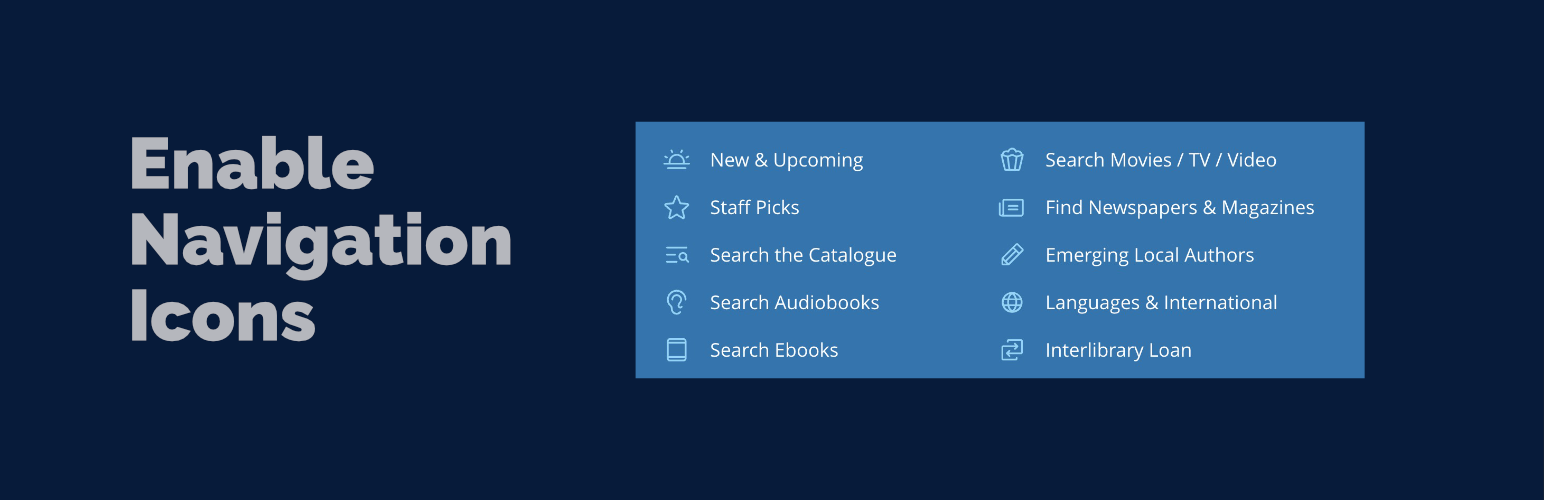
Enable Navigation Icons
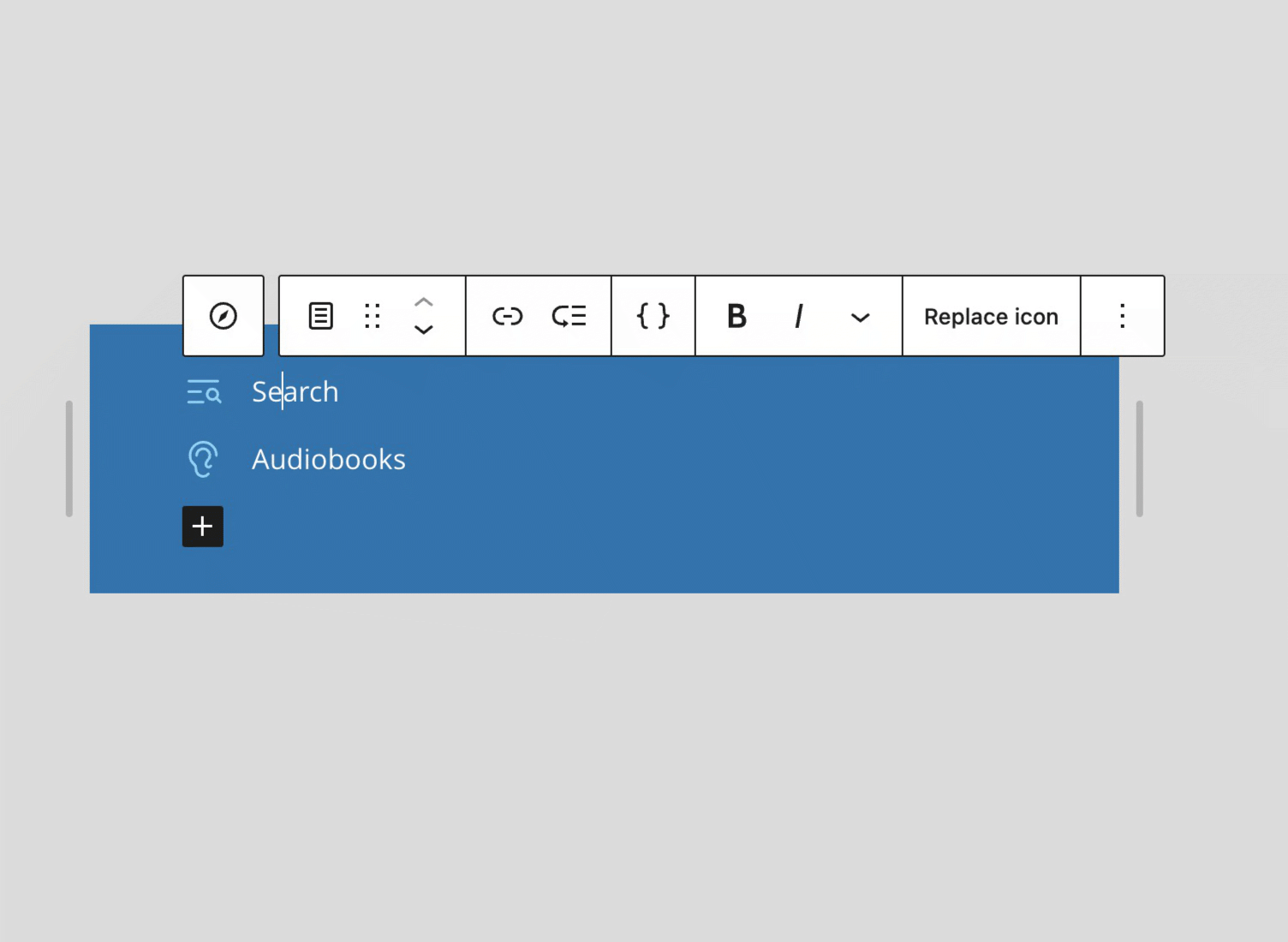
Icon selection interface showing library, media, and custom SVG options
Enable Navigation Icons makes it simple to add and customize icons for your WordPress Navigation Block items. Whether you’re building a simple menu or complex mega menu navigation, this plugin provides intuitive controls for adding beautiful icons to your navigation links.
Try it in WordPress Playground — test the plugin instantly in your browser, no installation required.
Recommended Companion Plugin: Use the Icon Block plugin to add custom icon sets and expand your icon library options. Icon Block is a powerful companion that allows you to register additional icon libraries for use with Enable Navigation Icons.
Key Features
Icon Selection
* Browse and select from a curated collection of WordPress icons
* Browse icons registered with the WordPress Icon API on WordPress 7.1+, including core’s icon set and any collection added by your theme or other plugins
* Upload and use custom SVG icons from your media library
* Paste custom SVG code directly for complete flexibility
Icon Positioning
* Position icons before or after navigation link text (left/right)
* Space between justification for full-width layouts
* Vertical alignment options (top, center, bottom) for multi-line menu items
* Fine-tune icon position with vertical offset (supports px, %, em, rem units)
Icon Styling
* Adjust icon dimensions with a slider control (supports px, em, rem units)
* Control the gap between icon and text (supports px, em, rem units)
* Choose from theme colors or set a custom color
* Rotate icons in 15 degree steps
* Flip icons horizontally or vertically
* Support for stroke-based icons with “No Fill” option (e.g., Lucide icons)
Navigation Block Default Settings
Set default icon settings at the Navigation block level that apply to all child navigation items:
* Configure size, spacing, color, position, vertical alignment, offset, rotation, flipping, and styling once for the entire navigation
* Individual navigation items can inherit defaults or use custom settings
* Works seamlessly with multiple and nested Navigation blocks
* Applies to both inline navigation items and dynamically loaded WordPress menus
This feature streamlines icon management for large navigation menus by eliminating repetitive configuration while maintaining flexibility for individual items.
Ollie Menu Designer Integration
Full support for the Ollie Menu Designer plugin’s mega menu dropdown items:
* Add icons to Ollie mega menu dropdown navigation items
* Same icon selection and styling options as standard navigation items
* Works seamlessly with Ollie themes and the Menu Designer plugin
WordPress Icon API Support (WordPress 7.1+)
On WordPress 7.1 and later the plugin integrates with the new SVG Icon API in both directions:
* Icons registered with the Icon API appear in the icon library alongside the plugin’s bundled icons
* Icons chosen from the registry are stored by name and rendered server-side, so no SVG markup is written into your post content
* The plugin’s own icon set is published as an enable-navigation-icons collection, making it available to the core Icon block, to other plugins, and over the REST API
Icons picked from the plugin’s built-in library are also stored by name — resolved from data the plugin ships with, so this works on every supported WordPress version, not just 7.1. Your post content stays clean everywhere.
All of this is additive. Existing navigation icons keep working exactly as before, with no migration required, and the plugin continues to run normally on WordPress 6.3 through 7.0.
Supported Blocks
core/navigation– Navigation block (for setting default icon settings)core/navigation-link– Standard navigation linkscore/navigation-submenu– Submenu/dropdown navigation itemsollie/mega-menu– Ollie Menu Designer dropdown menu items (requires Ollie Menu Designer plugin)
Credits
This plugin was inspired by and incorporates code and ideas from the enable-button-icons project. Special thanks to @ndiego for his excellent work on button icon functionality, which served as a foundation for implementing navigation icon features.