

Enable bbPress for Block Themes
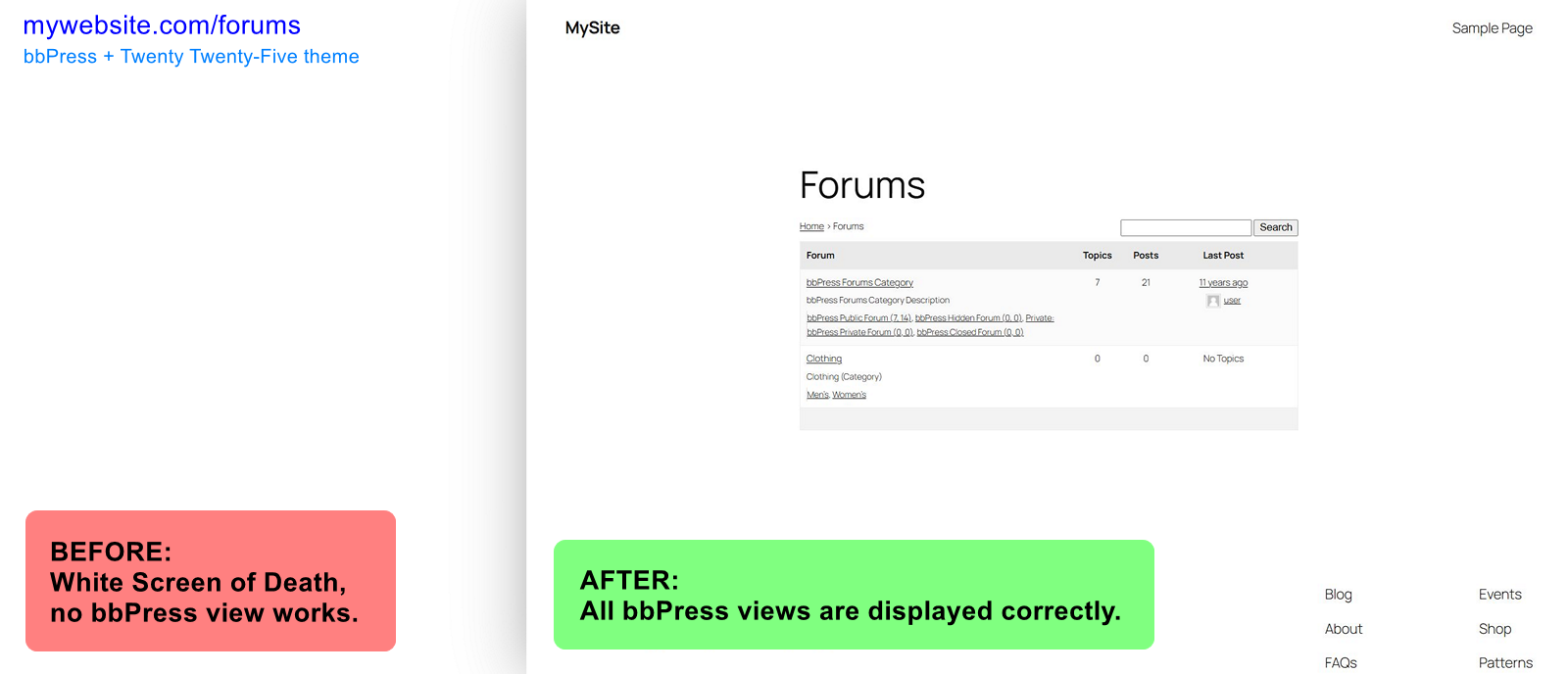
bbPress forums archive: before and after. Using Twenty Twenty-Five theme.
IMPORTANT: Since bbPress 2.6.17 you might not need to use this plugin as bbPress should work with block themes.
Enables bbPress for a full site editing WordPress block theme, fixing WSoD (White Screen of Death).
What problem does it solve?
❓ Do you want to use bbPress plugin, but it does not display on your website?
❓ Do you see WSoD when visiting bbPress forum pages?
❓ Do you want to edit bbPress templates?
❓ Are you using a full site editing WordPress block theme?
If you answered yes to these questions, you’re in luck.
Enable bbPress for Block Themes plugin fixes White Screen of Death for bbPress screens/views when you are using a WordPress block theme.
What the plugin does not do?
- Plugin does not provide CSS styles for bbPress to look good with your theme.
Design is very specific thing to each theme. If you want to style your bbPress appearance, use custom CSS code in Styles section of Site Editor, or use other means, such as 3rd party plugins.
You may especially need to style form fields, buttons and pagination.
- Plugin does not provide blocks to tweak bbPress views to your liking.
bbPress plugin contains no blocks you can use to create custom forum layouts (as of February 2025).
However, in Site Editor you can edit “bbPress content” template. This template is used to display all bbPress content. (If you enable block editor for bbPress post types, you can further edit additional templates.)
Got a question or suggestion?
In case of any question or suggestion regarding this plugin, feel free to ask at support section, or at GitHub repository issues.