

Document Viewer – let visitors view files right in the browser
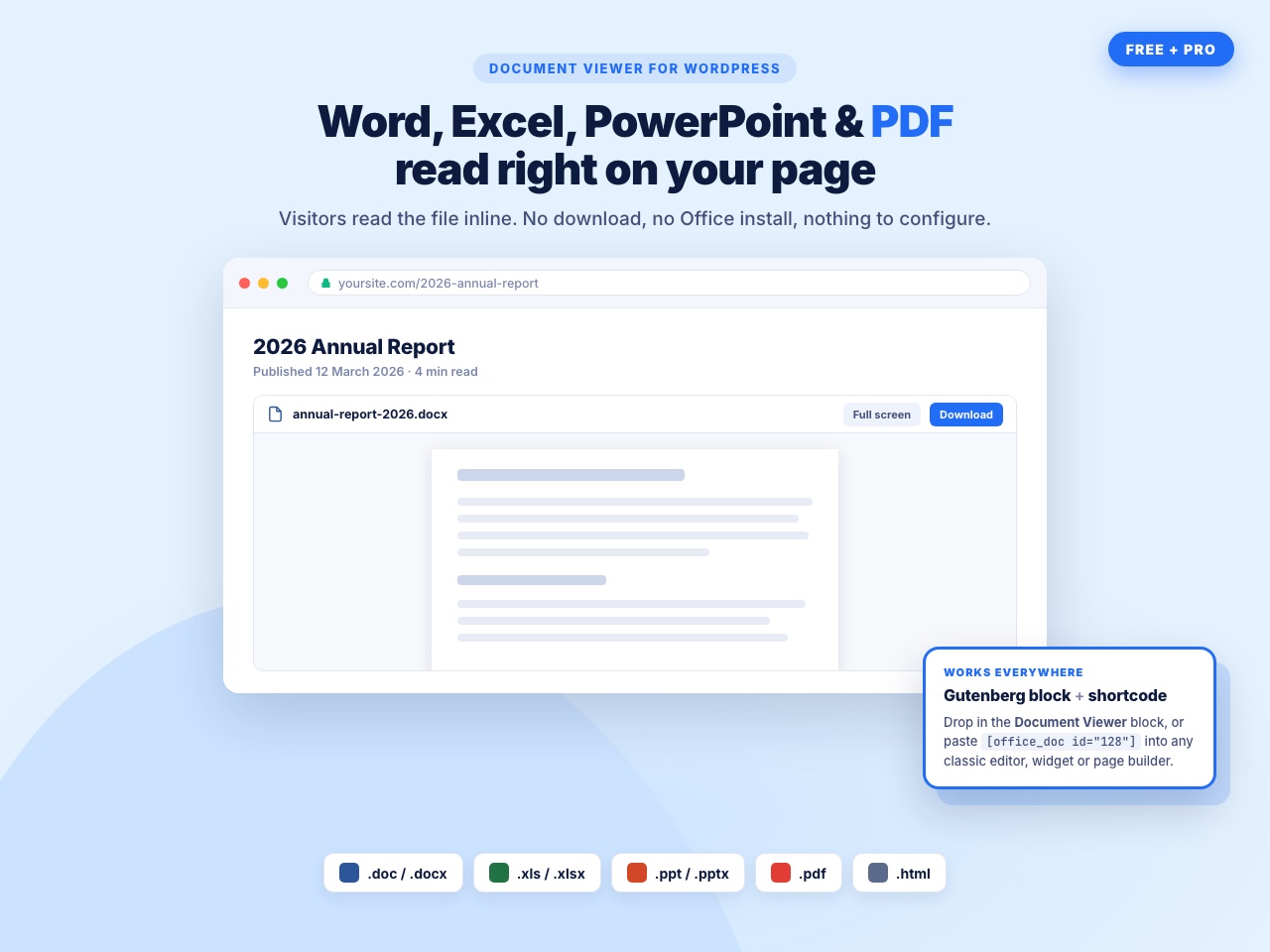
Word, Excel, PowerPoint and PDF files read inline on your page — no download, no Office install.
If you have Office documents on your website or blog that you want your readers to view even if they don’t have Office installed? Would you rather view a document before downloading it? To give your audience a better experience, try the Office Web Viewer.
Document Viewer embeds Word, Excel, PowerPoint, PDF and HTML files directly into your posts and pages. Visitors read the file where it sits — no download, no Microsoft Office, no browser plugin.
The free version gives you a native Gutenberg block and a shortcode generator, two rendering engines (Google Doc Viewer and Microsoft Online Viewer) that you can switch per document, and full control over width and height in px or %.
The pro version adds cloud sources — pick a file straight out of Google Drive, Dropbox or OneDrive — a self-hosted Custom PDF Viewer built on PDF.js so your PDFs never leave your server, and a full content protection layer: block right-click, copy, save and print shortcuts, hide the download and full-screen buttons, and stop the document being popped out into a new tab.
Some Benefits
- Works perfectly in computers, tablets, and mobile phones.
- You don’t need to convert Office files for the web (e.g., PDF, HTML).
- Anyone can view Office files from your website or blog, even if they don’t have Office.
Document Viewer Free Features
Build & embed
- Native Document Viewer Gutenberg block, with wide and full-width alignment support
- Shortcode generator — build a document once under Office Viewer › Add New and paste
[office_doc id="128"]into the Classic Editor, widgets, page builders or a theme template withdo_shortcode() - Embed any file from the WordPress Media Library
- Supported formats: Word (.doc, .docx), Excel (.xls, .xlsx), PowerPoint (.ppt, .pptx), PDF (.pdf) and HTML (.html)
Viewer engines
- Google Doc Viewer — the best all-rounder, strong with PDFs
- Microsoft Online Viewer — pixel-true Word, Excel and PowerPoint rendering
- Choose the engine per document; no global lock-in and no re-uploading
Layout
- Custom width and height in px or %
- Responsive on desktop, tablet and mobile
- Four grouped block settings panels: Document Source, Viewer Engine, Display & Dimensions, Security & Restrictions
Admin experience
- Help & Demos dashboard with a quick-start guide, live demos and the changelog
- Built-in help assistant on every plugin screen — works offline, no account required
- Legacy documents and shortcodes from older versions are migrated automatically
- Translation ready (.pot file included)
Document Viewer Pro Features
Cloud document sources
- Choose a document from Google Drive with the native Drive picker
- Choose a document from Dropbox with the Dropbox chooser
- Choose a document from OneDrive
- Cloud API Settings page to store your Dropbox App Key and Google API key, Client ID and Project Number once for the whole site
Custom PDF Viewer
- Self-hosted PDF.js viewer — your PDF is rendered on your own server and never sent to a third-party service
- Full PDF toolbar: zoom, page navigation, thumbnails and search inside the document
Content protection
- Protect Content — disable right-click and block the Ctrl/Cmd + C, A, S and P shortcuts
- Disable Pop-out — stop the document being opened in a new tab
- Disable Full Screen — remove the full-screen expand control
- Hide the download button inside the Microsoft viewer toolbar
- Hide the full-screen button inside the Microsoft viewer toolbar
Viewer chrome
- Show or hide the file name at the top of the viewer
- Show or hide a download button at the top of the viewer
Support
- Priority email support and a 7-day free trial on every Pro plan
User Feedback
⭐⭐⭐⭐⭐ Impressively Stable
❛❛Nice wp plugin ever. I’ve use it for 4 years.❜❜
⭐⭐⭐⭐⭐ Does the job well.
❛❛This plugin works fine❜❜
⭐⭐⭐⭐⭐ Exactly What I Need
❛❛***I am a theatre director and I use my website to communicate with my performers and technical crews.
I wanted to SHOW them documents in situ as well as enable them to easily download them and, after looking at other solutions, this plugin is PERFECT for this.
I am delighted with it and cannot recommend it highly enough.***❜❜
– Did you like this plugin? Dislike it? Have a feature request? Please share your feedback with us
How It Works
-
Your Document will be embed in your site, blog via a iframe which is service of Office Web Viewer
-
This plugin use Office Web Viewer service of Microsoft Read More About Office Web viewer
- Terms Of Service : Microsoft’s Terms of service
- Privacy Policy: Microsoft’s Privacy Policy