
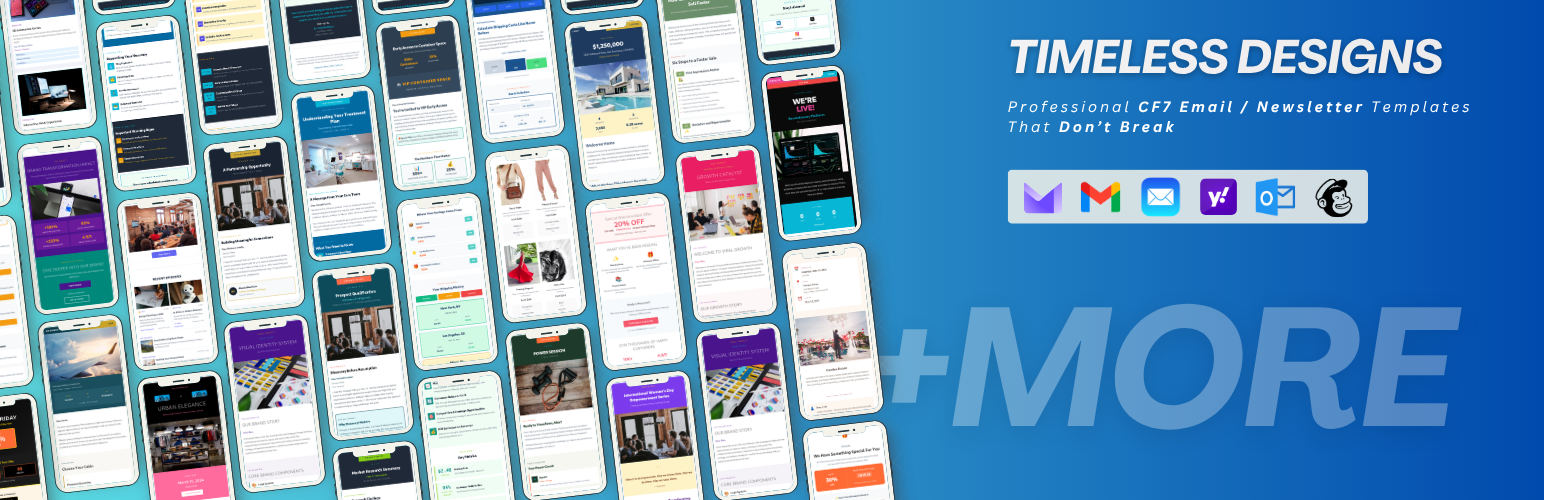

Email Templates for Contact Form 7
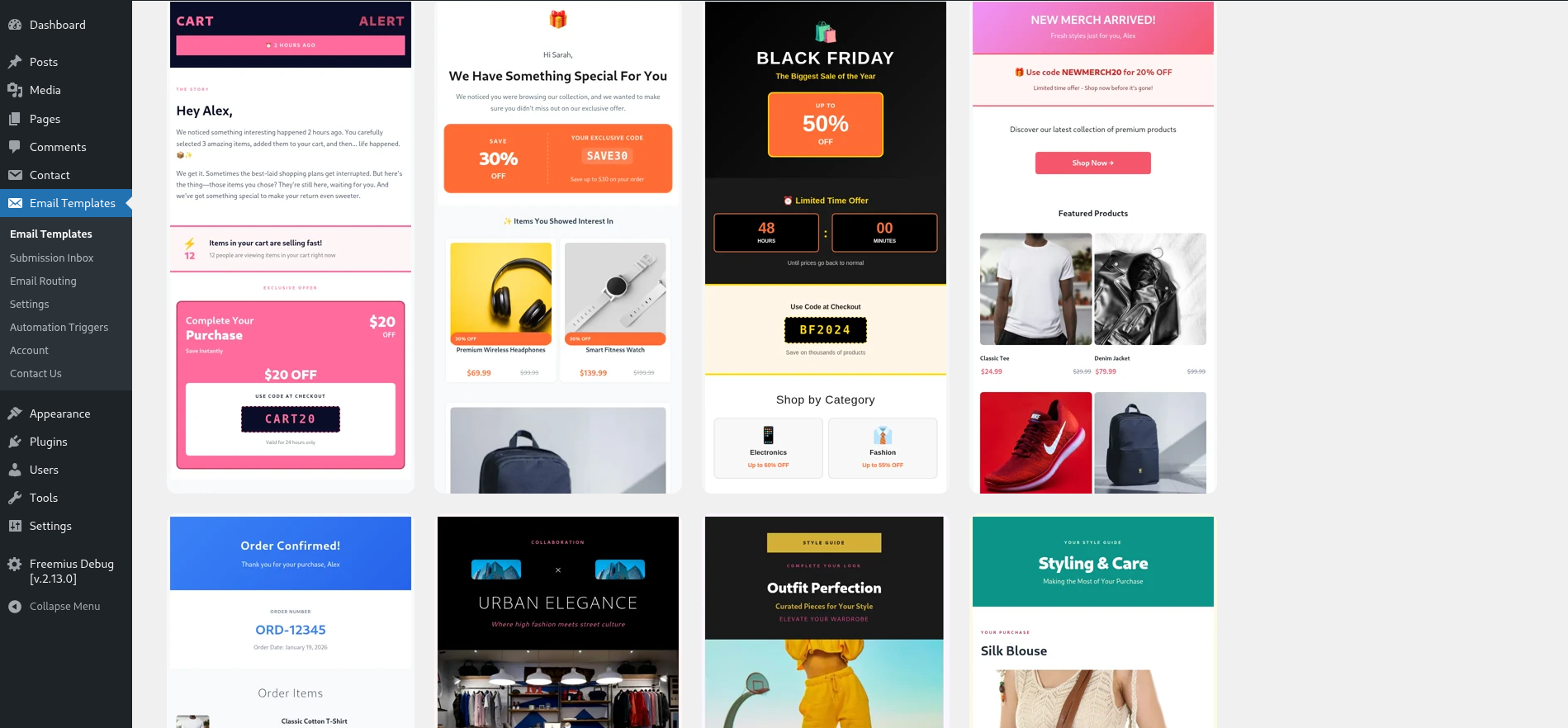
Email Templates listing – Saved and Free filters.
🎭 Story Time: Sarah Has a Small Business
The Problem:
* Her confirmation emails look like plain text spam (“You sent a message…”). Clients don’t trust them.
* She forgets to follow up with leads who asked for quotes but didn’t book.
* She misses leads on weekends because she doesn’t check her inbox constantly.
* Her VA needs to know immediately when a “VIP Booking Request” comes in, but regular inquiries can wait.
━━━━━━━━━━━━━━━━━━━━━━━━━━━━━━━━━━━
🚀 Step-by-Step Usage & Benefits
1. The “Wow” First Impression (Template Engine)
Action: Sarah installs our plugin. She goes to Email Templates, selects her “Request a Quote” form, and clicks “Add New Rule.”
Configuration:
* Send To: Defaults to mail_2 (Client).
* Template: She picks the “Tropical Vacation” HTML template (beautiful images, clear layout).
* Identity Protection: She sets From Name to “Sarah from Wanderlust” and Reply-To to [email protected].
💡 Benefit: When a client submits a quote request, they instantly receive a gorgeous, branded email that looks like it came from a major travel corporation. It builds immediate trust. If the client hits “Reply,” it goes to Sarah’s support inbox, not back to the client’s own email address.
━━━━━━━━━━━━━━━━━━━━━━━━━━━━━━━━━━━
2. Smart Routing for Peace of Mind (Conditional Routing)
Action: Sarah creates a second rule for the same form.
Configuration:
* Condition: If “Budget” field contains “$5000” OR “Type” is “VIP”.
* Send To: mail (Admin).
* Template: A simple, urgent “High Value Lead Alert.”
* Slack Integration: She checks “Notify Slack” and selects her #vip-leads channel.
💡 Benefit: Regular leads go to her general inbox. But the moment a high-value client applies, her phone buzzes with a Slack notification. She drops everything to call them personally. She never misses a big sale again.
━━━━━━━━━━━━━━━━━━━━━━━━━━━━━━━━━━━
3. The “Set It and Forget It” Follow-Up (Automation Triggers)
Action: Sarah realizes she loses 30% of leads because she gets busy and forgets to follow up after 3 days.
Configuration: She goes to the new Automations tab.
* Trigger: “3 Days after submit.”
* Condition: Only if status is NOT “Replied” (using the Inbox feature).
* Action: Send the “Still Thinking? Here’s a 5% Discount” template.
💡 Benefit: The plugin automatically nags potential clients for her. If she already replied manually, the automation cancels itself (smart logic). If she didn’t, the system sends a persuasive follow-up email while she sleeps. This directly recovers lost revenue.
━━━━━━━━━━━━━━━━━━━━━━━━━━━━━━━━━━━
4. Centralized Management (Submission Inbox & Settings)
Action: On Monday morning, Sarah opens the Settings > Submission Inbox (or the dedicated Inbox page).
Experience: She sees a list of all submissions.
* 🟢 Green dot: Replied.
* 🔴 Red dot: Pending.
* She can see exactly which automation fired and if the client opened the email (Analytics).
💡 Benefit: She doesn’t have to dig through Gmail threads. She has a CRM-lite view right inside WordPress. She knows exactly which leads are warm and which need attention.
━━━━━━━━━━━━━━━━━━━━━━━━━━━━━━━━━━━
💰 The Bottom Line for Sarah
Before our plugin:
❌ Looked unprofessional.
❌ Lost leads due to forgotten follow-ups.
❌ Missed VIP alerts on weekends.
❌ Spent 5 hours/week managing emails manually.
After our plugin:
✅ Professionalism: Clients trust her brand immediately due to beautiful templates.
✅ Revenue: Automated follow-ups recover 10-15% of lost leads automatically.
✅ Efficiency: Slack alerts ensure VIPs get instant service; smart routing filters noise.
✅ Time Savings: Saves her 5+ hours a week on manual emailing and tracking.
Why She Pays $4.99/month:
She calculates that one recovered booking from an automated follow-up pays for the plugin for three years. It’s not an expense; it’s a profit generator.
━━━━━━━━━━━━━━━━━━━━━━━━━━━━━━━━━━━
📋 Core Free Features
- 🎨 Free Templates – A set of free templates ( 12 Templates ) for newsletters, announcements, and more.
- 📜 Template Versioning – Save and manage multiple versions of the same template.
- ✏️ Visual Template Editor – Edit placeholder fields with live preview of the email.
- 📧 Client-Friendly HTML – Layouts designed to display well in Gmail, ProtonMail, Apple Mail, Yahoo Mail, and Outlook.
- ➕ Add to Contact Form – One-click “Add to Contact Form” to create a CF7 form from your template.
- 👁️ Live Preview – Preview any template before using it.
- 💾 Saved Templates – Save your customized versions and edit them later.
- ⚙️ Automation Triggers – Set up automated follow-ups based on time delays and submission status.
- 🔧 Rule Builder – Create advanced conditional rules for email routing and actions.
- 🔔 Slack Integration – Get instant notifications in your Slack channels for important submissions.
- 🔄 Conditional Routing – Route emails to different recipients based on form field values.
⭐ Premium (Pro) Features
Upgrade to Pro for access to premium templates, open/click tracking, submission inbox, and many more powerful features:
Email Analytics Dashboard
See which emails get opened. Track link clicks. Know which forms perform best. Data that helps Sarah make smarter decisions.
Follow-Up Email Sequences
Set up automatic follow-up emails. A welcome message. A reminder. A special offer. Sarah schedules them once and they go out automatically — days or weeks later.
Multiple Email Providers
Sarah uses SendGrid for reliable delivery. You might prefer Postmark or your Gmail account. Connect your preferred provider in settings. We handle the rest.
Webhook Integration
Connect your forms to Slack, Zapier, Discord, CRMs, and 1000+ other tools. Form submitted? Send the data anywhere you need it — automatically.
-
Open/Click Tracking (Pro)
– Track when recipients open emails and click links. -
Submission Inbox (Pro)
– Manage all form submissions in a centralized inbox with status tracking. -
Premium Templates (Pro)
– Access exclusive professional templates for various industries. -
Email Analytics Dashboard (Pro)
– See which emails get opened. Track link clicks. Know which forms perform best. Data that helps Sarah make smarter decisions. -
Follow-Up Email Sequences (Pro)
– Set up automatic follow-up emails. A welcome message. A reminder. A special offer. Sarah schedules them once and they go out automatically — days or weeks later. -
Multiple Email Providers (Pro)
– Sarah uses SendGrid for reliable delivery. You might prefer Postmark or your Gmail account. Connect your preferred provider in settings. We handle the rest. -
Webhook Integration (Pro)
– Connect your forms to Slack, Zapier, Discord, CRMs, and 1000+ other tools. Form submitted? Send the data anywhere you need it — automatically.
━━━━━━━━━━━━━━━━━━━━━━━━━━━━━━━━━━━
Requirements
- WordPress 5.8 or higher
- PHP 7.4 or higher
- Contact Form 7 plugin installed and activated