
Easybility – Visual Accessibility Tools
0/5 (0 ratings) 10 active installs Updated May 23, 2026
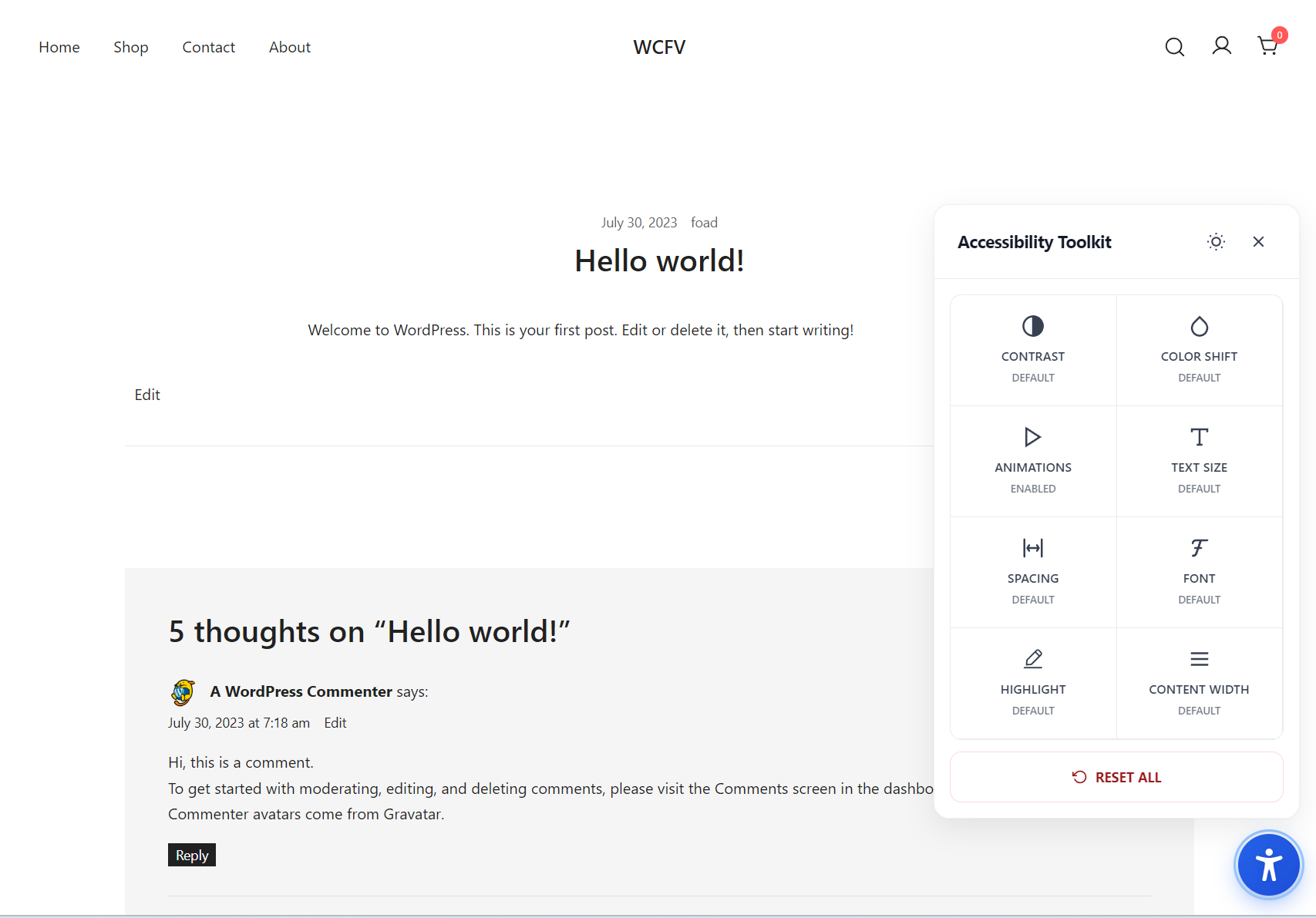
The panel with contrast, color, text, spacing, font, and motion controls.
Easybility adds a modern accessibility widget to your site, empowering visitors to adjust the visual presentation in real time without altering your content or theme. Designed for users with low vision, color-vision deficiencies, reading difficulties, and motion sensitivity, the toolkit follows WCAG 2.1 AA guidelines and best practices, respects system preferences, and keeps your markup untouched.
Key Features
- High-contrast and visual filters
- High contrast, desaturate, invert
- Color-shift modes for protanopia, deuteranopia, tritanopia, and monochrome
- Readability controls
- Text size scaling up to 200% (WCAG 1.4.4)
- Adjustable spacing (line height, letter spacing, paragraph spacing) (WCAG 1.4.12)
- Font options: serif, sans-serif, and dyslexic-friendly
- Content width limiting to ~65 characters per line for optimal readability (WCAG 1.4.8)
- Highlight mode to emphasize links, headings, buttons, or all interactive elements
- Motion safety
- One-click disables all animations and transitions
- Persistent preferences
- Saves per-browser using localStorage (no cookies, no tracking)
- Lightweight and theme-agnostic
- Zero external dependencies, minimal footprint, no layout rewrites