


Easy Syntax Highlighter
0/5 (0 ratings) 30 active installs Updated Mar 27, 2026
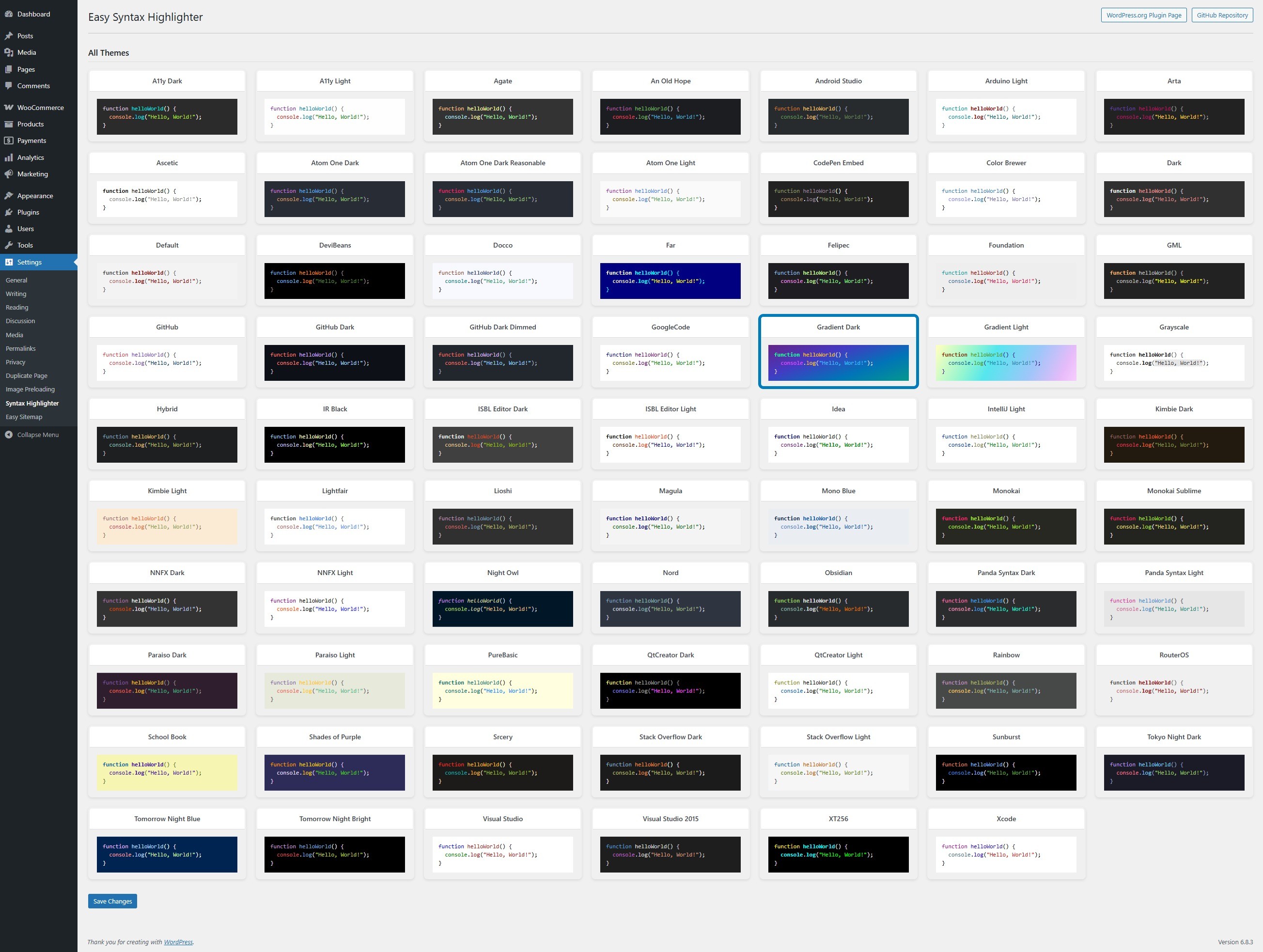
<strong>Settings Page</strong>
Easy Syntax Highlighter is a powerful WordPress plugin that helps improve your website’s code presentation by providing beautiful syntax highlighting. Using the latest Highlight.js library, it supports over 20 programming languages with 80+ color themes, copy-to-clipboard functionality, and seamless integration with both classic and Gutenberg editors.
Features
- Modern Highlight.js Engine: Uses the latest Highlight.js library for fast, accurate syntax highlighting
- 80+ Themes Included: Over 80 themes for both light and dark modes, all stored locally for offline compatibility
- Unlimited Language Support: Supports 20+ programming languages including JavaScript, PHP, Python, CSS, HTML, SQL, Bash, and more
- Modern JavaScript: Promise-based loading with proper error handling and performance optimizations
- Performance Optimized: Smart asset loading—only loads when code blocks are present on the page
- Security Focused: Proper input sanitization and output escaping
- Admin Interface: Clean, modern settings page with visual theme selector integrated with WordPress admin
- Localization Ready: Translation-ready with proper text domains
- Backward Compatible: Automatic migration from old plugin versions
How to Use
- Gutenberg Block Editor: Use the default WordPress “Code” block. The plugin automatically detects the language and highlights it. There is no language setting in the sidebar; detection is automatic. If you need to force a language, edit the block as HTML and add a class to the
<code>element (e.g.,<code class="language-php">). - Classic Editor: Use the TinyMCE button (code icon) with the modal dialog for easy code insertion.
- Copy to Clipboard: Double-click any code block to instantly copy its content with visual feedback.
Use Cases
- Technical blogs and tutorials
- Documentation websites
- Programming courses and educational content
- Developer portfolios
- API documentation
- Code examples and snippets
Support
For support, bug reports, or feature requests, please visit: Github
Contributing
Contributions are welcome! Please feel free to submit pull requests or open issues on GitHub.
License
This plugin is licensed under the GPLv2 or later.
License URI: https://www.gnu.org/licenses/gpl-2.0.html