
Drive Downloads Lite – Google Drive for WooCommerce

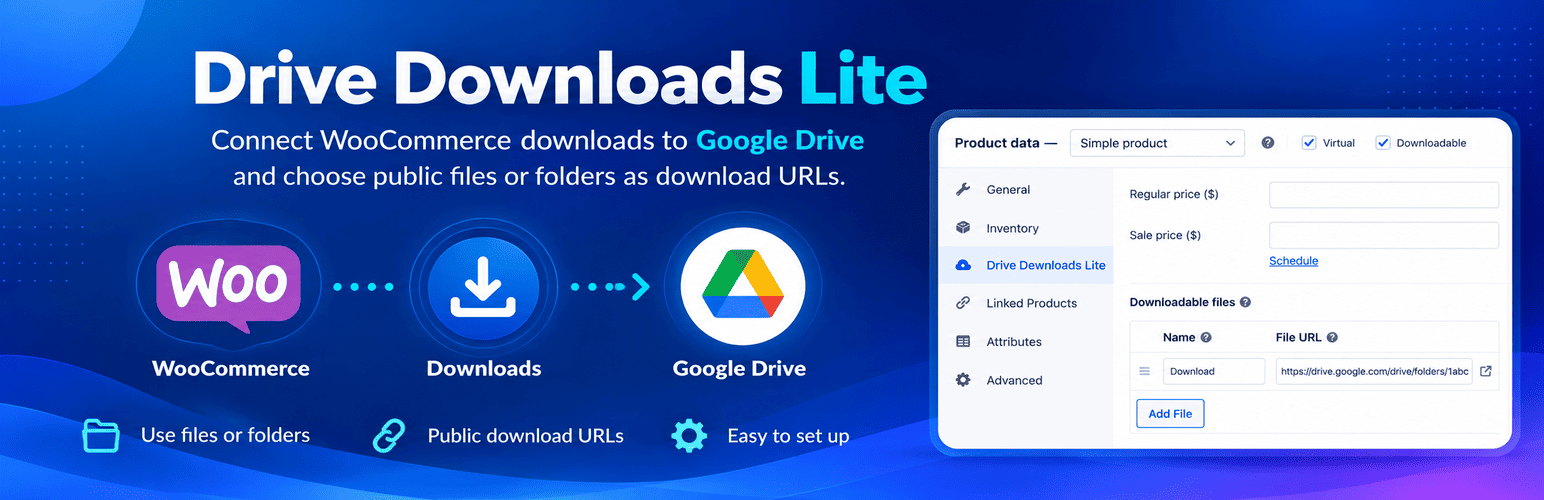
Add Google Drive to WooCommerce: Add Google Drive files and folders to downloadable products alongside standard WooCommerce files.
Connect Google Drive to WooCommerce and manage downloadable products more easily. Browse, search and select Google Drive files or folders in the built-in explorer, then add them to WooCommerce products without manually copying links. Works with simple and variable downloadable products.
Your files stay in Google Drive. Customers receive download links through WooCommerce, and access follows the sharing permissions you set in Google Drive.
Video tutorial: Set up the Google Drive API
Watch this step-by-step tutorial to create your Google Cloud credentials and connect Drive Downloads Lite or Pro.
What you can do with Lite
- Find files quickly. Browse your folders, search, check recent items and switch between list and grid views.
- Add multiple downloads. Select files and folders in the explorer and attach them to simple or variable WooCommerce products.
- Upload and organize. Upload files with a progress bar and create new folders when your Google account allows it.
- Edit with confidence. Reopen the explorer and see the already-linked file or folder selected, when accessible.
- Keep using WooCommerce. Customers receive their download links through WooCommerce, with its usual order and download settings.
- Control editor access. Administrators can use the explorer, and Shop Managers can be given access separately. Only grant it to fully trusted staff: the explorer uses an access token for the connected Google account, not a file-restricted WordPress role.
Important: Lite does not make files public, grant individual buyers access, or change existing Google Drive sharing permissions. Customers can open a linked file or folder only when its sharing settings in Google Drive permit it. Check those settings before selling the product.
Lite or Pro: which version fits your store?
Choose Drive Downloads Lite if you want a quick way to add Google Drive files and folders to WooCommerce:
- Connect one Google Drive account to your store.
- Browse, select and organize Drive files from the product editor.
- Deliver standard WooCommerce links that open in Google Drive.
- Manage file sharing yourself in Google Drive.
Choose Drive Downloads Pro if you need more control over how customers receive their purchases:
- Deliver supported files directly through WooCommerce, without opening Google Drive; supported folders can be packaged as ZIP files.
- Give individual buyers private access or use managed sharing links.
- Grant and revoke access automatically according to your order settings.
- Set delivery rules per product and use files from multiple Google Drive accounts.
- Manage customer access and supported WooCommerce subscription changes with less manual work.
Lite is ideal for straightforward shared links. Pro is designed for private delivery and automated access management.
See Drive Downloads Pro features
Getting started
- Open Downloads Lite in the WordPress admin and enter your Google OAuth credentials.
- Connect the Google account and confirm it can access Drive.
- Edit a WooCommerce product and enable Downloadable.
- Click Add Google Drive next to Add File to add a Drive download, or Change Google Drive to edit an existing Drive-linked download.
- Save the product and confirm that the linked item is shared appropriately with buyers.
External services
Drive Downloads Lite connects directly to Google APIs through an OAuth app that you configure in Google Cloud. A Google account and Google Drive API access are required.
When you connect your account, Google receives an OAuth authorization request, and the plugin exchanges and refreshes tokens with Google’s OAuth service. The plugin uses Google Drive API to access account profile information (name, email address and profile-photo URL) and file/folder metadata such as names, identifiers, types, parents and sharing links. The explorer may request metadata for files and folders that the connected account can access.
When you choose to upload a file or create a folder, the action is sent from your browser directly to Google Drive API. Lite does not send files to the plugin developer’s servers. Selected Drive URLs are stored in WooCommerce on your site. Lite does not automatically change existing files’ sharing permissions or grant access to customers.
Google’s services process the data required for these operations according to their policies: