
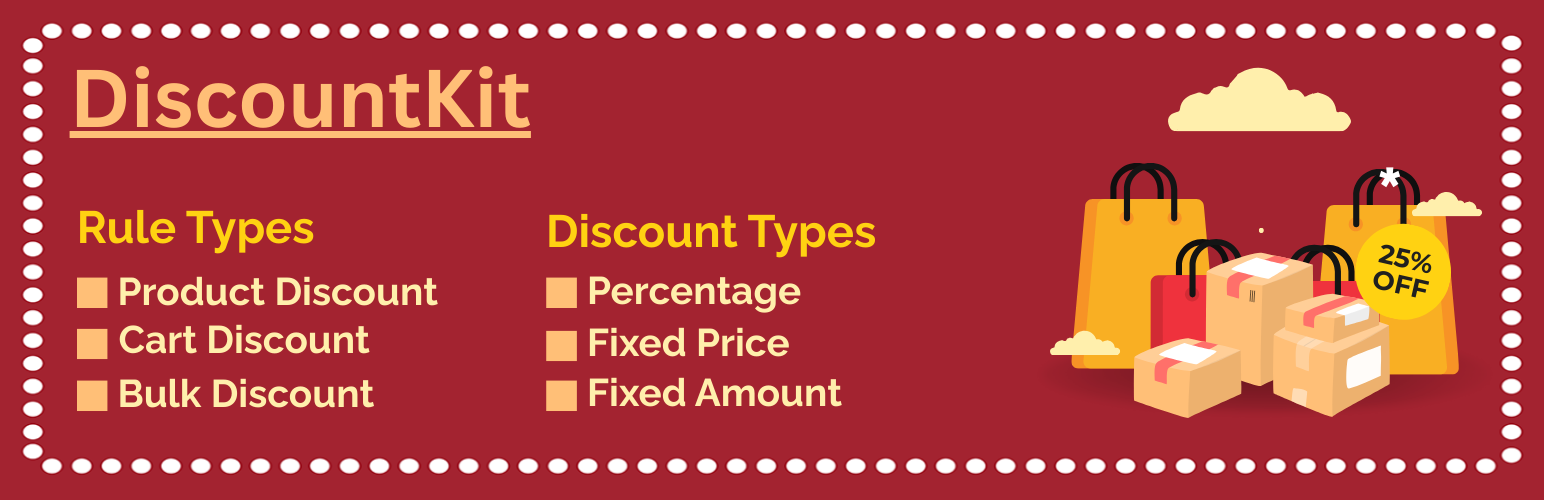

DiscountKit – Discount Rules for WooCommerce
DiscountKit is a WooCommerce discount rules plugin that helps store owners create, manage, and control flexible pricing rules directly from the WordPress admin.
With DiscountKit, you can create product discounts, cart discounts, bulk pricing rules, and quantity-based pricing using a clear rule-based system. You can target specific products or product categories, exclude products or categories, choose how discounts are calculated, and control rule evaluation with priority settings.
DiscountKit is designed for WooCommerce stores that need more flexible pricing and discount control without unnecessary complexity.
Whether you want to offer a percentage discount on selected products, subtract a fixed amount from eligible prices, create quantity-based bulk pricing, or apply a discount to a cart subtotal, DiscountKit provides a centralized way to manage your WooCommerce discount rules.
WooCommerce Discount Rules
WooCommerce discount rules are pricing conditions that determine when and how a discount should be applied.
DiscountKit lets you create multiple discount rules and configure each rule according to your store’s pricing requirements.
You can create rules for:
- Specific WooCommerce products
- Product categories
- Cart subtotals
- Product quantities
- Bulk pricing tiers
- Promotional pricing
- Dynamic pricing conditions
Each rule can be configured independently, allowing you to manage different pricing strategies from one WooCommerce administration area.
WooCommerce Dynamic Pricing
DiscountKit provides a rule-based approach to WooCommerce dynamic pricing.
Instead of manually changing product prices whenever you want to run a promotion, you can create pricing rules that determine how eligible products or carts should be discounted.
Dynamic pricing rules can be configured using product and category targeting, discount calculation methods, quantity conditions, and rule priorities.
This makes DiscountKit useful for stores that need pricing to change according to predefined conditions.
WooCommerce Bulk Pricing
DiscountKit includes a Bulk Discount rule type for creating quantity-based pricing tiers.
For example, a store can configure different prices for different quantity ranges:
- 1–5 items: standard pricing
- 6–10 items: discounted pricing
- 11–20 items: lower pricing
Bulk pricing can be configured using fixed prices for quantity tiers.
DiscountKit can apply bulk discounts based on individual product quantity or combined quantities across matching products.
WooCommerce Quantity Discounts
Quantity discounts allow stores to offer different pricing when customers purchase products in larger quantities.
With DiscountKit, you can create bulk discount rules based on quantity ranges and configure the pricing for each tier.
This can be useful for stores selling products in volume or offering better pricing for larger purchases.
Product Discounts
Product Adjustment rules allow you to apply discounts directly to eligible products.
You can target specific products or use product categories to determine which products should receive a discount.
Product Adjustment rules support percentage and fixed amount discount calculations.
Cart Discounts
Cart Adjustment rules allow you to apply a discount to the cart subtotal.
This provides a way to create cart-level discount rules when the discount should be calculated against the customer’s cart rather than applied only to an individual product.
Product and Category Targeting
DiscountKit provides flexible targeting options for discount rules.
You can include or exclude specific products and categories.
Available targeting options include:
- Include specific products
- Exclude specific products
- Include selected categories
- Exclude selected categories
- Combine multiple targeting conditions
This allows you to control which products are eligible for a particular discount rule.
For example, you can create a category discount while excluding selected products from that category.
Percentage Discounts
Percentage discounts reduce an eligible price by a specified percentage.
For example, you can configure a rule to provide a 10% discount on selected products.
Percentage discounts are available for supported DiscountKit rule types.
Fixed Amount Discounts
Fixed amount discounts subtract a specified amount from an eligible price.
For example, you can configure a rule to provide a $5 discount on eligible products.
This can be useful when you want a consistent monetary reduction instead of a percentage-based discount.
Fixed Price Bulk Discounts
Bulk Discount rules support fixed price calculations for quantity-based pricing tiers.
For example:
- 1–5 units: regular pricing
- 6–10 units: $20 per unit
- 11–20 units: $18 per unit
This provides a simple way to create volume pricing for products purchased in larger quantities.
Regular Price and Sale Price
DiscountKit allows you to choose whether discount calculations should use the regular product price or the sale price.
This gives store owners more control over how discount rules interact with existing WooCommerce product pricing.
The selected price source can be configured from the DiscountKit settings.
Discount Rule Priority
A WooCommerce store may have multiple discount rules that could potentially apply to the same products or cart.
DiscountKit provides rule priority settings to help control evaluation order.
Rules with lower priority values are evaluated first.
This allows store owners to organize their discount rules and determine which rules should be evaluated before others.
Enable or Disable Discount Rules
Discount rules can be enabled or disabled without removing their configuration.
This is useful for temporary promotions, seasonal offers, marketing campaigns, and other pricing rules that may only need to run for a specific period.
Discount Usage Tracking
DiscountKit includes discount rule usage tracking so store owners can monitor how configured discount rules are being used.
This provides additional visibility when managing multiple pricing and discount rules.
WooCommerce-Native Administration
DiscountKit is designed to work within the familiar WordPress and WooCommerce administration experience.
After activation, DiscountKit can be configured from:
WooCommerce > DiscountKit
The dedicated administration area keeps discount rules and settings organized in one location.
Features
- Create unlimited WooCommerce discount rules
- Product-level discount rules
- Cart-level discount rules
- Bulk discount rules
- WooCommerce dynamic pricing support
- Quantity-based pricing tiers
- Percentage discounts
- Fixed amount discounts
- Fixed price bulk pricing
- Product include rules
- Product exclude rules
- Category include rules
- Category exclude rules
- Combined product and category targeting
- Regular price discount calculation
- Sale price discount calculation
- Priority-based rule evaluation
- Enable or disable individual rules
- Discount rule usage tracking
- WooCommerce-native administration
- Global discount settings
- Reset plugin settings to defaults
Rule Types
DiscountKit supports three primary rule types.
Product Adjustment
Product Adjustment rules apply discounts directly to eligible products.
Use Product Adjustment when you want to change the pricing of selected products or products within selected categories.
Product Adjustment rules support percentage and fixed amount discount calculations.
Cart Adjustment
Cart Adjustment rules apply a discount to the cart subtotal.
Use Cart Adjustment when you need a cart-level discount instead of changing the price of an individual product.
Bulk Discount
Bulk Discount rules create quantity-based pricing tiers.
Use Bulk Discount when customers should receive different pricing based on the quantity they purchase.
Bulk Discount supports fixed price tiers and can work with individual product quantities or combined quantities across matching products.
Discount Types
DiscountKit supports multiple discount calculation methods.
Percentage
Reduce the eligible price by a percentage value.
Example:
10% off eligible products.
Fixed Amount
Subtract a specific monetary amount from the eligible price.
Example:
$5 off an eligible product.
Fixed Price
Set a specific price for a bulk pricing tier.
Example:
10 or more units = $20 per unit.
Fixed Price is available for bulk discount configurations.
Product and Category Targeting
DiscountKit allows you to control which products are affected by each discount rule.
Include Products
Select specific products that should be eligible for a discount rule.
Exclude Products
Prevent selected products from receiving a discount rule.
Include Categories
Apply a discount rule to products belonging to selected WooCommerce categories.
Exclude Categories
Prevent products from selected categories from receiving a particular discount rule.
Using include and exclude conditions together provides more precise control over WooCommerce pricing rules.
Common WooCommerce Discount Use Cases
DiscountKit can be used for a variety of WooCommerce pricing and discount scenarios.
Product-Specific Discounts
Create a discount for selected products without changing pricing across the rest of your store.
Category Discounts
Apply discount rules to products belonging to selected WooCommerce categories.
Quantity Discounts
Offer different pricing when customers purchase larger quantities.
Bulk Pricing
Create quantity-based pricing tiers for products commonly purchased in volume.
Cart Discounts
Apply a discount to the cart subtotal using a Cart Adjustment rule.
Promotional Pricing
Create product, cart, or bulk pricing rules for promotional campaigns.
Dynamic Pricing
Use predefined pricing rules to change eligible product or cart pricing according to configured conditions.
Volume Pricing
Create different fixed prices for different quantity ranges.
How DiscountKit Works
DiscountKit uses a rule-based pricing workflow.
- Install and activate DiscountKit.
- Make sure WooCommerce is installed and active.
- Go to WooCommerce > DiscountKit.
- Create a new discount rule.
- Select the appropriate rule type.
- Choose the discount calculation method.
- Select products or categories to include or exclude.
- Configure the required pricing or quantity conditions.
- Set the rule priority when necessary.
- Enable the rule and test the resulting pricing.
This workflow provides a centralized way to manage WooCommerce discount rules and pricing conditions.
Why Use DiscountKit?
WooCommerce provides the foundation for ecommerce pricing, but many stores need additional rule-based pricing options for products, categories, quantities, and carts.
DiscountKit provides a focused solution for stores that need:
- Flexible WooCommerce discount rules
- Product pricing adjustments
- Cart-level discounts
- Bulk pricing
- Quantity discounts
- Dynamic pricing
- Product targeting
- Category targeting
- Include and exclude conditions
- Percentage discounts
- Fixed amount discounts
- Fixed price bulk tiers
- Discount rule priorities
- Discount usage tracking
Instead of manually changing prices for every promotion, store owners can create reusable discount rules and manage them from a dedicated WooCommerce interface.
Settings
DiscountKit includes settings for controlling general discount behavior.
Price Calculation Source
Choose whether discounts should be calculated using the regular product price or sale price.
Global Discount Behavior
Control global DiscountKit discount behavior from the plugin settings.
Reset Settings
Reset DiscountKit settings to their default values when necessary.
Compatibility
DiscountKit is designed to work with WordPress and WooCommerce.
Requirements:
- WordPress 5.0 or later
- WooCommerce
- PHP 7.4 or later
Documentation and Support
For support, feature requests, bug reports, and development information, visit the DiscountKit project repository:
https://github.com/nazmunsakib/discountkit
When reporting an issue, include relevant information such as your WordPress version, WooCommerce version, PHP version, DiscountKit version, and the discount rule configuration involved.
Additional Information
DiscountKit is developed as a focused WooCommerce pricing and discount solution for store owners who need flexible rule-based pricing.
The plugin provides product adjustments, cart adjustments, bulk discount rules, quantity-based pricing, product and category targeting, multiple discount calculation methods, and priority-based rule evaluation.
For support, feature requests, bug reports, or development information, visit:
https://github.com/nazmunsakib/discountkit
Product and developer information:
https://nazmunsakib.com