

Disable CSS JS Cache

Plugin settings page
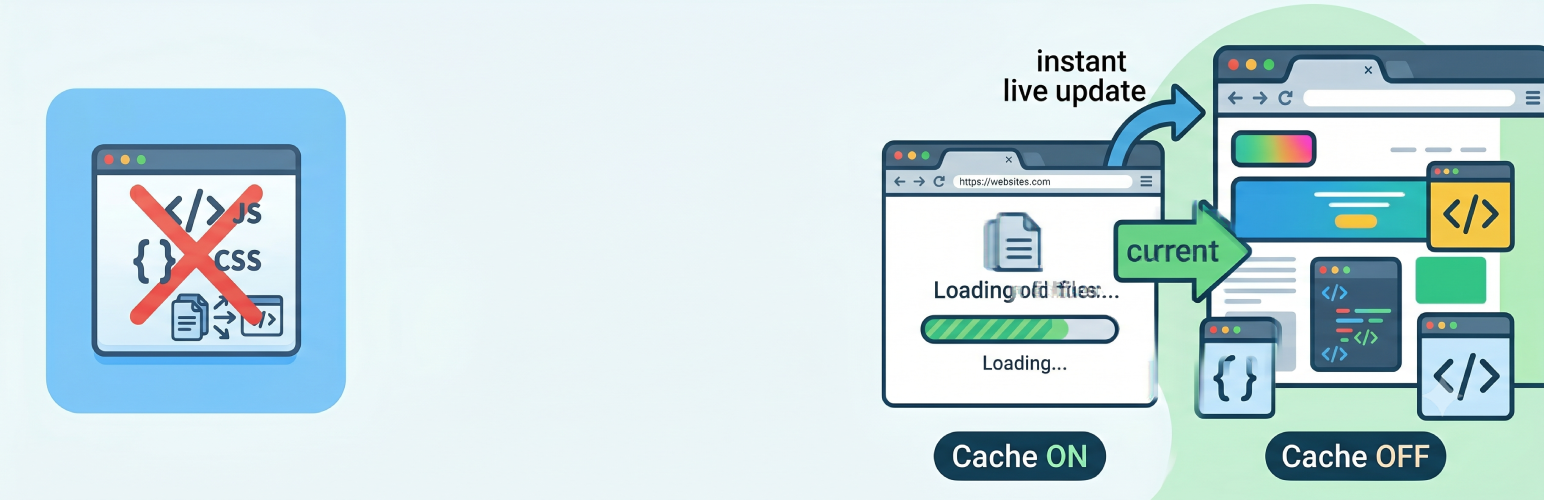
Disable CSS JS Cache is a lightweight plugin that helps WordPress developers and site administrators control browser caching for CSS and JavaScript files. Ideal for development, testing, or any time you need browsers to always load the freshest files.
Key Features
- Cache Busting — Appends a dynamic version parameter to CSS/JS URLs so browsers skip the cache
- Two Busting Methods — Force Refresh (timestamp, every page load) or Smart Refresh (file modification time, only when the file actually changes)
- File-Type Control — Apply cache busting to both CSS & JS, CSS only, or JS only
- Strip Existing Version — Remove WordPress’s built-in
?ver=before adding ours, preventing duplicate parameters - Per-Page Override — Disable cache busting on individual pages or posts via a meta box in the editor (new in 1.2.0)
- CDN Support — Optionally apply cache busting to external/CDN-hosted files
- Exclude Paths — Skip specific files or URL fragments
- Browser Caching (.htaccess) — Add long-lived
Cache-Controlheaders for images, CSS, JS, and PDF files - Configurable Cache Duration — 60 seconds up to 1 year
- Admin Bar Quick Toggle — One-click enable/disable from the toolbar
- Statistics Dashboard — See how many CSS and JS files have been processed
- Clear Cache Button — Flush WordPress object cache and compatible caching plugins in one click
- Admin Notice — Optional reminder when cache busting is active (handy for production sites)
- Clean Uninstall — Removes all settings and .htaccess rules when the plugin is deleted
How It Works
When cache busting is enabled, the plugin adds a ?ver= query string to every CSS and JS URL loaded on the frontend. Browsers treat each new URL as a fresh request, ignoring any cached copy. Choose Force Refresh for development (version changes every page load) or Smart Refresh for production (version changes only when the file timestamp changes).
The optional .htaccess browser-caching feature writes Cache-Control headers so returning visitors load static assets straight from their browser cache.
Use Cases
- Development — See theme/plugin changes instantly without clearing your browser cache
- Staging — Verify the latest files are loaded during QA
- Production — Enable browser caching for performance while still being able to bust the cache on demand
- Troubleshooting — Quickly rule out stale-cache issues
Technical Details
Developer Hooks
Action
do_action( ‘disable_css_js_cache_cleared’ ) — fires when the Clear Cache button is clicked.
Filters (WordPress core, used by this plugin)
style_loader_src, script_loader_src
Constants
DISABLE_CSS_JS_CACHE_VERSION — current plugin version string
DISABLE_CSS_JS_CACHE_FILE    — absolute path to the main plugin file
DISABLE_CSS_JS_CACHE_DIR     — absolute path to the plugin directory (with trailing slash)<h3>Requirements</h3>
* WordPress 5.5 or higher
* PHP 7.4 or higher
* Apache with mod_headers (browser-caching feature only)
* Writable .htaccess (browser-caching feature only)