


Dino Game – Embed Google Chrome Dinosaur Game in your website
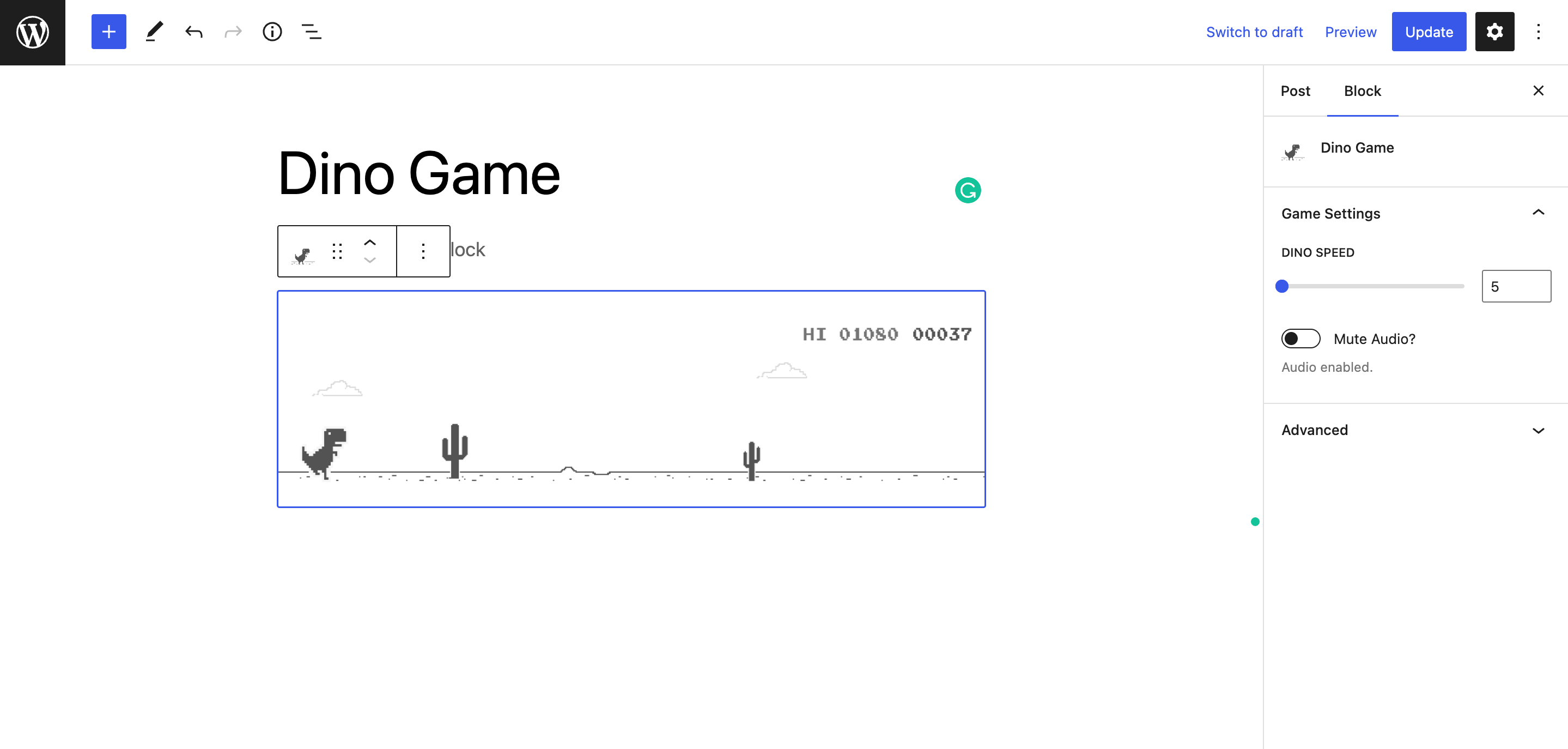
Dino Game block editor and preview
Introducing the Google Chrome Dinosaur Game plugin for WordPress! With this plugin, you can easily add the popular game to any page, post or widget of your website.
To add the game, simply use the shortcode [dino-game] anywhere on your site. Alternatively, you can use the dino game Gutenberg block to add it directly to a page or post.
With the Gutenberg block, you can easily adjust the game’s speed and sound settings (mute audio) using the block’s built-in settings. Additionally, you can also choose whether or not to save the high score.
If you prefer to use the shortcode method, you can customize the game’s speed and audio settings by including attributes in the following format: [dino-game speed="8" mute_audio='true']
How to play
- Use the space bar or up key on your keyboard to jump over the obstacles.
- The down key lets you crouch under the overhead obstacles.
- When viewing from mobile tap on the game area to jump.