


Digipacket Backup Toolkit
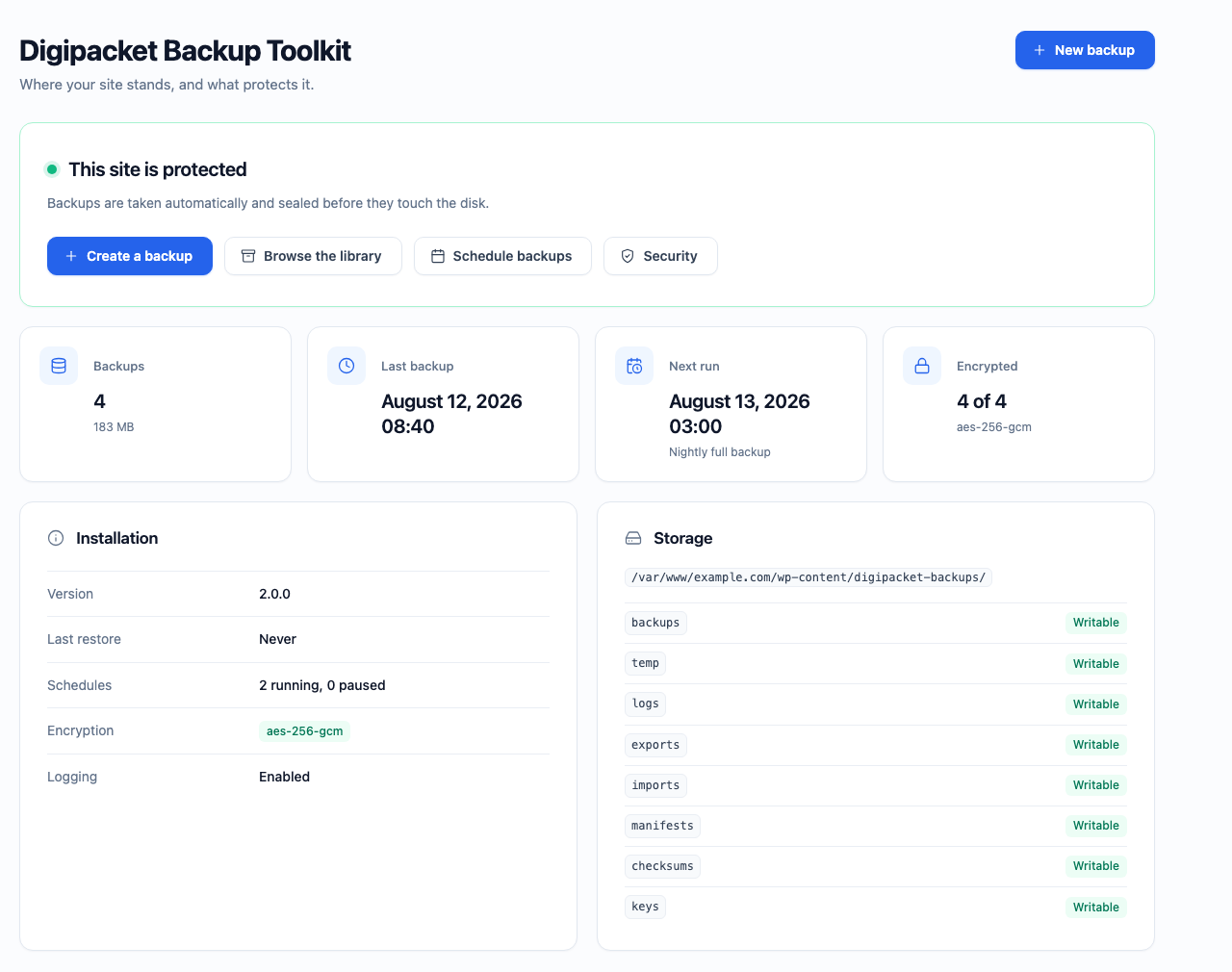
The dashboard: one verdict on whether the site is protected, and the shortcut that fixes what is missing.
Digipacket Backup Toolkit copies your files and your database into a single .dpbackup
archive, puts that archive back when you need it, and can seal it with AES-256-GCM
so a stolen copy is worth nothing without your key.
Everything runs on your own server. The plugin makes no outbound connection,
has no account, no telemetry and no paid tier hidden behind a button.
Built for hosts that cut you off
Shared hosting kills long requests. Every operation here is therefore cut into
slices that fit inside max_execution_time and resume where they stopped — the
file scan, the SQL dump, the compression, the encryption, the extraction and the
row-by-row replay of the database. A 100,000-file site is backed up and restored
with flat memory, in as many requests as it takes.
What it does today
- Backups — full site, database only,
wp-content, plugins, themes or uploads.
Progress is reported live, with the size, the duration and the checksum of the archive. - Backup Manager — search, filters, sorting, pagination, integrity check, rename,
duplicate, download and delete, plus a detail card showing the manifest and the
journal the archive carries inside itself. - Import — upload an archive produced on another site, in slices. Every entry is
verified before publication: signature, checksums, manifest, directory traversal,
Zip Slip and symbolic links are all refused. - Restore — a seven step wizard with preflight checks. A safety snapshot of the
current site is taken before a single byte is written, and a failure half way
through rolls the site back to it automatically. - Scheduled backups — hourly to monthly, or a custom cron expression. Retention
by count or by age, run history, pause, duplicate, and a Run Now button. Deleting a
schedule never deletes the backups it produced. - Encryption — AES-256-GCM over the whole container, a keyring that survives
rotation, an optional master password, and transparent decryption when you import
or restore. Existing backups can be sealed afterwards, and sealed ones opened again. - Logs — every operation writes what it did and why it stopped. Read a journal by
severity or by search, delete one, or clear the ones older than your retention rule.
Where your backups live
In wp-content/digipacket-backups/, outside the plugin directory — because
WordPress deletes a plugin’s own folder before installing a new version, and a
backup plugin that stored its archives there would destroy them at every update.
The folder is protected by an .htaccess and a silent index.php, both written
at activation. Nginx ignores .htaccess, so on Nginx the equivalent rule has to
be added by hand — see the FAQ below. The digipacket_wp_backup_storage_path
filter moves the whole thing anywhere you like, including outside the web root,
which is stronger than any web server rule.
What it does not do
- No export to Google Drive, Dropbox, S3 or OneDrive yet. That is the next release.
- No incremental backups: every run produces a complete archive.