


DevAura Accessibility Scanner
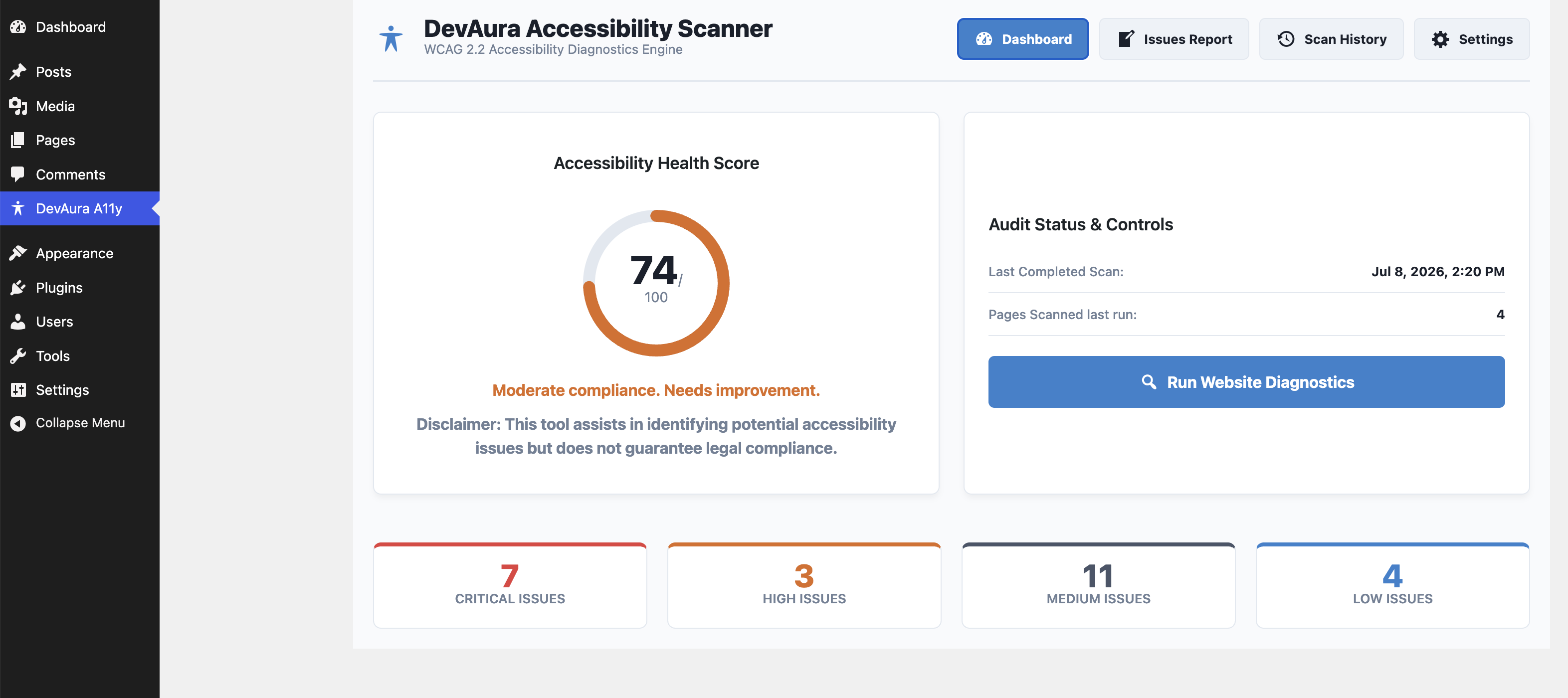
The main DevAura Accessibility Scanner Dashboard showing compliance health score and general audit controls.
Note: This plugin is NOT an accessibility overlay. It acts as an audit and assistance tool to help website administrators fix structural code errors rather than applying cosmetic patches.
Key Features
- Score Dashboard: Visual accessibility health grade (0-100) based on severity weighting.
- In-Depth Auditing: Checks language tags, image alt attributes (missing, decorative/informative check, duplicate alts, filename alts), heading structures, form field connections, button labels, table header markup, media warning tags, ARIA spelling validation, and HTML5 layout landmarks.
- AJAX Scanning Engine: Safely queries up to 10 pages in small batches to completely avoid PHP timeout limits.
- Spreadsheet & PDF Exports: Download records in CSV or render print-ready layout templates.
- Robust Security: Includes REST endpoint capability checks (
manage_options), WordPress nonce authorization, and strict PHP input sanitization.
Developer Hooks
The plugin provides hooks to enable extension in premium custom versions:
1. devaura_accessibility_scanner_registered_rules (Filter)
Register custom WCAG rules. Custom rules must implement AccessibilityScanner\Analyzer\RuleInterface.
add_filter( 'devaura_accessibility_scanner_registered_rules', function( $rules ) {
    $rules[] = new MyCustomContrastRule();
    return $rules;
} );
2. devaura_accessibility_scanner_get_page_html (Filter)
Intercept page content retrieval before rules analyze it. Useful for mocking HTML or offline staging tests.
add_filter( 'devaura_accessibility_scanner_get_page_html', function( $html, $url ) {
    if ( $url === 'http://test.local/' ) {
        return '<html><html lang="en"><body><h1>Title</h1></body></html>';
    }
    return $html;
}, 10, 2 );
Uninstalling
By default, activating the plugin creates two custom tables: wp_devaura_as_scans and wp_devaura_as_issues. If you select Scrub all database reports & logs on plugin deletion in the settings tab, deleting the plugin will completely remove these tables and their records.