

Dev Favicon Switcher
0/5 (0 ratings) — active installs Updated Jun 13, 2026

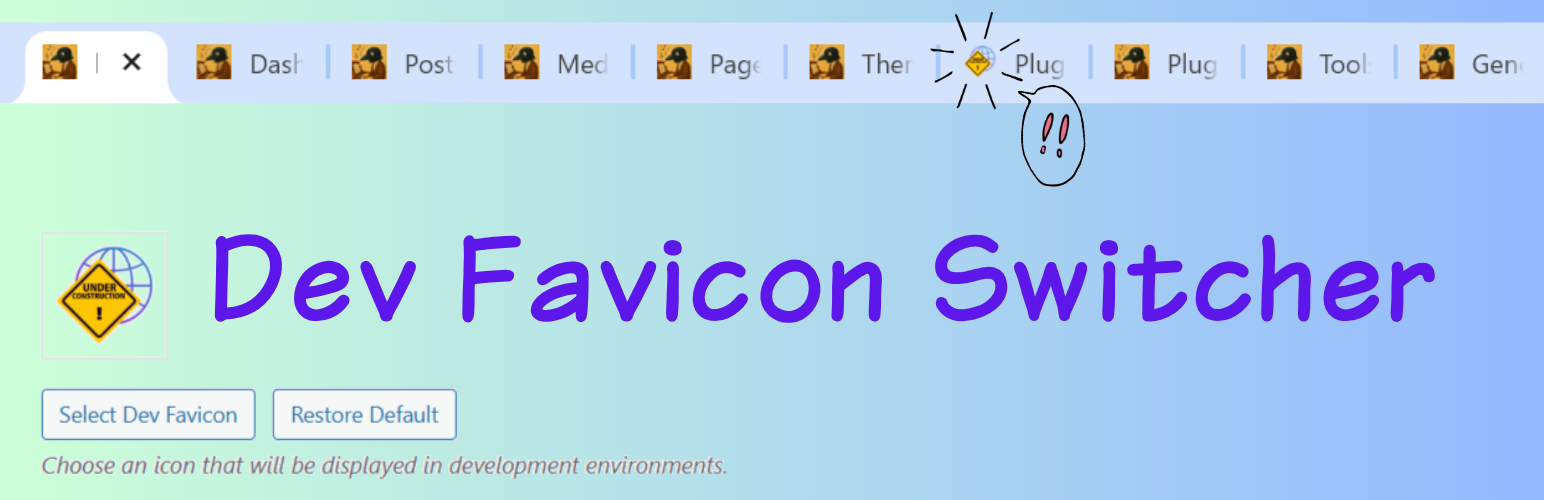
The settings screen showing the dev favicon and admin bar styling already active in the browser.
Dev Favicon Switcher helps you easily distinguish between your production and development environments. It automatically displays a different favicon based on the current URL, avoiding mistakes where you might accidentally edit the live site thinking it’s the development environment.
Key Features:
- Automatic Environment Detection: Automatically applies the development favicon on common local domains (
.local,.test,.dev). - Custom Development URLs: Specify exact URLs where the development favicon should appear (supports multiple URLs).
- Easy Icon Management: Upload your own dev favicon using the WordPress media uploader, complete with built-in image cropping.
- Restore Default Icon: Don’t have an icon handy? Easily apply our unified default development favicon with a single click.
- Automatic Size Generation: Automatically generates all standard WordPress site icon sizes (32×32, 180×180, 192×192, 270×270) to ensure compatibility across all devices and browsers.
- Admin Bar Styling: Customize the admin bar’s background and text colors to clearly identify your development environment at a glance, with a live preview and easy reset options.
- No Frontend Bloat: Everything works efficiently via standard WordPress filters without adding unnecessary frontend scripts.
Perfect for developers working with local environments, staging servers, and migration tools like All-in-One WP Migration.
For a detailed setup and usage guide, please check out our detailed guide.
Development Source:
This plugin is developed using npm and webpack. You can find the human-readable source code and build tools in our public repository.