

Dark Mode for WP Dashboard
4.9/5 (33 ratings) 3K+ active installs Updated Sep 23, 2026
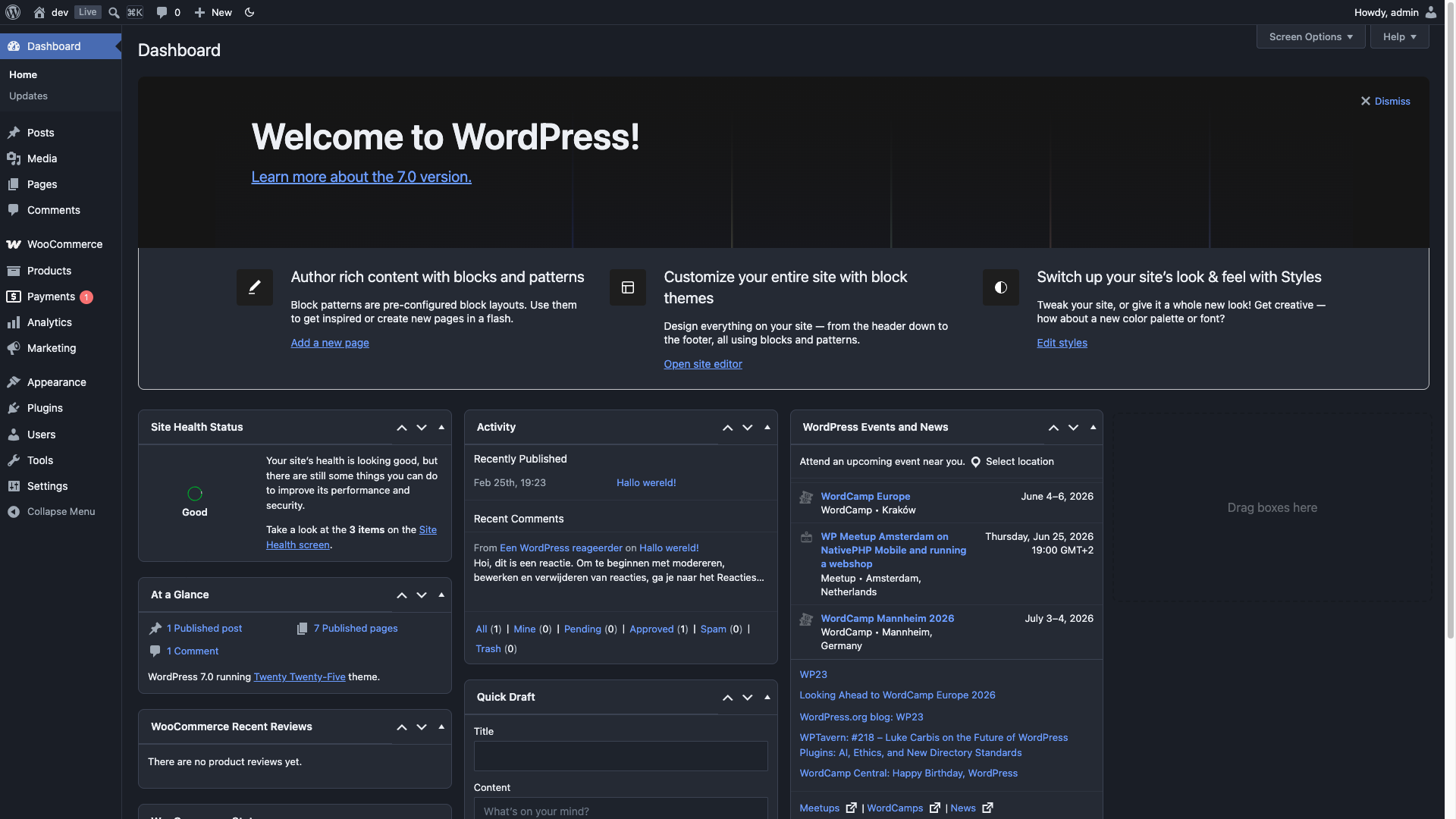
Dashboard
No settings page, no bloat — just activate and go. Dark mode for every corner of your WordPress admin.
- Instant toggle in the admin bar — no page reload
- Per-user preference: Dark / Light / Auto (follows system)
- Full block editor and Site Editor support
- 14 popular plugins supported out of the box
- Developer-friendly: filters for default preference, custom CSS, and editor canvas control
Supported plugins:
- Advanced Custom Fields
- AIOSEO
- Better Search Replace
- Code Snippets
- Jetpack
- Kadence Blocks
- Nested Pages
- SmartCrawl SEO
- Smush
- The SEO Framework
- WooCommerce
- WPCode (Insert Headers and Footers)
- Yoast SEO (including Premium, Local, News, WooCommerce)
- Zamok
The plugin adds a dark-mode class to the admin body when active, and provides three filters for customization:
add_filter( 'dark_mode_dashboard_css', 'your_stylesheet_url' )— replace the plugin’s admin stylesheet with your own. This swaps the whole file rather than adding to it, so your stylesheet has to cover everything the plugin’s does, and it does not affect the post editor’s content area. To add a few rules of your own instead, enqueue a second stylesheet — see the FAQadd_filter( 'dark_mode_dashboard_default_preference', function() { return 'disabled'; } )— change the default mode for new usersadd_filter( 'dark_mode_dashboard_editor_canvas', '__return_false' )— disable dark mode for the editor content area