
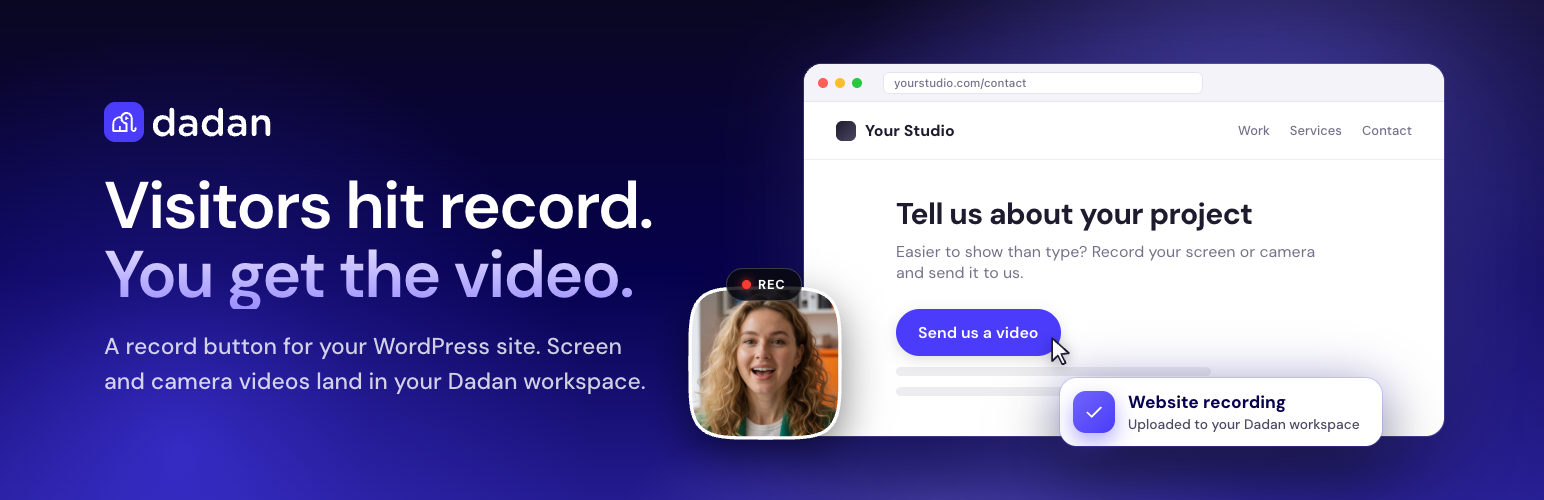

Dadan – Record Video, Screen & Webcam from Your Site
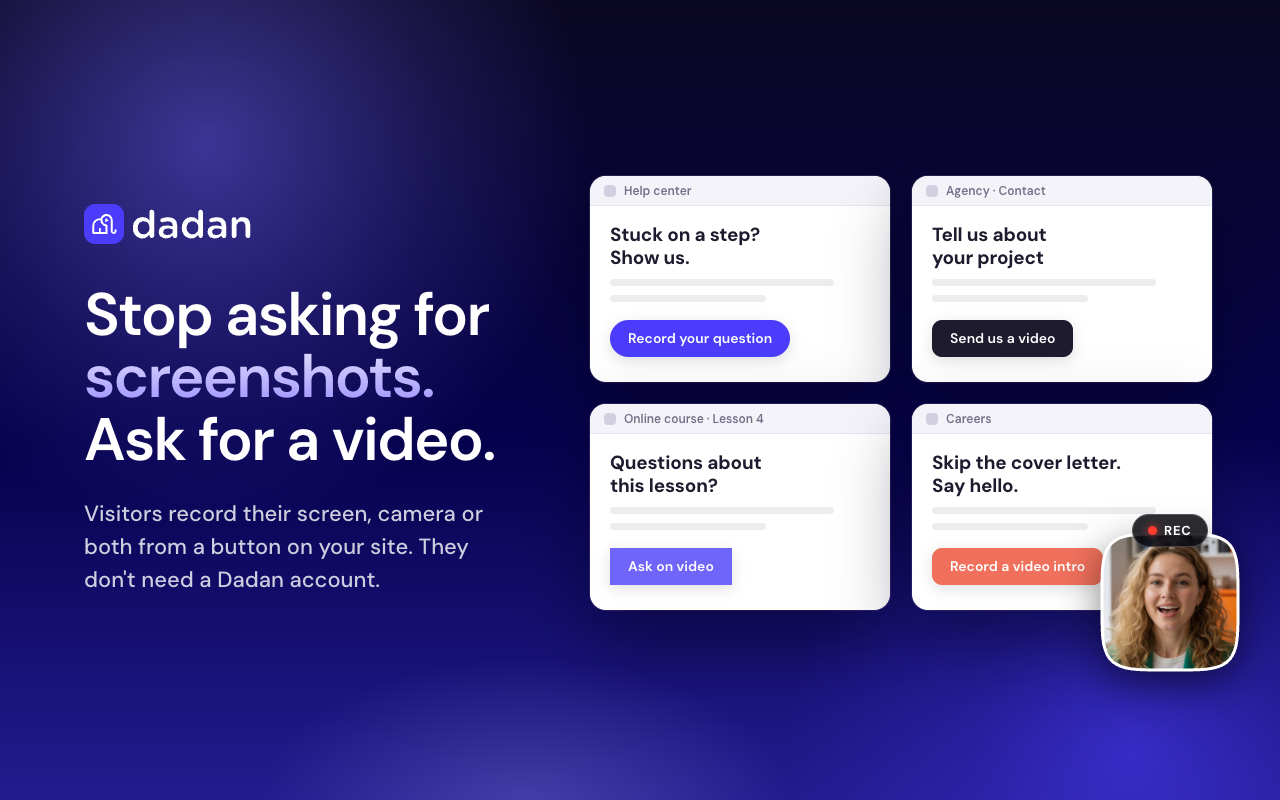
Visitors record their screen, camera or both from a button on your site. They don't need a Dadan account.
Some things are easier to show than to type.
Dadan adds a record button to your WordPress site. Visitors click it, record their screen, their camera or both, and the video uploads straight to your Dadan workspace. No more back-and-forth emails asking for screenshots: you see exactly what they mean.
Recording is free for your visitors: they don’t need a Dadan account and don’t install anything. They record in the browser, which asks for camera, microphone or screen access first.
What you can use it for
- Support: “Record your question” instead of a five-line description of a bug.
- Client work: let clients show you the page, the change or the problem.
- Courses and coaching: students ask about the exact step they’re stuck on.
- Testimonials: customers say it on camera, in their own words.
- Hiring: candidates send a short video intro with their application.
How it works
- Connect Dadan. In your Dadan dashboard, copy your public App ID (it starts with
app_) and allow your site’s address. Paste the App ID into Dadan Instances. - Add the button. Use the Dadan Record block, the Elementor widget or the
[dadan-recording]shortcode. Style it in the builder and check it in the live preview. - Get the videos. Visitors click, record and finish. The video uploads to your Dadan workspace, ready to watch and share.
Make it yours
- Record button builder: use the Dadan button or design your own (icon, text button or image) with your label, colours, shape and size, with a live preview in light and dark.
- Studio theme: match the recording studio to your site with an accent colour, light or dark appearance, font family and corner radius.
- Recording options: screen + camera, camera only or screen only; 720p, 1080p or 2K; a countdown; your own label on the finish button.
- Who can record: anyone, logged-in users, or editors and above. Everyone else doesn’t see the button.
- Where recordings go: set a default video title, folder or team.
- Instances: keep several setups (App ID, button, theme) and pick one per block, widget or shortcode.
- Hide on phones: screen recording isn’t available in mobile browsers, so you can hide the button on small screens.
Embed your Dadan videos
Paste a Dadan share link into the editor and it plays. Or use the Dadan Video block, the [dadan] shortcode or the Elementor widget.
Works with your editor
- Gutenberg blocks: Dadan Record and Dadan Video
- Shortcodes:
[dadan-recording]and[dadan] - Elementor widgets, when Elementor 3.20 or later is active (optional)
Get started
Start with a free Dadan account (no credit card needed). The record button runs on Dadan’s Record SDK, included on the Lite, Pro and Business plans. Try Dadan and add your first record button in a few minutes.
Dadan is a third-party video recording and hosting service. This plugin requires a Dadan account; see External services below for what is sent and when.
Security notes
- Only public App IDs (
app_…) are accepted. - Optional front-end gate: anyone / logged-in / editors (withholds the recorder from blocked visitors).
- Administrators control App ID; non-admins fall back to Instances.
- The Record studio JavaScript is loaded from Dadan’s servers (not bundled in this plugin for WordPress.org).
Share URLs
Preferred: https://app.dadan.io/video/share/{code}
Direct /video/{hexId} links are not embeddable; use a share URL.
External services
This plugin connects to Dadan (https://www.dadan.io/), a third-party video hosting and recording service operated by Link Solutions Ltd. Embedding and recording do not work without it. The plugin itself makes no server-side requests to Dadan: every connection below is made by the visitor’s (or editor’s) browser.
- Dadan video player (embeds)
* What: an iframe loaded from https://app.dadan.io/video/embed.html
* When: each time a page containing a Dadan Video block, [dadan] shortcode, Dadan URL embed or Dadan Video Elementor widget is viewed.
* Data sent: the video share code and standard browser request data (IP address, user agent, page origin as referrer).
- Dadan Record studio script (Option B)
* What: versioned files such as https://app.dadan.io/sdk/record-2.1.2.js and .css (integrity pinned via SRI in the plugin). WordPress glue stays in the plugin.
* When: after someone clicks a Dadan Record button (lazy-loaded). Admin/editor screens that open the recorder may load earlier when a local SDK is present.
* Data sent: standard browser request data for the script/style download.
- Dadan Record SDK API (recording)
* What: https://app.dadan.io/api/sdk/session, https://app.dadan.io/api/Transcoder/records and https://app.dadan.io/api/video/download/…
* When: only after someone clicks a Dadan Record button and starts a recording.
* Data sent: the site’s public App ID (app_…), the site origin, optional Folder ID / Team ID and video title configured by the site admin, plus IP address and user agent.
- Dadan upload service (recorded media)
* What: https://upload.dadan.io
* When: when a recording is finished and uploaded.
* Data sent: the recorded video and audio, which may include the visitor’s camera image, microphone audio and/or screen contents, and an upload token issued by Dadan.
While recording, if “restore pending take” is enabled, the browser may temporarily keep an unfinished recording in IndexedDB (up to 24 hours) and upload-resume keys in localStorage. WordPress stores only the public App ID and display settings.
Dadan Terms of Service: https://www.dadan.io/terms-of-service
Dadan Privacy Policy: https://www.dadan.io/privacy-policy
Privacy
This plugin does not implement its own analytics. When you configure recording or embeds, visitors interact with Dadan’s service under Dadan’s privacy policy. Site admins should mention Dadan embeds/recording in their site privacy policy if required by local law. The plugin also suggests privacy policy text under Settings Privacy.