


Custom Spinner For WooCommerce: custom spinner for the WooCommerce checkout and cart pages
0/5 (0 ratings) 60 active installs Updated May 21, 2026
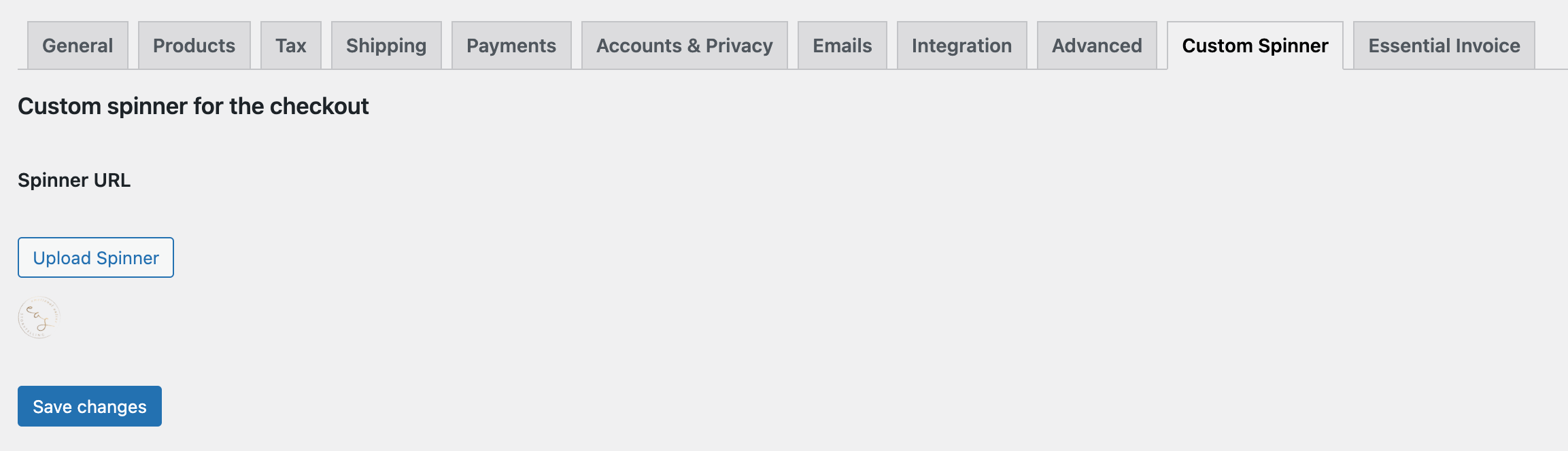
How to upload a custom spinner for the WooCommerce checkout page
Load your custom spinner for the WooCommerce checkout and cart pages.
A custom spinner for the checkout page can help to make unique your checkout page.
How to load a custom spinner for the WooCommerce checkout and cart pages
- Install and activate Custom Spinner For WooCommerce
- Go to WooCommerce => Settings
- Click on the tab “Custom Spinner”
- Select your custom spinner
- Click on “Save changes”
You don’t necessarily need a gif, the plugin will rotate regular images as well.