

Custom SMTP: Email Deliverability – FREE & Easy-to-use

Email Logs - every email is logged with its delivery status, and failed sends show the exact SMTP error. Search, filter by status or date, and export to CSV.
Make your WordPress email arrive
WordPress still hands your email to the PHP mail() function. Most hosts have switched it off or throttled it because spammers loved it, and where it still runs, unauthenticated mail lands in spam. If your contact form says thank you and nothing ever arrives, this is why.
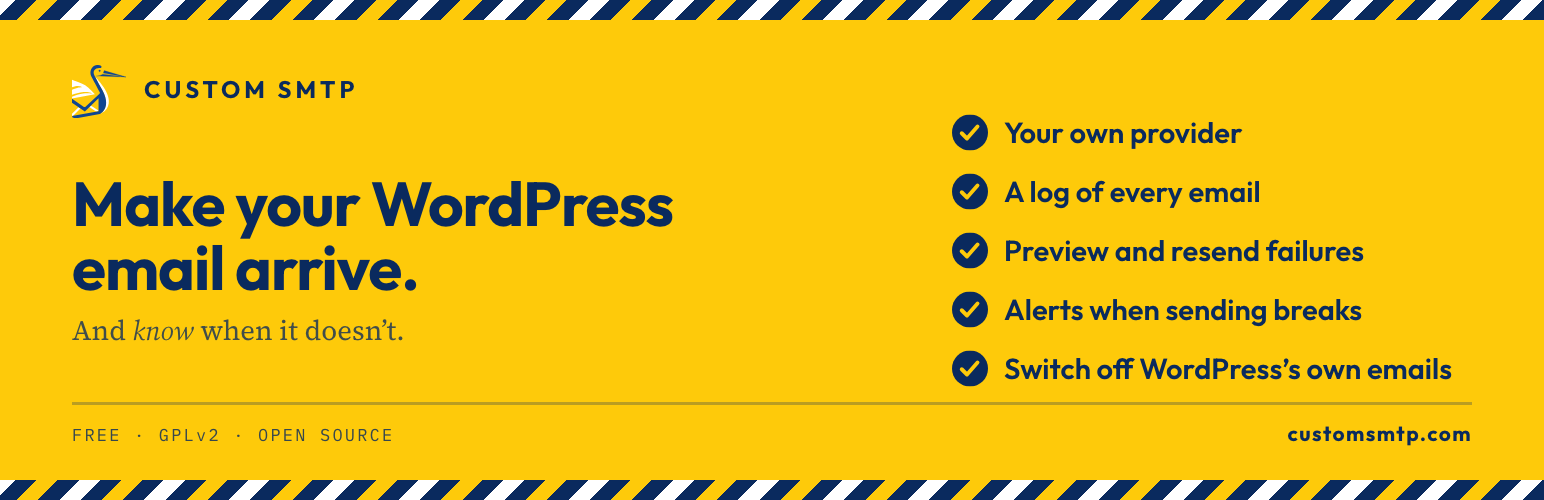
Custom SMTP sends your email through the provider you already use instead: your host’s SMTP server, Gmail, Outlook, Brevo, SendGrid, Mailgun, Postmark or the Amazon SES API. It logs every message with its outcome, lets you preview and resend failures, and alerts you when sending spikes or starts failing. Everything is in the free plugin: no account to create, no third-party relay, no pro version.
Built for modern WordPress: WordPress 7.0 ready, PHPMailer 7.0.2 compatible, stateless / cloud-ready (Docker, Kubernetes), and fully translated in English and French.
Documentation lives at customsmtp.com/docs/, with step-by-step guides for twelve providers and a developer guide covering constants, environment variables and the Amazon SES API.
Send through your own SMTP provider
Point the plugin at the server you already pay for or the free tier you already use, with a preset that fills the technical values for you:
- Presets for twelve providers: Gmail, Outlook, Amazon SES, SendGrid, Mailgun, Brevo, Postmark, Mailjet, Zoho, Yahoo, iCloud and Scaleway, plus “Other / Custom” for any SMTP server.
- From Name and From Email applied to every outgoing email, with optional Reply-To, CC and BCC.
- SSL/TLS encryption, and optional authentication for relay servers that need none.
- Password encrypted at rest (AES-256-CBC with your WordPress salts), never displayed back in the form.
- Test without guessing: test the SMTP connection without sending anything, or send yourself a real test email.
A log of every email, with preview and resend
Never wonder if your emails were sent again. Logging works out of the box and captures every message going through wp_mail(): WooCommerce order notifications, contact form submissions, password resets, all of it.
- Delivery status (sent or failed) with the exact SMTP error when a message fails, and the stored headers for advanced troubleshooting.
- Preview the email body in wp-admin, in an Outlook-style sidebar, without sending anything again; view the HTML source, or download any email as an HTML file for archiving.
- Resend a failed email straight from the logs once your configuration is fixed.
- Search by recipient, subject or status; filter by date range; export to CSV for reporting and compliance.
- Configurable retention with automatic purge (30 days by default), and content storage you can switch off in one click.
Unusual Usage Alerts
A compromised contact form or a runaway plugin can turn your site into a spam relay, and a revoked password or an exhausted provider quota can stop your emails silently. Custom SMTP watches for both and warns you.
- Sending spikes — get an email when more messages than expected go out within an hour or a day. Thresholds are absolute, never relative, so a quiet site that sends a handful of emails a week is never woken up by statistical noise.
- Delivery failures — get warned as soon as several emails fail in a row, or when too many of the last messages sent failed. Counted over the last emails sent rather than over a period of time, so it works just as well on a site that sends twice a week as on a busy store.
- A channel that survives the outage — alerts go out by email, to an optional HTTPS webhook (Slack, Teams, any JSON endpoint), and to a persistent notice in wp-admin, because the one moment you need the alert is the moment email itself is broken.
- No noise — a configurable cooldown keeps an ongoing incident from filling your inbox, and the alert email is never logged nor counted against your own thresholds.
- Off by default — turn it on in Settings and set the thresholds that match your site.
Manage WordPress Notifications
WordPress sends a handful of emails on its own, and some of them get old fast: a notice to the administrator every single time a user resets their password, a report after every automatic plugin update, a message for every comment awaiting moderation. Switch off the ones you do not want, one checkbox each, no code.
- Password reset and new user notices to the administrator — the user still gets their reset link and their welcome email, only the copy to the admin stops.
- Automatic update reports — core, plugins and themes, separately.
- Comment notifications — awaiting moderation, and new comment to the post author.
- Nothing is hidden from you — a notification you switch off is never created, so it will not appear in the Email Logs either, and the screen tells you that.
- Account recovery is never at risk — the emails users need to regain access to their account are deliberately out of reach of this screen.
- Off means off, on stays on — installing or updating the plugin never silences an email your site was already sending.
Deliverability, privacy, security
- Cooperates with the automatic Envelope-From / Return-Path behavior introduced in WordPress 6.9, which improves SPF, DKIM and DMARC alignment on strict hosts (Amazon SES, Postmark, etc.).
- UTF-8 and emoji handled end-to-end in subjects, bodies and headers.
- All data stays in your WordPress database: no third-party calls, no telemetry, and no external processor to declare in your GDPR records.
- Email preview rendered in a sandboxed iframe, so no JavaScript from a logged email ever runs in wp-admin.
- All admin actions protected with nonces and capability checks; the SMTP password is encrypted at rest.
For developers: containers, config-as-code, Amazon SES API
The developer guide covers this surface in depth; the short version:
- Stateless and cloud-ready: no filesystem writes, no shared storage, safe on read-only filesystems. Works on Docker, Kubernetes, AWS ECS/Fargate, Google Cloud Run, and with Bedrock or Trellis stacks.
- Every setting from a constant or environment variable: define
CUSTOM_SMTP_<SETTING>and it overrides the saved value everywhere, with the field shown read-only in wp-admin and a badge naming the variable. On Multisite, a network-wide option can configure every site at once. - Amazon SES API with IAM roles: send through the SESv2 API authenticated by your ECS task role or EC2 instance role, with no access keys and no stored credentials. Raw MIME preserves HTML, attachments, CC/BCC, Reply-To and custom headers, and it works with or without the AWS SDK for PHP. Details in the FAQ below.
- Abilities API (WordPress 6.9+):
custom-smtp/connection-healthandcustom-smtp/send-test-emailare exposed to MCP-enabled AI assistants and automation tools (n8n, Make), behind the samemanage_optionscapability check as wp-admin.