
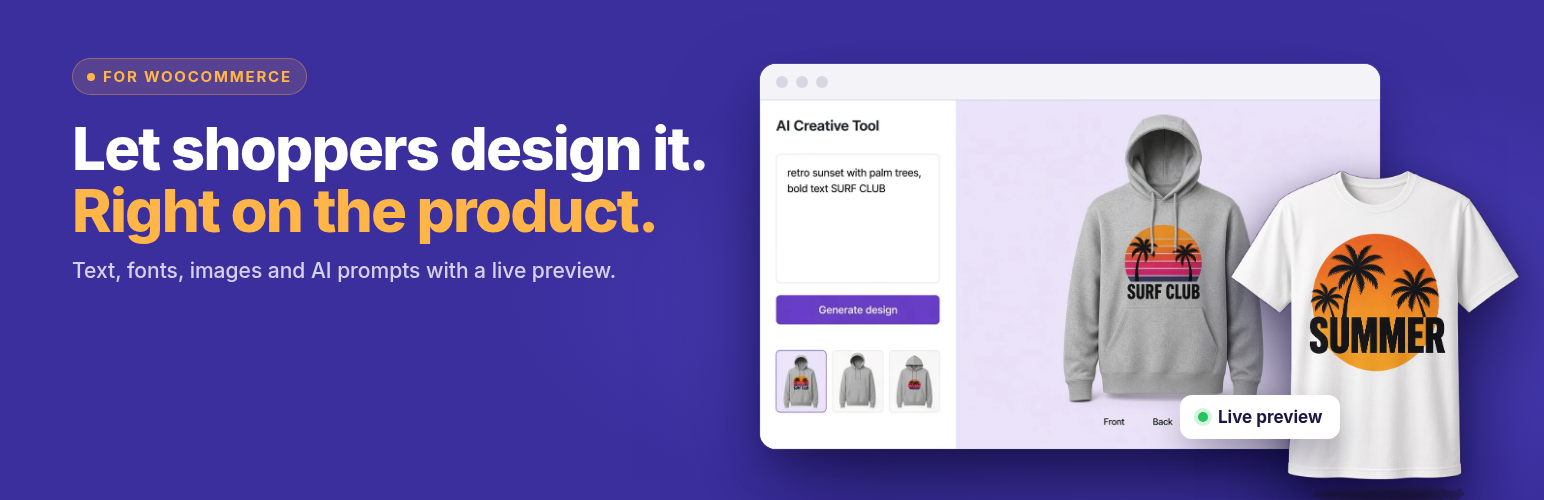

Custom Product Builder for WooCommerce – Product Designer & Customizer
4.2/5 (5 ratings) 300 active installs Updated Nov 1, 2026

Product designer with drag-and-drop tools: merge images, draw, add text, templates and AI creative.
Live Demo | Documentation | Support | Pro
Custom Product Builder for WooCommerce adds a visual product designer to your store. Shoppers personalize a product on the product page, preview the result, and add it to the cart. You get the design image with the order.
It suits stores that sell custom t-shirts and hoodies, mugs, phone cases, personalized gifts, print-on-demand items and promotional merchandise.
Free features
- Unlimited customizable products. Turn on the builder for any WooCommerce product from the product edit screen.
- Visual product designer. Drag, resize and rotate elements on a product canvas.
- Custom text. Shoppers add their own text and pick a font.
- Images and clipart. Upload your own clipart and design elements for shoppers to place on the product.
- Draw tool, templates, layers, undo/redo and zoom.
- Live design preview before the product goes to the cart.
- Design download and reset buttons for shoppers.
- Toolkit. Switch each builder tool on or off globally or per product, with no code.
- Design files with orders. See each design in the WooCommerce order, on the thank-you page, and in Product Builder > Custom Orders.
- Dashboard with builder products, design orders, revenue and average order value.
- Light and dark admin mode.
- Works with WooCommerce blocks.
Pro features
Custom Product Builder Pro adds tools for larger catalogs and print workflows:
- Multiple sides. Front, back and side views on one product.
- Advanced Builder with a visual canvas setup.
- Restrict the design area (for example, a logo placement zone).
- AI Creative Tool. Shoppers describe a design in a prompt and place the result on the product (uses your own OpenAI API key).
- Analytics dashboard with sales and order charts, plus order asset downloads.
- Extra pricing for customization, image limits and background removal.
- Canvas fill colour, batch designs and a variations grid.
Pro plans start at $59.99 per year, and a lifetime plan is available. Each purchase includes a 14-day money-back guarantee.
How it works
- Edit a WooCommerce product and switch on Enable Builder.
- Click Configure Designer, upload the canvas (product) images and clipart, and choose which tools shoppers can use.
- Publish. Shoppers open the designer from the product page, personalize the product and add it to the cart.
- Open the order to see the customer’s design.
The setup guide walks through each step.