

ConvBoost Sticky Notification Bar

Activation & main options (position, device visibility, width, message)
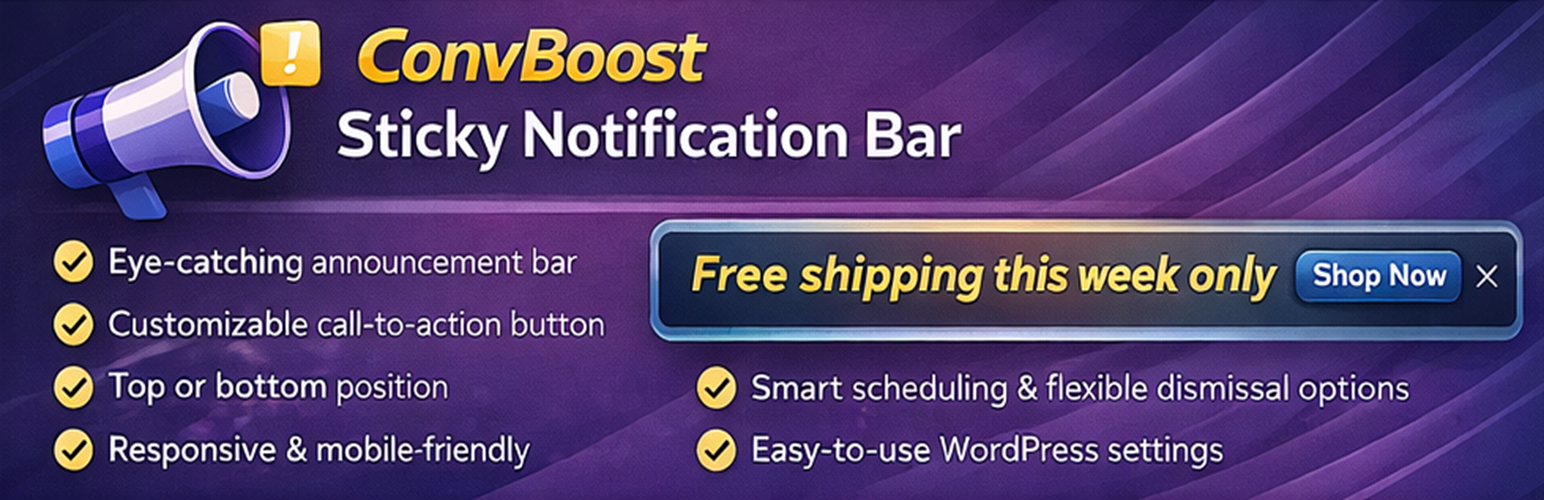
ConvBoost Sticky Notification Bar helps you add a clean sticky bar to your website (top or bottom of the screen) to highlight promotions, announcements, shipping updates, or any important message.
It’s built to stay simple, clear, and lightweight: configure your bar in minutes, keep the output minimal, and avoid over-complicated builders. When you do want to fine-tune design, the live admin preview helps you iterate faster.
Why users choose ConvBoost
Most sticky bar plugins force a slow loop: edit save open your site refresh repeat.
ConvBoost focuses on a faster, simpler workflow:
* Clear, beginner-friendly settings
* Lightweight output and minimal overhead
* Live preview to speed up styling (without guesswork)
Features
- Lightweight and quick to configure
- Live preview in the admin (see changes instantly while you edit)
- Show the bar on desktop, mobile, or both
- Place the bar at the top or bottom of your pages
- Optional: push the page down when using a top bar (so it doesn’t cover your header)
- Choose the inner width: full width or boxed (set a custom width like 600px)
- Optional two-line layout on mobile (message + button can wrap neatly)
- Scheduling (start/end date & time, minute precision)
- Content exclusions (hide on areas like homepage, archives, search, and 404s)
Message
- Add your message easily
- Standard Links are allowed
- No custom HTML (keeps it simple and safer)
Design (no coding or CSS needed)
- Choose background and text colors
- Set link color
- Adjust font size
- Optional shadow and border
Call-to-action button (optional)
- Add a button (example: “Shop now”, “Get the offer”, “Contact us”)
- Set the button link
- Option to open in a new tab
- Choose a button shape (Square / Pill / Rounded / Boxed)
- Adjust button spacing and colors
- Optional button shadow
Close button (optional)
- Let visitors dismiss the bar
- Dismiss for the current visit (session) or for X days
- Choose close icon position (left or right)
- Adjust close icon size and color