
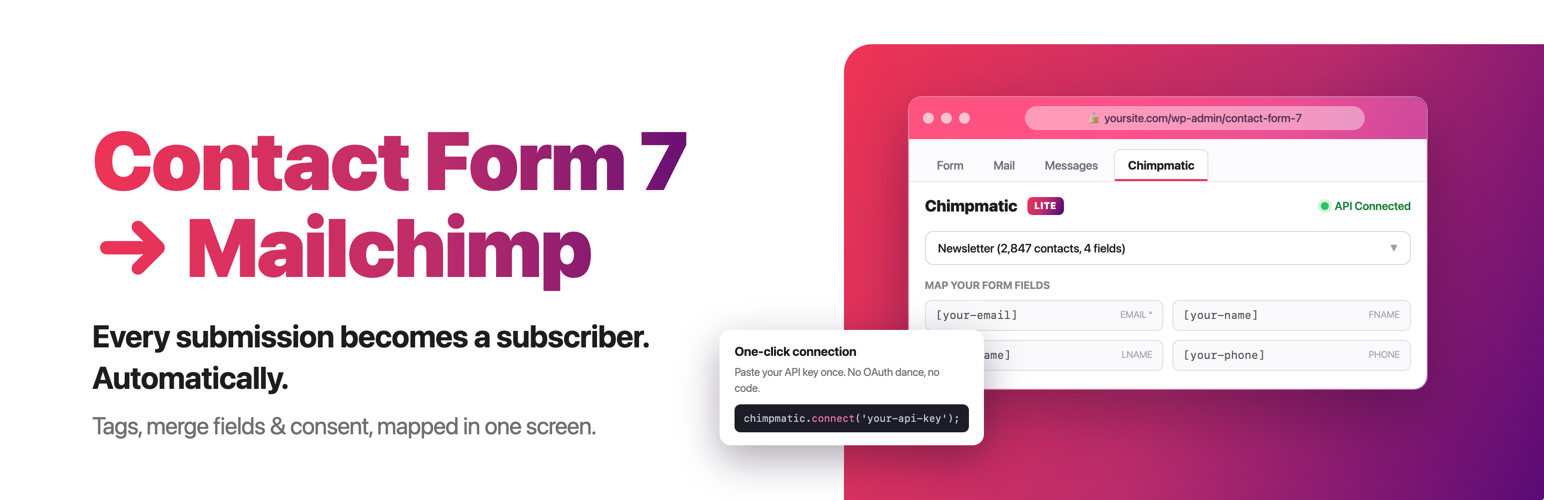

Connect Contact Form 7 to Mailchimp, Brevo, MailerLite & Klaviyo
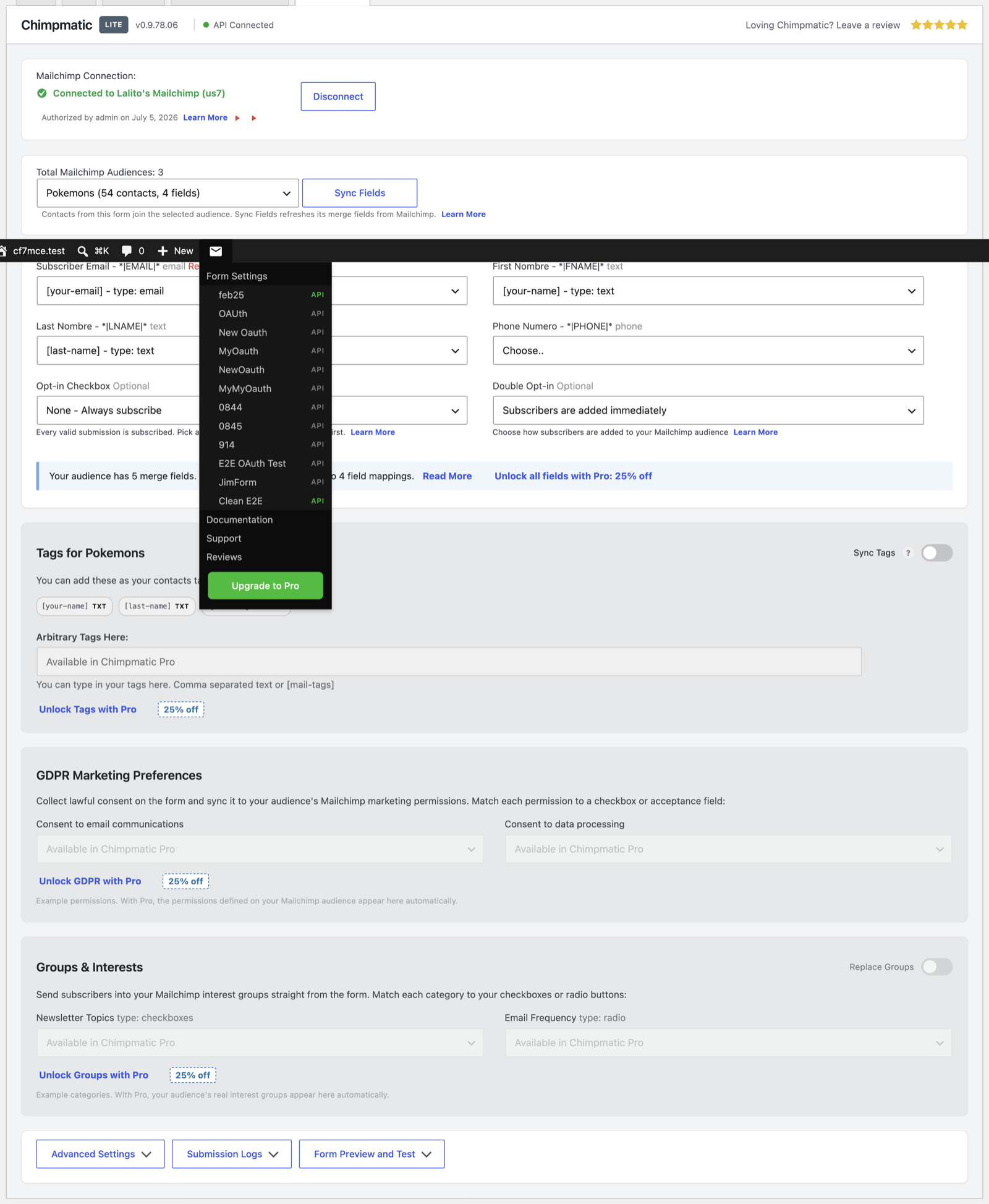
Choose Mailchimp, Brevo, MailerLite, or Klaviyo inside a Contact Form 7 form.
A Mailchimp integration for Contact Form 7 that also connects forms to Brevo, MailerLite, and Klaviyo. Send form submissions to email marketing lists, audiences, or groups without replacing Contact Form 7 or adding a separate automation platform.
Choose a provider for each form, connect the account, select a destination, and map Contact Form 7 fields to subscriber fields. Existing Mailchimp forms keep their saved audience, field mappings, credentials, and opt-in settings after upgrading.
New to this? Start with the basic setup walkthrough, or read the 2026 guide to Contact Form 7 and Mailchimp automation.
Contact Form 7 Email Marketing Integrations
Choose one provider independently for each Contact Form 7 form. Each integration sends submitted subscriber data directly to the audience, list, or group selected in that form’s settings.
Mailchimp integration for Contact Form 7 – Connect through one-click OAuth or an API key, choose an audience, map merge fields, and select single or double opt-in. Read the Mailchimp setup guide.
Brevo integration for Contact Form 7 – Connect with a Brevo API key, choose a list, map contact attributes, and select direct subscription or a Brevo confirmation email. Read the Brevo setup guide.
MailerLite integration for Contact Form 7 – Connect with a MailerLite API token, choose a group, and map subscriber fields. Double opt-in follows the MailerLite account setting. Read the MailerLite setup guide.
Klaviyo integration for Contact Form 7 – Connect with a Klaviyo private API key, choose a list, and map profile properties. Confirmation behavior follows the selected Klaviyo list. Read the Klaviyo setup guide.
Everything included
- Choose Mailchimp, Brevo, MailerLite, or Klaviyo independently for each Contact Form 7 form.
- Use different provider accounts and destinations on different forms.
- Load audiences, lists, or groups inside the Contact Form 7 editor.
- Map the required email address and up to four additional Contact Form 7 fields.
- Require an opt-in checkbox before subscriber data is sent.
- Control or respect provider-specific confirmation behavior.
- Keep existing Mailchimp configurations working after upgrading.
- Use unlimited Contact Form 7 forms.
Built for Contact Form 7
ChimpMatic adds a focused integration panel to each Contact Form 7 form. It does not replace your forms, introduce another form builder, or require a generic automation service between WordPress and your email provider.
Wondering how this compares to the alternatives? We set out the trade-offs in our Mailchimp plugin comparison and our marketing automation comparison.
ChimpMatic Pro
ChimpMatic Pro is an optional add-on for teams that need advanced provider features, expanded field mapping, advanced consent controls, subscriber tagging, and priority support. ChimpMatic Lite remains a complete Contact Form 7 integration on its own.
Compare ChimpMatic Lite and Pro · Pricing · Installing Pro
External Services and Data Disclosure
ChimpMatic is independently developed and is not affiliated with or endorsed by Mailchimp, Brevo, MailerLite, or Klaviyo. When a configured form is submitted, its email address, mapped fields, destination, and consent choice are sent directly to the provider you selected; an account with that provider is required. Full detail is in our external services disclosure and privacy policy.