


Comapi Webchat Plugin
5/5 (1 ratings) — active installs Updated Oct 22, 2018
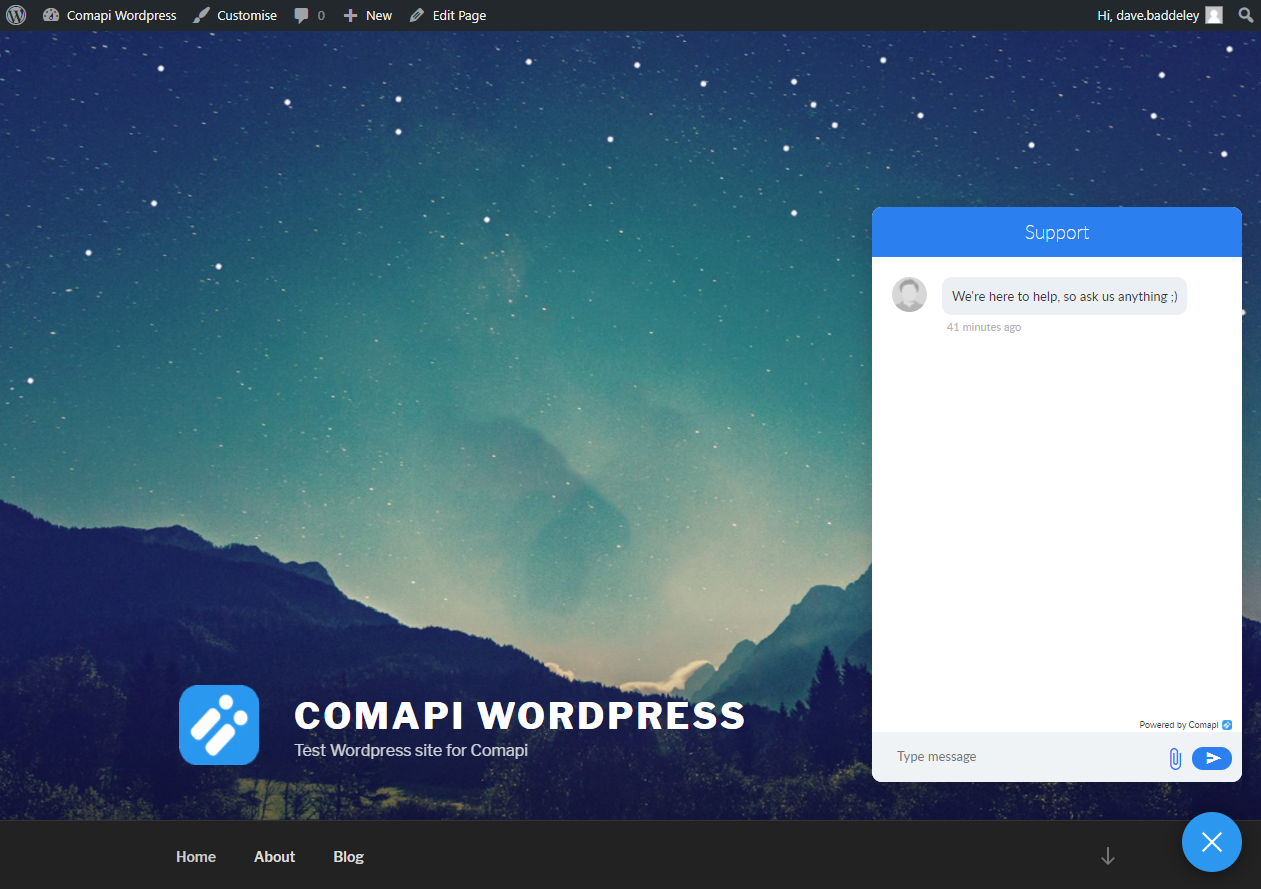
The Comapi webchat widget maximised
This plugin quickly and easily installs the Comapi webchat widget across your WordPress site allowing you to chat in real time to your visitors,
as well as allowing you to answer customers questions from other channels such as:
- Facebook Messenger
- SMS
- Twitter DM
- Plus more…
Find out more or sign up for a free no obligation trial at https://comapi.com
Notes
- Admin users, or more specifically, any user with the manage_options capabilities can use this plugin’s functionality.
- You must ensure you have enabled a team for the webchat channel in the Comapi chat tool before the webchat widget will render
- You must configure the API Space for the webchat widget to use. This can be found in the Comapi portal
in the Platform Configuration -> API SPace Details menu option. In WordPress it can be found in the settings page under Settings -> Comapi Webchat Settings