
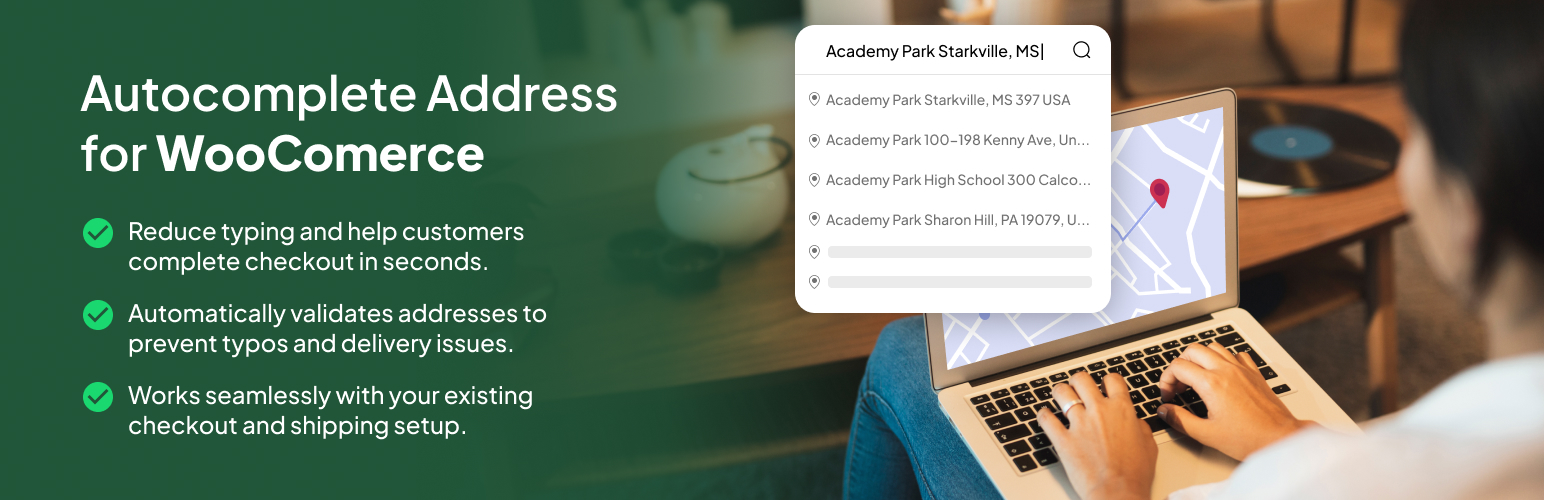

Address Autocomplete for WooCommerce

Settings page — enable billing (free) and shipping (Pro), and activate a license
Every extra field on your checkout is a chance for a customer to mistype, give up, or enter an address that creates problems later. Address Autocomplete for WooCommerce lets shoppers pick their address from Google Places suggestions as they type — then automatically fills in the city, postcode, and state for them.
The result: a faster checkout, fewer fat-finger typos in address fields, and less time your team spends deciphering what a customer actually meant to type.
Built for real stores. Works with both the classic WooCommerce checkout and the modern block (Gutenberg) checkout, on any WooCommerce-compatible theme.
Free vs Pro
Billing address autocomplete is free, forever — no account, no trial, no time limit. Install it and it works.
Pro unlocks shipping address autocomplete — so customers shipping to a different address get the same one-tap autofill. Pro also adds priority support, and the Agency plan adds unlimited sites and WordPress Multisite support.
See plans on the CodePros pricing page.
Why store owners use it
- Faster checkout — customers select an address instead of typing every field by hand
- Fewer address-entry typos — autofill puts the city, postcode, and state in the right fields automatically
- Smoother experience — one less point of friction between cart and confirmation
- Respects your store setup — suggestions only appear for the countries you sell to
Features
- Google Places integration — accurate address suggestions powered by the Google Places API
- Classic + block checkout — automatically detects your checkout type and loads the right implementation
- Billing address autocomplete (free) — enable autocomplete on billing fields at no cost
- Shipping address autocomplete (Pro) — unlock autocomplete on shipping fields with a Pro license
- Auto-fill — populates city, postcode, and state when an address is selected
- Country-aware — respects the country restrictions set in your WooCommerce settings, and updates suggestions when the customer changes country
- Lightweight — scripts load only on the checkout page, and only when an API key is set and at least one address type is enabled
- Simple setup — native WooCommerce settings tab; configure your API key and toggle features in minutes
How It Works
Add your Google Places API key and enable autocomplete for billing (free). As customers begin typing an address at checkout they’ll see Google Places suggestions; selecting one fills in the city, postcode, and state automatically. The plugin detects whether your store uses the classic or block checkout and loads the appropriate implementation, and only ever loads its scripts on the checkout page. To extend the same experience to shipping addresses, activate a Pro license.
Requirements
- WooCommerce 5.0 or higher, installed and active
- A Google Places API key (Google Cloud Console)
- PHP 7.4 or higher
- WordPress 6.6 or higher
External services
This plugin connects to the Google Maps/Places API to provide address autocomplete on the checkout form. When the feature is enabled and a customer types in an address field, the plugin sends the address query to Google’s servers. Google may also collect the user’s IP address and approximate location to return relevant suggestions. This service is provided by Google LLC. See the Google Maps Platform Terms of Service and the Google Privacy Policy.
This plugin also connects to the CodePros License API (https://api.store.codepros.ai) to activate, validate, and deactivate Pro license keys. License requests may include the license key, the generated license key ID, the license key instance ID returned by activation, and the site name/identifier used for activation. The free version’s billing autocomplete works without contacting the License API. No customer address data is sent to the CodePros License API.
Example usage in the plugin:
include/AutocompleteAddress.php – Loads the Google Maps JavaScript API with the Places library
include/LicenseManager.php – Validates Pro license keys against the CodePros License API