

Chat in Website

WhatsApp Button – Shortcode Template Style 1
Chat in Website is the ultimate WhatsApp chat plugin for WordPress. It helps you instantly connect with your website visitors through WhatsApp. Create unlimited WhatsApp chat accounts, display them using shortcodes, Gutenberg blocks, or beautifully designed floating chatbox templates.
Whether you’re a solo freelancer, a business with multiple agents, or a support team, this plugin makes it effortless for users to reach you on WhatsApp with a single click.
📌 Want to see it in action?
👉 Check out the Demo Playground
🎯 Why Choose Chat in Website?
- Unlimited WhatsApp Chat Accounts – Add as many WhatsApp numbers as you need.
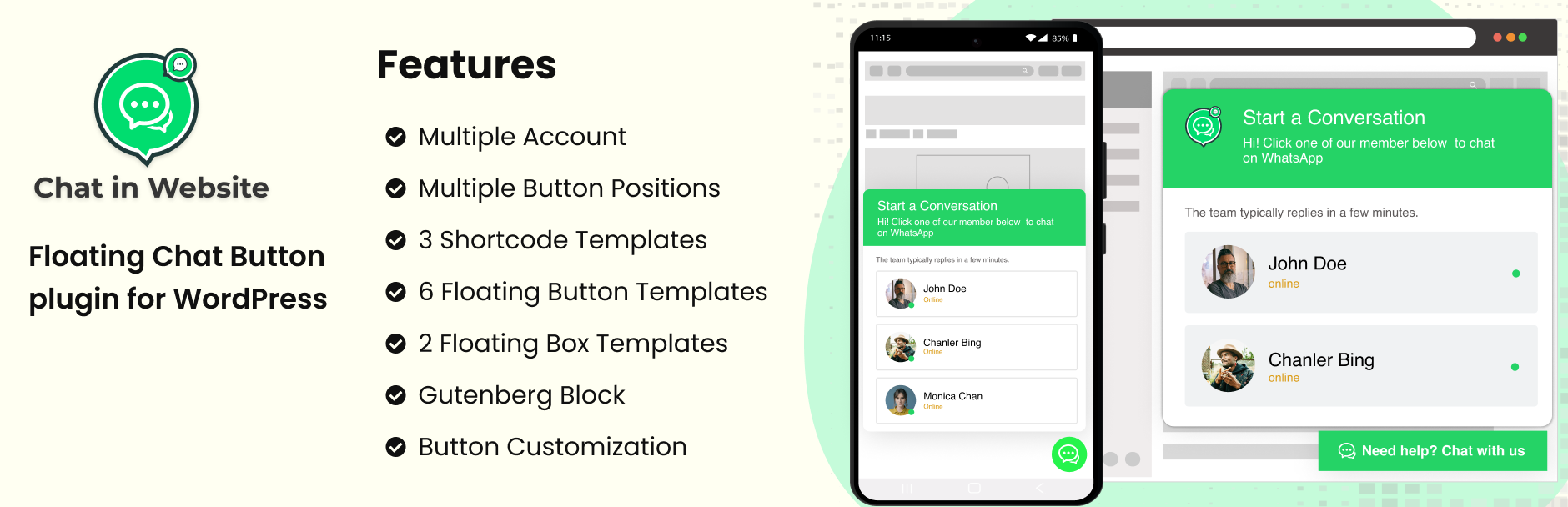
- Floating Chatbox with Multiple Accounts – Display a floating icon on your website that expands to show multiple chat accounts.
- Shortcode & Gutenberg Support – Use chat buttons anywhere with shortcodes or Gutenberg blocks.
- Ready-to-use Templates – Choose from 5 floating templates, 3 shortcode templates, and 3 Gutenberg block templates.
- Highly Customizable – Adjust button position, colors, and styles to match your brand.
- Responsive Design – Works perfectly on all screen sizes and major browsers.
- Quick Setup – Get started in minutes without any coding knowledge.
The perfect WhatsApp support plugin to boost customer engagement and increase conversions.
Features
- ✅ Unlimited WhatsApp Chat Accounts
- 🧩 5 Floating Chatbox Templates
- 🧩 3 Shortcode Templates
- 🧩 3 Gutenberg Block Templates
- 🧲 Floating Icon with Multiple Account Linking
- 📌 Position on Bottom Left or Right
- 🎨 Full Color Customization
- ⚡ Easy and Quick Setup
- 📱 Fully Responsive & Cross-Browser Compatible
External Services
This plugin provides a feature to initiate WhatsApp conversations by redirecting users to WhatsApp Web or the WhatsApp mobile app.
The plugin uses the official WhatsApp URLs:
– https://web.whatsapp.com/send?phone=
– https://api.whatsapp.com/send?phone=
What data is sent and when:
- When users click on the WhatsApp floating icon or shortcode-generated link, the plugin redirects them to the WhatsApp service with the provided phone number.
- The plugin does not collect, store, or process any user data.
- The redirection is purely client-side, and no user information is sent to or processed by the plugin.
External service provider:
- WhatsApp (owned by Meta)
- Terms of Service: https://www.whatsapp.com/legal/terms-of-service
- Privacy Policy: https://www.whatsapp.com/legal/privacy-policy
Usage
- To display a single chat button, use the generated shortcode in any post, page, or widget.
- Use the Gutenberg block for easy visual editing and placement.
- To display the floating icon, go to the plugin settings and choose the position (bottom left/right), then select the accounts to display.