

CAS – Username Display – Custom Shortcode

Complete plugin overview.
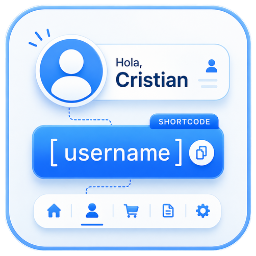
CAS – Username Display & Custom Shortcode is a lightweight, fast and easy-to-use plugin that allows you to customize the logged-in user’s display name and create a custom shortcode to display it anywhere on your WordPress website.
Whether you want to show the username in menus, pages, widgets, templates or other supported areas, the plugin provides a simple and flexible solution without requiring any coding knowledge.
The generated shortcode works with any location that supports WordPress shortcodes, including pages, posts, widgets and popular page builders such as Elementor.
You can also display the username inside traditional WordPress navigation menus by simply adding a Custom Link menu item and pasting the shortcode into the Navigation Label field. No additional configuration is required.
Designed with performance and simplicity in mind, the plugin integrates seamlessly with modern WordPress installations while maintaining full compatibility with the latest WordPress standards.
Features
- Customize the logged-in user’s display name.
- Set a maximum username length.
- Create a custom shortcode.
- Display the username anywhere using the shortcode.
- Compatible with Elementor.
- Display the username in traditional WordPress navigation menus.
- Modern and intuitive administration interface.
- Lightweight and optimized for performance.
- Easy configuration.
- Multi-language support.
- Compatible with the latest versions of WordPress.
Languages
The plugin is currently available in:
- English
- Spanish
- French
- German
- Italian
- Portuguese
- Dutch
- Danish
- Swedish
- Finnish
- Norwegian
- Polish
- Czech
- Slovak
- Hungarian
- Romanian
- Russian
- Japanese
- Chinese
More information and support
Visit our website for documentation, support and more WordPress plugins:
https://bueninformatico.com/wordpress/plugins/