
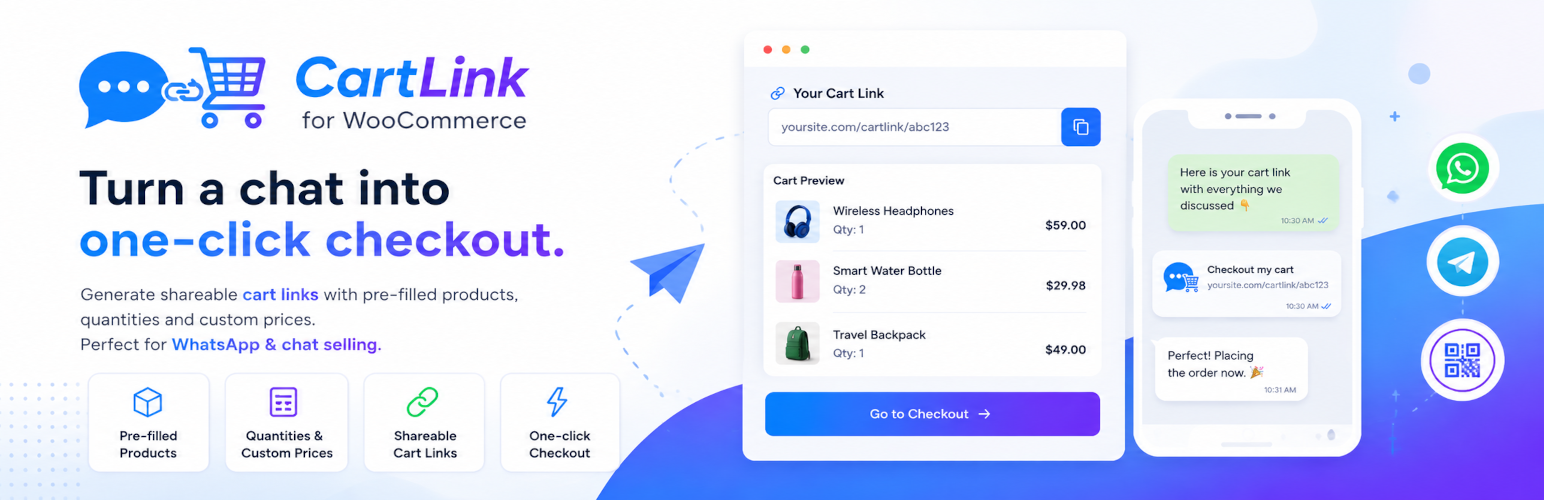

CartLink Generator for WooCommerce — Direct Checkout & Share Cart Links

Turn a chat conversation with your customer into a one-click checkout link.
Turn a chat message into a one-click checkout. CartLink Generator for WooCommerce lets you build a cart for a customer — products, quantities, even custom prices — and share it as a single link. When they open it, the cart is pre-filled and they go straight to checkout. No searching, no adding to cart, no friction.
It’s built for the way people actually sell today: over WhatsApp, Instagram DMs, Telegram, Messenger, email and live chat. Instead of telling a customer “search for product X, add 2, then find product Y,” you send them one link that does it all — cutting 3–4 steps out of the buying journey and driving faster conversions.
Generate the link in the admin, then share it instantly with the built-in WhatsApp, Telegram and email buttons, or let your customer scan the auto-generated QR code in person or from a printed flyer.
Why store owners use it
- Chat commerce & social selling — send a ready-to-buy cart link in any conversation.
- Direct “Buy Now” links — skip the cart page entirely and land the customer on checkout.
- Custom quotes & negotiated prices — set a per-product price or a fixed subtotal discount for a specific customer.
- Sales reps & wholesale — prepare an order for a client and let them confirm with one tap.
- Campaigns & flyers — drop a QR code on print or social and send scanners straight to a pre-filled cart.
- Know who paid — every link shows “opened” and “ordered” status, so chat sellers never have to ask “did you check out?”.
Key Features
- Create and share dynamic cart or checkout links with pre-filled products and quantities.
- Set custom prices per product or a fixed subtotal discount for the whole cart.
- Add custom fees (name, quantity, price — e.g. “Tip for chat operator”) that are applied to the generated cart at checkout.
- Custom link slugs —
/cartlink_autogenerate/summer-box/instead of a random id. Availability is checked as you type; a slug stays locked while its link is active and can be reused after expiry only when you confirm it. - Pre-filled checkout — attach the customer’s name, email and phone to the link and the checkout opens with those fields already filled (classic and block checkout).
- Coupon links — attach a coupon code and it is applied automatically when the link opens, while other coupons stay blocked on generated carts.
- Order tracking — see whether each link was opened and which order it turned into, right in the Recent links table. The order gets a note (and meta) pointing back to the link.
- One-click sharing to WhatsApp, Telegram and email, plus native mobile share.
- QR code generated for every link — perfect for in-person and print.
- Recent links management screen: review, copy or revoke any link you’ve created.
- Live total preview while you build the cart.
- Fast autocomplete product search (searches by name and SKU).
- Choose link expiry (1 day, 7 days, 30 days, 1 year) with automatic cleanup of expired data.
- Redirect customers to the Cart or Checkout page.
- Menu placement as a top-level item or under the WooCommerce submenu.
- Flexible storage: file-based pseudo-transients or native WordPress transients.
- HPOS (High-Performance Order Storage) compatible.
Use Cases
- WhatsApp & Instagram sellers — reply to “I want these two” with a single checkout link.
- Live chat / support teams — turn a support conversation into a completed sale.
- B2B & wholesale — pre-build an order at agreed prices and send it for one-tap confirmation.
- Promotions — share a discounted, ready-to-buy cart for a limited-time offer.
- In-person & print — print the QR code on a flyer, menu, or packaging insert.
Usage
- Access CartLink Generator from the WordPress admin dashboard.
- Use the autocomplete search field to find products and add them to the cart configuration.
- Adjust quantities, custom prices, or apply a fixed subtotal discount as needed. Use Add fees to attach extra charges (e.g. a tip or service fee) with a name, quantity and price.
- Pick how long the link should stay valid. Optionally click Slug (auto) to give the link a readable URL, and Customer & coupon to pre-fill the customer’s details, attach a coupon or add an internal note.
- Click Generate Link, then copy it, share it to WhatsApp/Telegram/email, or show the QR code.
- Review and manage everything you’ve created from the Recent links table — including whether each link was opened and which order it became.
Minimum Requirements
- WordPress 5.5 or higher.
- PHP 7.0 or higher.
- WooCommerce 8.0 or higher.
License
This plugin is licensed under the GPL v2 or later. See License for details.
Bundled QRCode.js library (https://github.com/davidshimjs/qrcodejs) is licensed under the MIT License.