
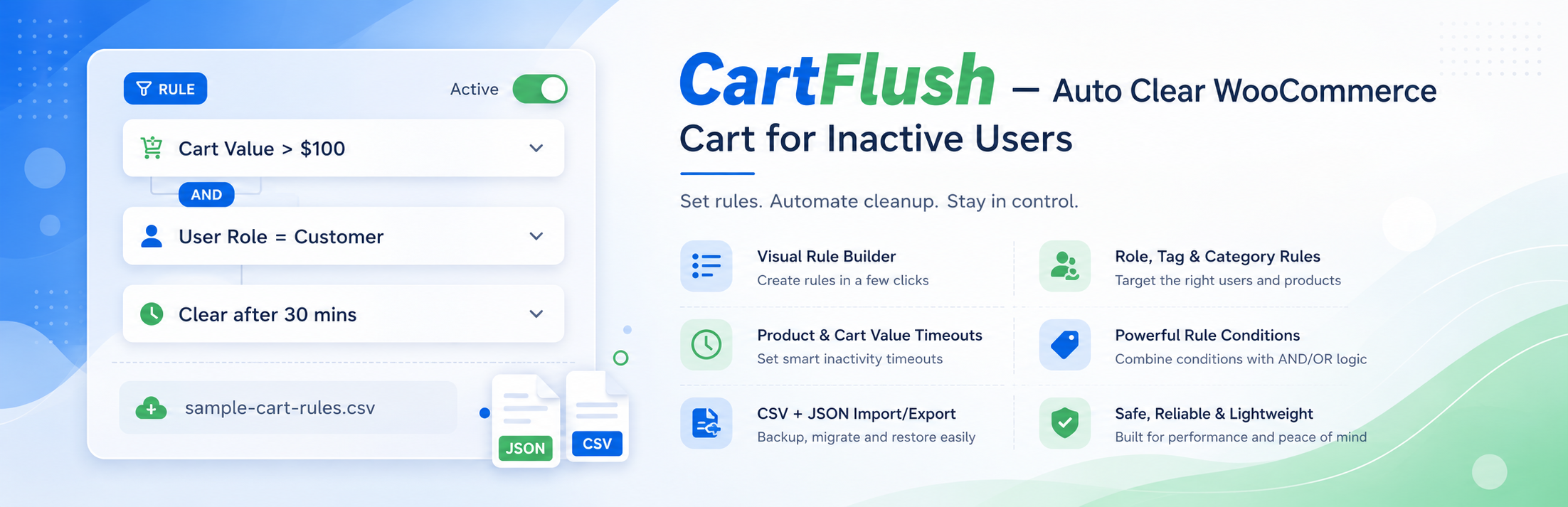

CartFlush – Auto Clear WooCommerce Cart for Inactive Users

Modern CartFlush settings page under WooCommerce
CartFlush helps you automatically clear inactive WooCommerce carts, keeping your store clean, fast, and optimized.
Instead of relying on a single timeout, CartFlush gives you full control over cart expiration from one settings screen under WooCommerce. You can define different timeout rules based on customer type, user roles, products, categories, and tags, then add exclusions for carts that should never be cleared automatically.
Whether you want faster cart turnover, better session management, or cleaner abandoned cart handling, CartFlush gives you the tools to do it properly.
Live Demo
Try Live Demo (No Setup Required)
Why Use CartFlush?
- Prevent stale and abandoned carts from piling up
- Improve WooCommerce session performance
- Apply smarter rules based on customers and products
- Manage rules visually from the WooCommerce settings page
- Import or export rules for fast setup and migration
Key Features
Default Cart Timeout
Set a global inactivity timeout in minutes. If no other rules apply, this value determines when a cart is cleared.
Visual Rule Builder
Create and edit cart timeout rules directly from the CartFlush settings page under WooCommerce. No CSV import is required for day-to-day management.
Customer Type Rules
Define separate timeouts for:
- Guest customers
- Logged-in customers
Role-Based Timeout Rules
Define custom cart expiration times for specific user roles.
Examples:
- Customers – 30 minutes
- Subscribers – 60 minutes
- Wholesale users – 120 minutes
Product, Category, and Tag Rules
Apply specific timeout values based on:
- Product ID
- Product category
- Product tag
This makes it easy to create shorter or longer expiration windows for special items, campaigns, or collections.
Smart Timeout Logic
When multiple timeout rules apply, CartFlush automatically uses the shortest valid timeout.
Exclusion Rules
Prevent cart clearing entirely for matching carts using:
- Excluded roles
- Excluded products
- Excluded categories
- Excluded tags
CSV Import for Bulk Rules
Bulk import rule data with CSV when that is faster than manual entry.
Supported CSV types:
- customer_type
- role
- product_rule
- category
- tag
- excluded_role
- excluded_product
- excluded_category
- excluded_tag
CartFlush also includes a downloadable sample CSV from the settings page to help merchants get started faster.
JSON Import and Export
Export the full CartFlush configuration as JSON for backup or migration, then import it on another store when needed.
WooCommerce Menu Integration
The CartFlush settings page is available directly under the WooCommerce admin menu for quicker access.
Duplicate Rule Warnings
CartFlush warns admins when duplicate rules are saved so they can clean up overlapping entries more easily.
Lightweight and Efficient
CartFlush focuses only on inactivity tracking, rule evaluation, and cart clearing without adding unnecessary overhead.
Translation Ready
Includes the cartflush text domain for localization.
Clean Uninstall
When the plugin is deleted, CartFlush removes its stored settings automatically.
How It Works
- A customer adds items to the cart.
- The inactivity timer begins.
- CartFlush checks the default timeout and any matching timeout rules.
- The shortest valid timeout is selected.
- If an exclusion rule matches, cart clearing is skipped.
- The cart is cleared after the final timeout is reached.
Supported Import Formats
CSV headers:
type,key,timeout_minutes
Supported types:
- customer_type
- role
- product_rule
- category
- tag
- excluded_role
- excluded_product
- excluded_category
- excluded_tag
Example rows:
customer_type,guest,20
role,customer,30
product_rule,321,10
category,flash-sale,15
tag,seasonal,25
excluded_role,wholesale_customer,
excluded_product,123,
excluded_category,high-ticket,
excluded_tag,fragile,<h3>Does this work for guest users and logged-in users?</h3>
Yes. CartFlush uses WooCommerce sessions, so both are supported.
How is the timeout calculated?
The plugin starts with the default timeout, then checks matching customer type, role, product, category, and tag rules. The shortest valid timeout is applied.
What if a cart contains excluded items?
CartFlush skips clearing the cart entirely.
Can I manage rules without importing CSV?
Yes. Rules can be added and edited directly from the CartFlush settings page.
Can I migrate settings between sites?
Yes. Export settings as JSON and import them on another site.
Does uninstall remove all data?
Yes. All plugin options are deleted during uninstall.