


Export/Import Media – CSV Media Library Import & Export
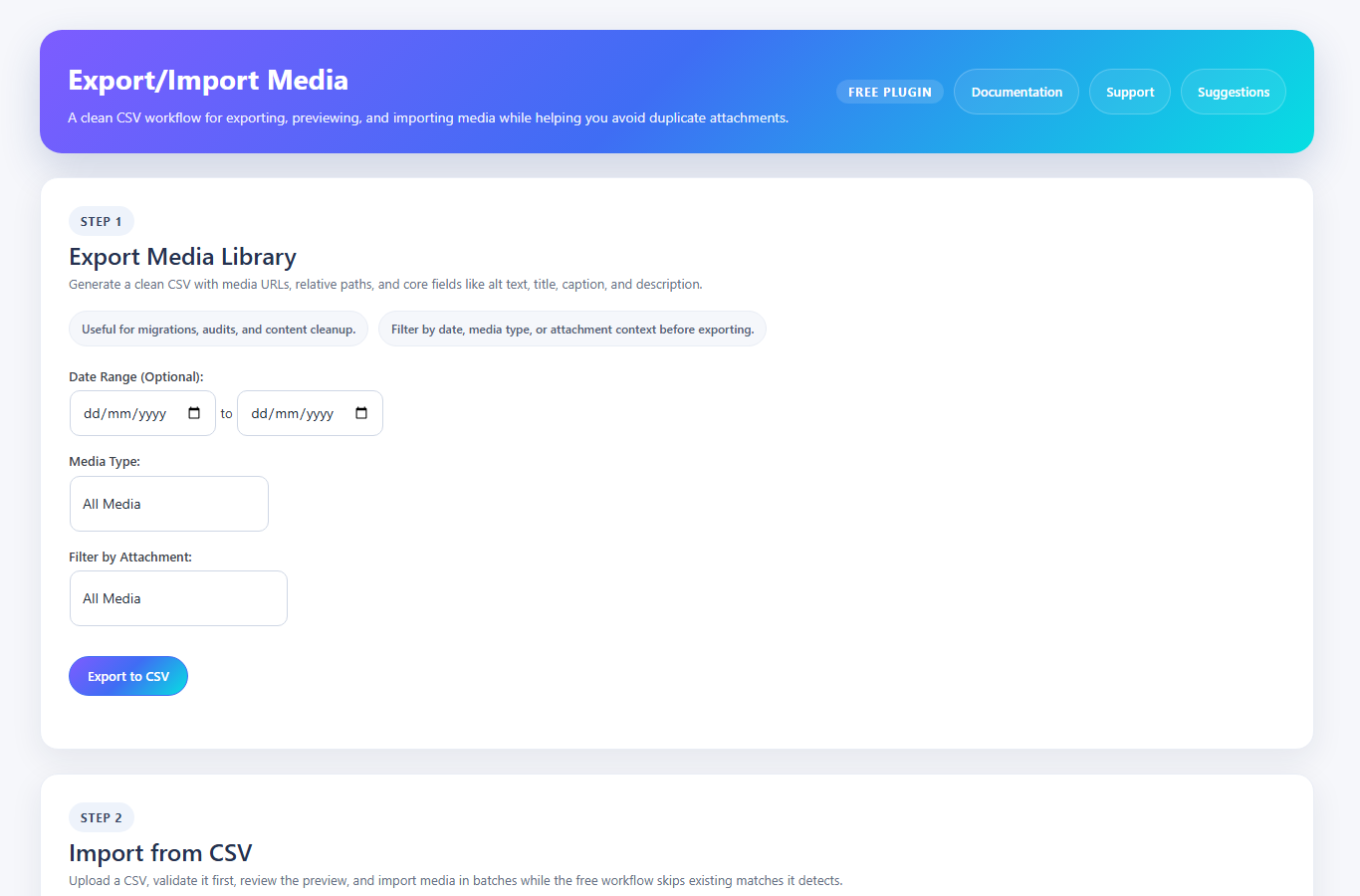
Export media library to CSV with filters for date, media type, and attachment context.
Need to move or rebuild a media library without manually re-uploading every file? Export/Import Media helps you import WordPress media from CSV, export media data to CSV, and keep core attachment metadata organized during the process.
The free plugin focuses on the essential CSV workflow: export your current media library, prepare or upload a CSV, validate the file, preview rows before import, and process media in batches from the WordPress admin. Supported CSV columns include the media URL, relative path, title, alt text, caption, and description.
During standard free imports, detected duplicates are skipped to help prevent duplicate attachments in the media library. Metadata is preserved for newly imported media rows. Updating existing attachments, controlled matching rules, rollback restore points, saved workflows, background processing, image conversion options, and replace-file workflows are handled by the separate Export/Import Media Pro add-on.
Watch the demo:
Why use this plugin?
* CSV-first workflow: Export, validate, preview, and import media library data using a readable CSV file.
* Batch processing: Import media rows in smaller AJAX batches to reduce timeout risk.
* Metadata support: Preserve title, alt text, caption, and description for imported attachments.
* Duplicate prevention: Skip existing matches in the standard free workflow.
* Local file support: Register files that already exist inside your WordPress uploads directory.
* Developer friendly: Use hooks and filters to extend CSV columns, validation, admin UI, and import/export behavior.
Features
- CSV export: Export media library data to CSV with filters for date range, media type, and attachment context.
- CSV validation and preview: Upload a CSV, validate required columns, and preview rows before import.
- Batch import: Process media rows in batches from the WordPress admin.
- Metadata support: Import and export title, alt text, caption, and description columns.
- Duplicate prevention: Detect existing matches and skip duplicate rows in the standard free workflow.
- Local Import Mode: Import files that already exist in
/uploads/without downloading them again. - Honor Relative Path: Reuse or preserve relative upload paths from the CSV when available.
- Skip Thumbnail Generation: Skip intermediate image sizes during import when speed matters more than thumbnails.
- Optional sanitized SVG import: SVG import is disabled by default and can be explicitly enabled per import; enabled SVG files are sanitized before storage.
- Downloadable import log: Download a
.txtlog after an import finishes. - Hooks and filters: Extend CSV columns, validation, admin UI, and import/export behavior.