

Button visually impaired
4.9/5 (26 ratings) 10K+ active installs Updated Sep 21, 2026

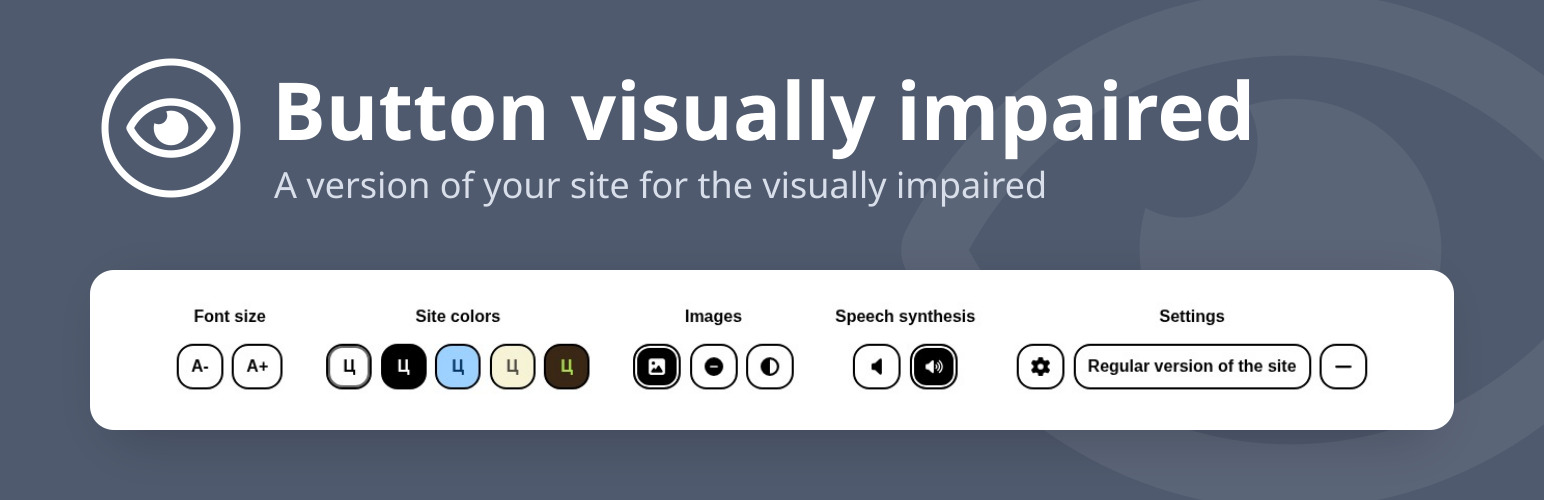
The Button visually impaired panel <code>screenshot-1.jpg</code>.
Button visually impaired automatically changes your site into a version for the visually impaired. The panel on the site lets visitors change the color scheme, the font size and family, spacing and images, and a speech synthesizer reads aloud the changes and the text you mark for it. Thanks to it, your site meets the needs of people with disabilities.
Features
- Change the font size (up to 200%);
- Change the color scheme of the site;
- Change the font of the site (serif or sans serif);
- Change the image (gray scale, hide the image with an alt caption);
- Change letter spacing (kerning);
- Change line spacing;
- Speech synthesizer reads aloud changes to display settings;
- Disable embedded elements (videos, maps, etc.);
- Play text to voice;
- Interface and speech in 11 languages;
- The panel follows the selected color scheme and collapses into a menu on phones and tablets;
- Keyboard control (Tab, arrow keys, Home, End, Space, Enter, Esc);
- Support for browsers Chrome, Firefox, Safari, Microsoft Edge, Opera.
Ways to add the button
- The Gutenberg block “Button for the visually impaired”: icon, text, colors (also on hover, gradient), font, spacing, borders, shadow, size;
- The Gutenberg block “Speech text”: a container whose content a visitor can listen to;
- The shortcode
[bvi]with the attributestext,icon,colorandbackground; - The “Button visually impaired” widget: title, text, colors, showing the icon and the text;
- Any element with the
bvi-openclass.
Detailed instructions and a FAQ are on the “BVI Instructions” page in the admin.
HTML classes
bvi-speechadds text-to-speech buttons to the block;bvi-hidehides the element in the version for the visually impaired;bvi-showshows the element only in the version for the visually impaired;bvi-no-stylesdisables the plugin styles inside the block.