


Brickhunt for WooCommerce
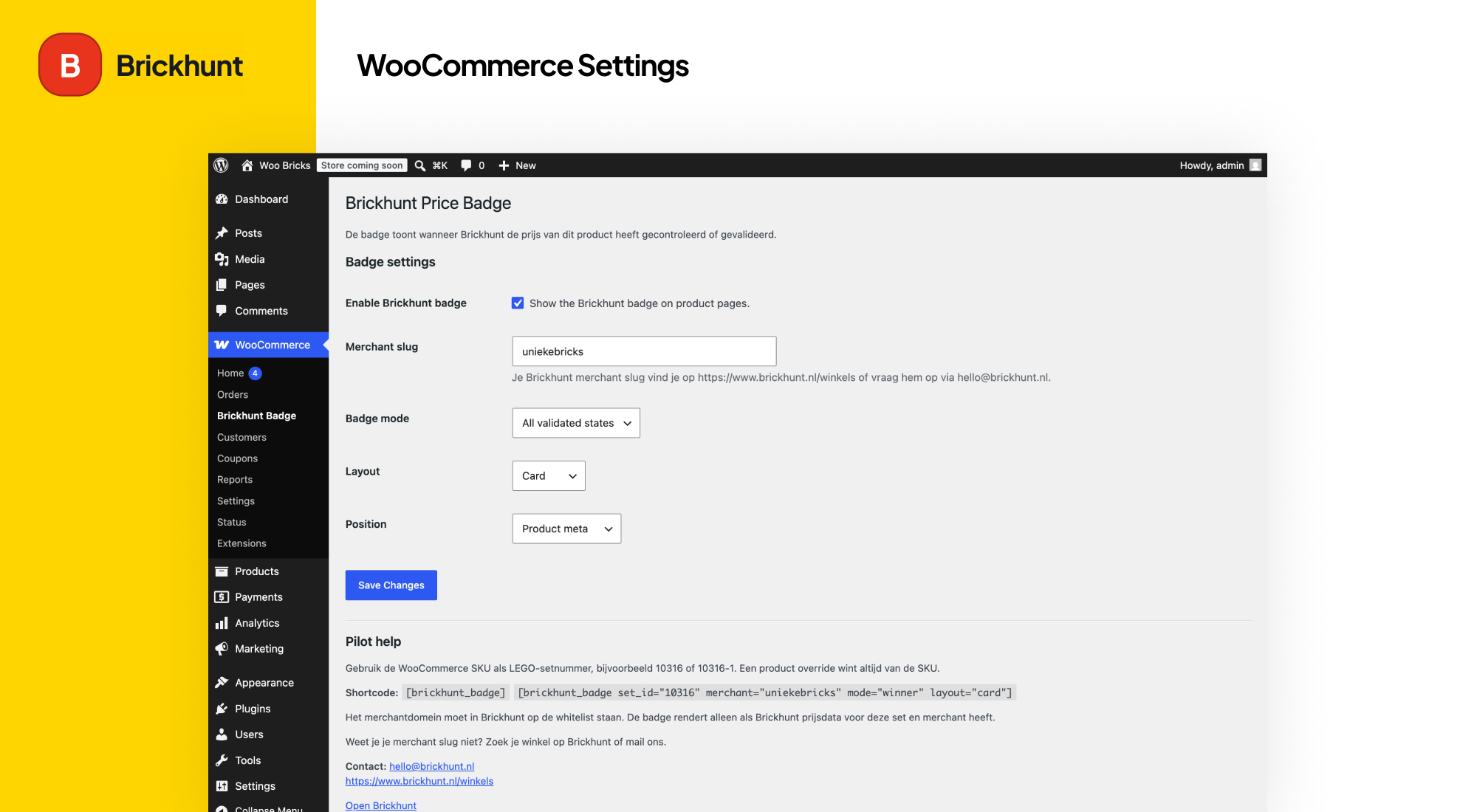
WooCommerce Settings.
Brickhunt for WooCommerce helps LEGO retailers add independent LEGO price validation to WooCommerce product pages.
The plugin uses the existing WordPress-enqueued Brickhunt frontend widget to show whether a LEGO set price has been checked, is a top offer, or is currently the best validated price found by Brickhunt.
Depending on the current market position, Brickhunt can validate that a product price:
- Has been checked against other LEGO retailers
- Belongs to one of the best available offers
- Is currently the best price Brickhunt has found for that LEGO set
The validation badge is automatically rendered based on the LEGO set number and your Brickhunt merchant profile.
Supported validation states:
- Checked – Brickhunt has verified the price
- Top Offer – Brickhunt has confirmed the price belongs to the best available offers
- Best Price Validated – Brickhunt has confirmed the lowest available price
Features:
- WooCommerce integration
- Automatic SKU-to-LEGO-set mapping
- Product-level Brickhunt Set ID override
- Compact and card layouts
- Configurable display modes (all, top3, winner)
- Shortcode support
- Secure merchant domain validation
- No remote API calls from PHP
- Lightweight WordPress-enqueued frontend widget rendering
- HPOS/custom order tables compatible
Brickhunt for WooCommerce does not perform external requests from PHP. It enqueues the Brickhunt widget on the frontend using the configured merchant slug and LEGO set ID.
For security reasons, your store domain must be approved and linked to a Brickhunt merchant profile before validation data can display on live product pages.
Need help setting up the plugin?
Visit https://www.brickhunt.nl/winkels or contact [email protected].
External services
This plugin connects to the Brickhunt service to load and display independent price validation badges on WooCommerce product pages.
The frontend loads the Brickhunt widget script from:
https://www.brickhunt.nl/widgets/partner-badge.js
When a product page displays a badge, the widget requests validation data from Brickhunt using the configured merchant slug, the LEGO set ID, the selected display mode and the current browser origin. This is required to determine whether the merchant’s price can be shown as checked, a top offer or the best validated price.
The plugin itself does not send customer data, order data, cart data or personal information from WooCommerce. The PHP plugin does not perform remote requests. Requests are made by the frontend widget when the badge is rendered.
The Brickhunt service is provided by Brickhunt.
Terms of service:
https://www.brickhunt.nl/voorwaarden
Privacy policy:
https://www.brickhunt.nl/privacy