
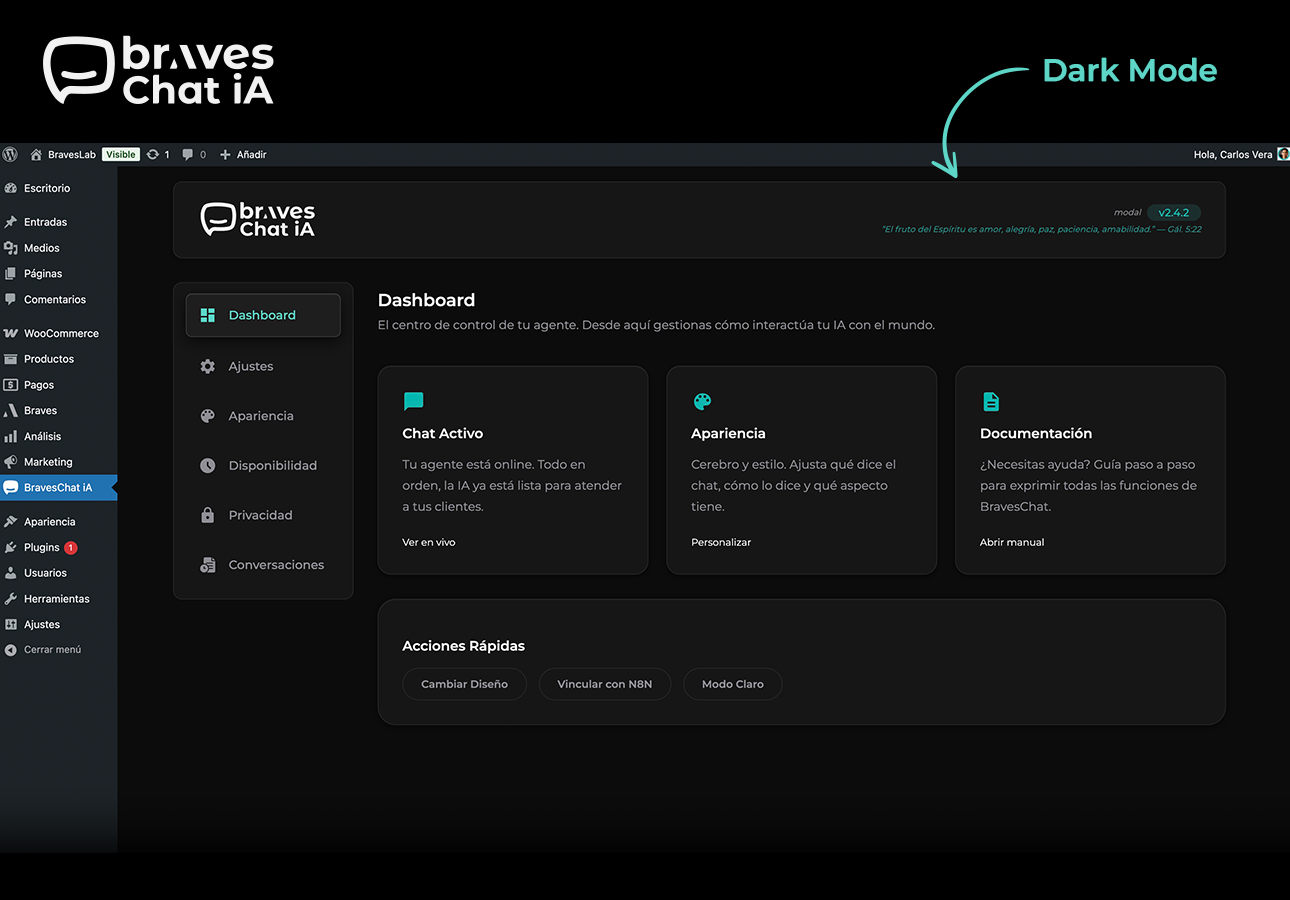
Admin panel dark mode — full dark theme with the new toggle.
BravesChat is the bridge between your WordPress site and your N8N workflows: connect any AI agent you have built with your visitors, without extra code and in minutes.
Designed for the N8N community
- N8N-ready webhook: Point BravesChat to your workflow URL and start receiving messages instantly. Supports an authentication token in the header (
X-N8N-Auth) to protect your endpoints. - Complete payload on every message: Each request includes the current message and the user’s unique
sessionId— everything your N8N nodes need to maintain conversation context. - Markdown responses: Your agent’s messages are rendered with rich formatting — bold, lists, links, and code — with no extra configuration.
- Conversation history with CSV export: Browse all sessions from the WordPress dashboard and export them to your CRM, spreadsheet, or database with one click.
Production-ready
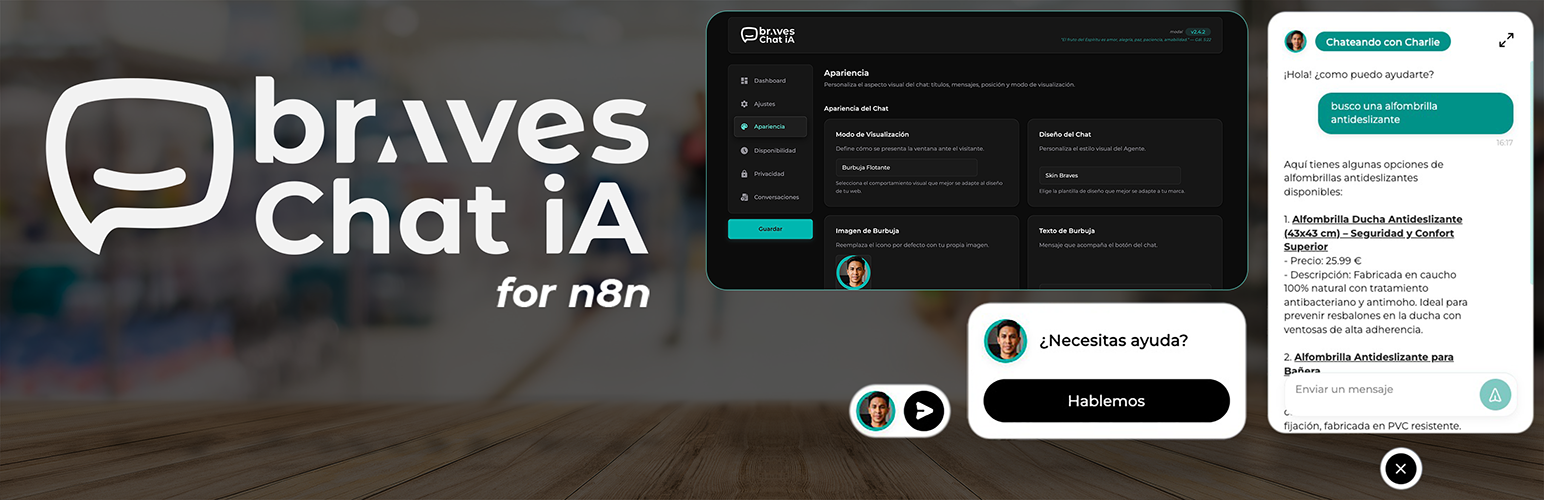
- Three display modes: Floating widget, full screen, or mixed — global bubble with full screen on specific pages via a Gutenberg block.
- Dark mode admin panel: Toggle between light and dark theme. Preference is saved per user and restored without flash.
- Configurable business hours: Define when the chat is active and show a custom message outside those hours — ideal if your agent depends on a human in the loop.
- Built-in GDPR compliance: Consent banner that blocks the chat until the user accepts. Montserrat font loaded locally, no external requests.
- Full brand customization: Colors, texts, position, skin, and display mode — all adjustable without touching code.
- Reinforced security: The N8N authentication token travels only on the server — it is never exposed in the page HTML.
- WooCommerce compatible: Works in WooCommerce stores without conflicts, enabling conversational assistance throughout the purchase process.
Session identification with Fingerprinting
BravesChat generates a unique sessionId per visitor based on browser characteristics (SHA-256 hash), without storing personal data. This allows N8N to maintain conversation context even if the user reloads the page.
External services
N8N Webhook (user-configured)
This plugin sends chat messages to an N8N webhook URL configured by the site administrator.
What data is sent: The visitor’s chat message, conversation history, an anonymous session identifier (fingerprint), and the current page URL.
When: On every message sent by a visitor through the chat widget, but only if the administrator has configured a webhook URL.
Why: To forward the conversation to the administrator’s N8N workflow for AI processing.
The webhook URL, destination server, and all data processing are fully controlled by the site administrator. No data is sent to any Braves-operated server.