

BlockSieve – Display Conditions for Blocks
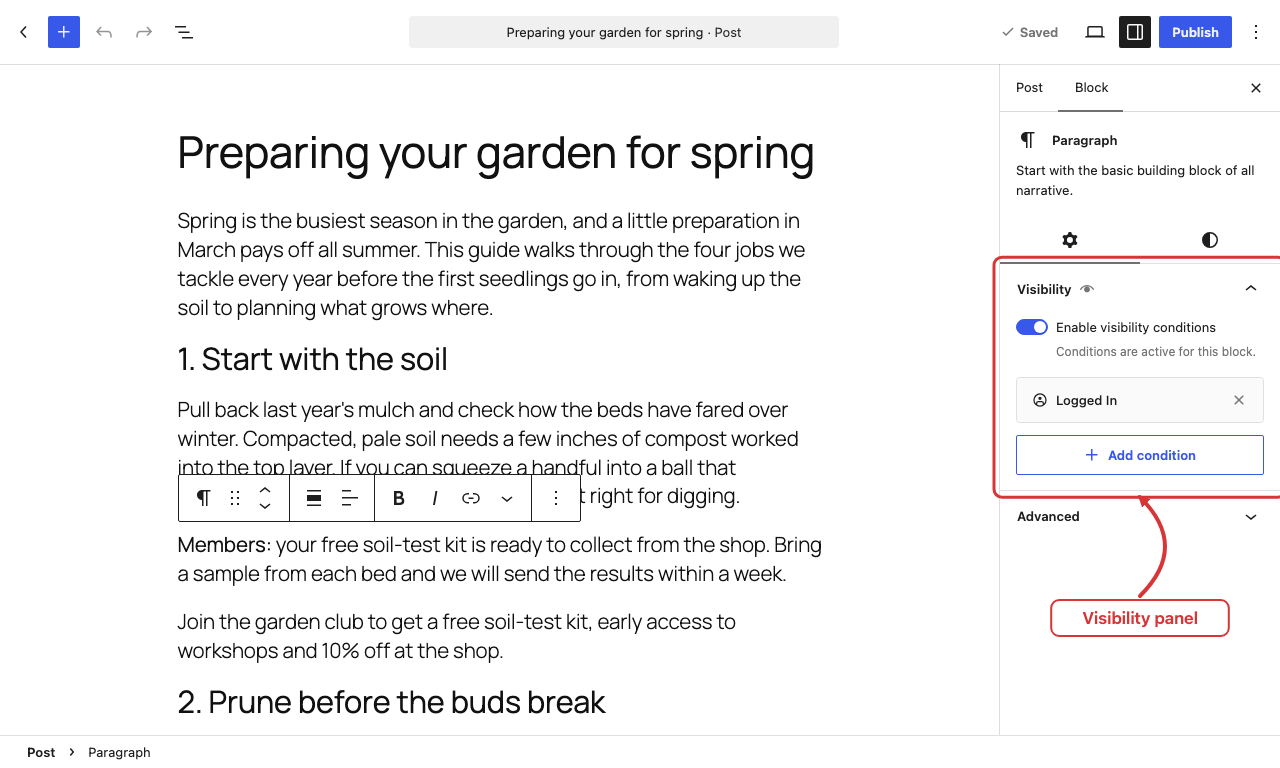
The Visibility panel in the block sidebar, with a block shown to logged-in users only.
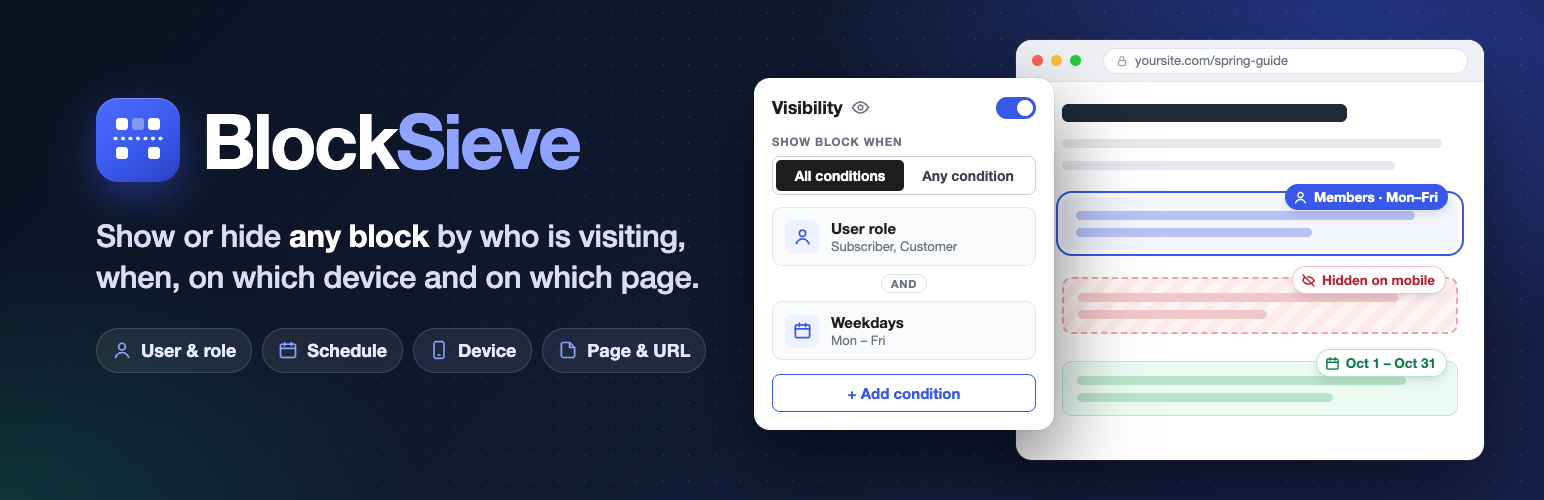
BlockSieve adds conditional visibility to every block in the WordPress block editor (Gutenberg). Select a block, open its Visibility panel in the sidebar, and choose who sees it, when it appears, on which pages and on which devices, without writing code or custom CSS.
It works with core and third-party blocks in posts, pages, custom post types, Site Editor templates and template parts, synced patterns, navigation menus, block widgets and Query Loops, including WooCommerce product templates, with block and classic themes, on single sites and multisite.
Twelve block visibility conditions, all free
- Logged In / Logged Out: show a block to signed-in users only, or to guests only.
- User Role: show a block to one or more roles, including custom roles from plugins such as WooCommerce or membership plugins.
- Date Range: schedule a block to go live on a start date and expire on an end date.
- Weekdays / Time Range: show a block on selected days of the week or between two times of day, in your site’s time zone.
- Device: hide a block on mobile, tablet or desktop using CSS media queries, not user-agent detection.
- Post Type: show a block only on selected post types, such as posts, pages or products.
- Page / Post: show a block only on specific pages or posts, picked from a search box.
- Page View: show a block only on the front page, the blog index, category, tag, author, date or post type archives, search results, the 404 page or single views.
- URL Contains: show a block when the page address contains a piece of text.
- Query Parameter: show a block when the URL carries a parameter such as
utm_campaign, optionally with a specific value.
Combine as many conditions as you need on one block, and choose whether all of them must match or any one is enough.
What you can build
- Members-only content: a welcome message, download link or announcement for logged-in users, subscribers, customers or editors.
- Guest calls to action: a sign-up or login prompt that only logged-out visitors see.
- Scheduled content: a sale banner, holiday notice or event announcement that starts and ends on set dates, with no manual edits.
- Opening hours: a “we are open” notice, phone number or live-chat block that only shows on business days and hours.
- Responsive blocks: hide a large hero image on phones, or show a compact menu on mobile only.
- Conditional headers and footers: in a template part, show a block only on the front page, the blog, an archive, search results or the 404 page.
- Campaign landing pages: show a matching offer when a visitor arrives from a link with a tracking parameter.
Hidden blocks are removed on the server
BlockSieve evaluates conditions in PHP while WordPress builds the page. A hidden block’s HTML never reaches the browser, so it cannot be revealed by viewing the page source. The Device condition is the one exception: it uses CSS, so the block stays in the page and is hidden on the deselected screen sizes. There is no front-end JavaScript, blocks without conditions are skipped immediately, and a small stylesheet loads only on pages that use the Device condition. If a condition ever becomes invalid, BlockSieve shows the block instead of hiding it.
Visibility report: find every block with conditions
Tools BlockSieve lists every block on the site that has visibility conditions, wherever it lives. Each row shows the conditions in plain words, an edit link, and a preview of whether a logged-out visitor or an administrator would see the block. It warns about leftover condition types from removed plugins, empty role or page lists, date ranges that have already ended and conditions that contradict each other. Filter and search the list, or check the totals in the Block Visibility widget on the Dashboard.
For developers
Register custom condition types with the blocksieve_register_conditions action and the editor lists them automatically. Override any decision with the blocksieve_result filter, and tune the report’s cache lifetime, scan limit and post types with filters. The docs/ folder documents every hook and filter, and the readable editor source ships in src/.
Privacy
BlockSieve runs entirely on your own server. It does not contact any external service, load files from a CDN, collect usage data or set cookies. It stores one option for its settings and one short-lived transient for the cached report, and removes both when you delete the plugin. Your visibility rules are saved inside the block content itself.