

Blocks Product Editor for WooCommerce
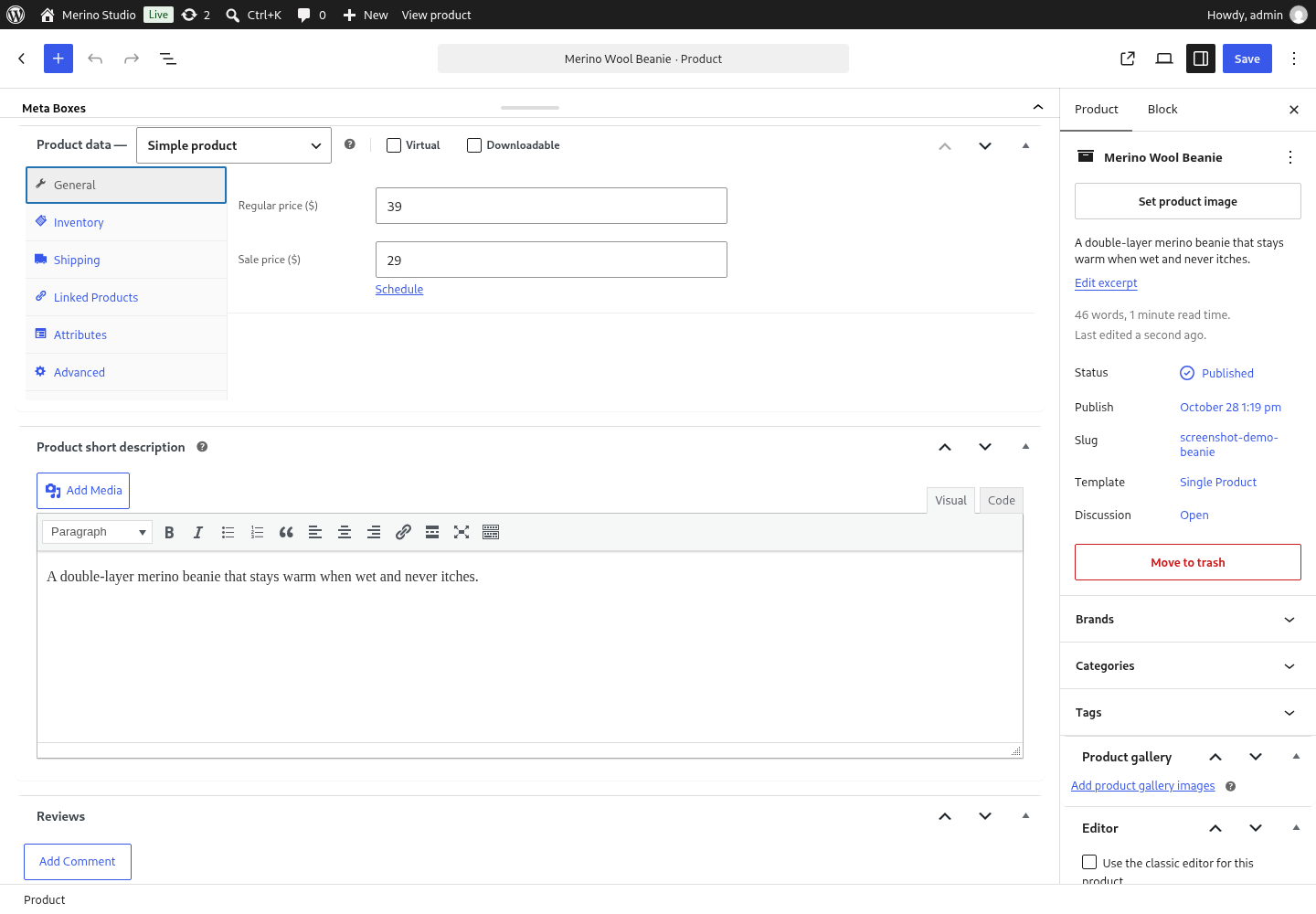
The product screen in the block editor: WooCommerce's product data panel is raised out of the 32px strip, so prices, stock and every third-party box stay where they always were.
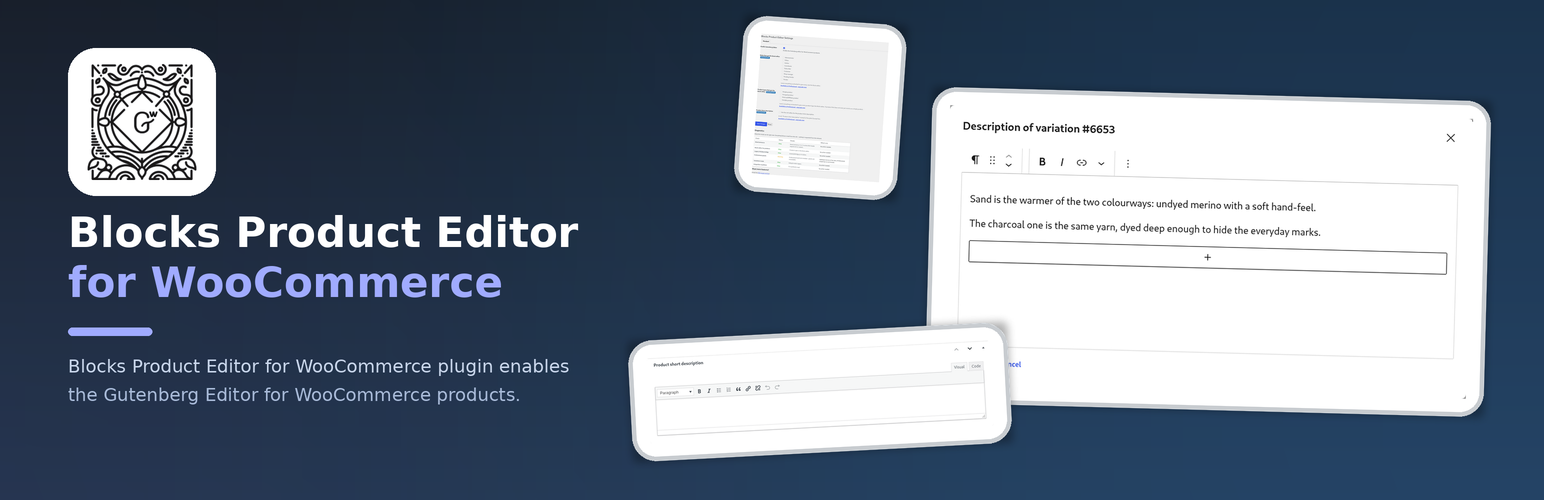
Blocks Product Editor for WooCommerce plugin enables the Gutenberg Editor for WooCommerce products.
WooCommerce shipped its own block-based product editor and then removed it in 11.0 with no replacement, so a product description is edited in the classic editor again. This plugin brings the WordPress block editor back to the product screen: every product, its description, its short description and the product taxonomies are edited with blocks, and the classic editor is one switch away when a shop needs it.
Works with the WooCommerce versions that still ship a product block template (7.7 – 10.x) as well as with 11.0 and newer, which have none – the plugin only edits that template away where it exists.
FREE Features
- Enable or disable the block editor for WooCommerce products, with one switch
- WooCommerce’s own Variations tab is kept wherever it is still needed – and when another plugin forces the classic screen, the screen says so, by name
- An integrity guard for the variation description: a vendor screen, an import or another plugin that cannot edit blocks can no longer silently replace a description written with blocks. The refused value is kept for review, and the admin is told which variation was affected
- For such a description the classic variations screen shows a readable preview and an explanation instead of a textarea that would display markup and destroy it on save
- A way out of blocks, always: a variation description written with blocks can be turned into plain text from the classic screen, with one click and a warning that the formatting goes – nothing is ever locked inside the panel
- A diagnostics report on the settings page – WooCommerce and its version, the block editor, the product metadata boxes, the Professional bundle, the variations mode and the measured plugins, each with a status, an explanation and what to do next
wp bpe status,wp bpe enableandwp bpe disablefrom the console – the way out when the product screen itself is what broke – andwp bpe integrations, which lists every measured plugin with its state and the reason for it- A way out for a single product: the product screen carries a switch that sends one product back to the classic editor, so the rest of the shop keeps the block editor
PRO Features
The PRO version includes all FREE features, plus:
- A variations table: attributes, SKU, prices, stock, gallery images and bulk editing, saved through WooCommerce’s own variation request – so fields added by other plugins keep travelling with the row
- A gallery for every variation: add, reorder and remove the images of a single variation
- A block editor for the variation description, in a modal window, with a preview in the row
- A product fields panel in the editor sidebar – price, sale price, SKU, stock, dimensions and relations – that respects the shop’s decimal separator
- The Catalog visibility box, so the “Catalog visibility” and “Featured” product settings are available next to the other product data instead of only in the sidebar
- Restricting the block editor to selected user roles, so e.g. shop managers can keep the classic editor
- Restricting the block editor to selected product types, so e.g. only simple products are edited in blocks
- The rich “Product short description” box – the short description gets the full WordPress editor instead of a plain textarea
l10n
This plugin is localization ready.
Languages this plugin is available now:
- English
- Arabic (عرب)
- Czech (čeština)
- Danish (Dansk)
- German (Deutsche)
- Greek (Ελληνικά)
- Spanish (Español)
- Persian (فارسی)
- French (Français)
- Hebrew (עִברִית)
- Hindi (हिन्दी)
- Indonesian (Bahasa Indonesia)
- Italian (Italiano)
- Japanese (日本)
- Korean (한국인)
- Malay (Melayu)
- Norwegian (Norsk)
- Netherlandish (Nederlands)
- Polish (Polski)
- Portuguese (Português)
- Russian (Русский)
- Slovak (Slovenský)
- Finnish (Suomalainen)
- Swedish (Svenska)
- Thai (ไทย)
- Philippine (Pilipinas)
- Turkish (Türk)
- Vietnamese (Tiếng Việt)
- Chinese (中国人)
Feel free to translate this plugin to your language.