

Birim Media Export – Export Media Library to ZIP
0/5 (0 ratings) 10 active installs Updated Nov 3, 2026

Media > Export: choose file type, date range, folder layout and what to include.
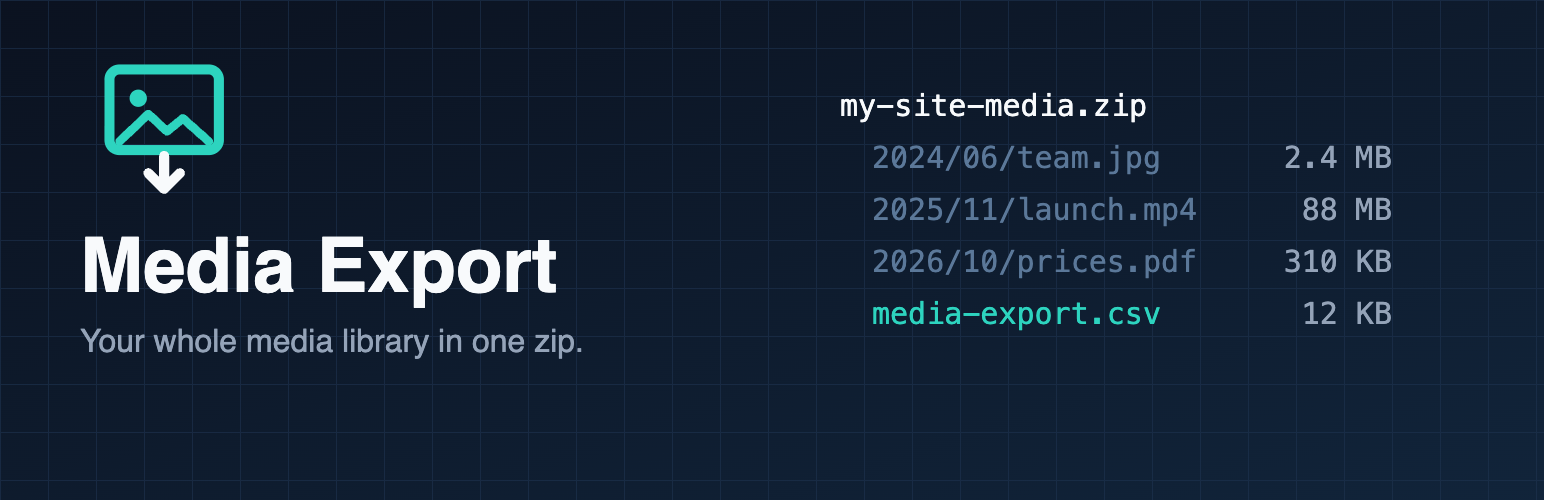
Birim Media Export adds Media > Export. Pick what you want and download one zip file.
- Works on large libraries: the zip streams to your browser while it is built. No temp files, no extra disk space, no waiting for a huge archive before the download starts. Archives over 4 GB or 65,535 files are supported (ZIP64).
- Keep your folders: files keep the year/month folders they have on the server, or put everything in one folder.
- Originals or every size: export the original uploads only, or include the thumbnails and resized copies WordPress generated.
- Filter by file type (images, video, audio, documents) and by upload month, to export in chunks.
- CSV of your metadata:
media-export.csvlists every file with its title, alt text, caption, description, type, date and URL. Cells are escaped so they open safely in spreadsheet apps. - Safe: only administrators can export, every request is checked with a nonce, and only files inside your uploads folder are ever added.
- Lightweight: one file, no libraries, no tracking, no external requests, no ads.