

BirdyChat
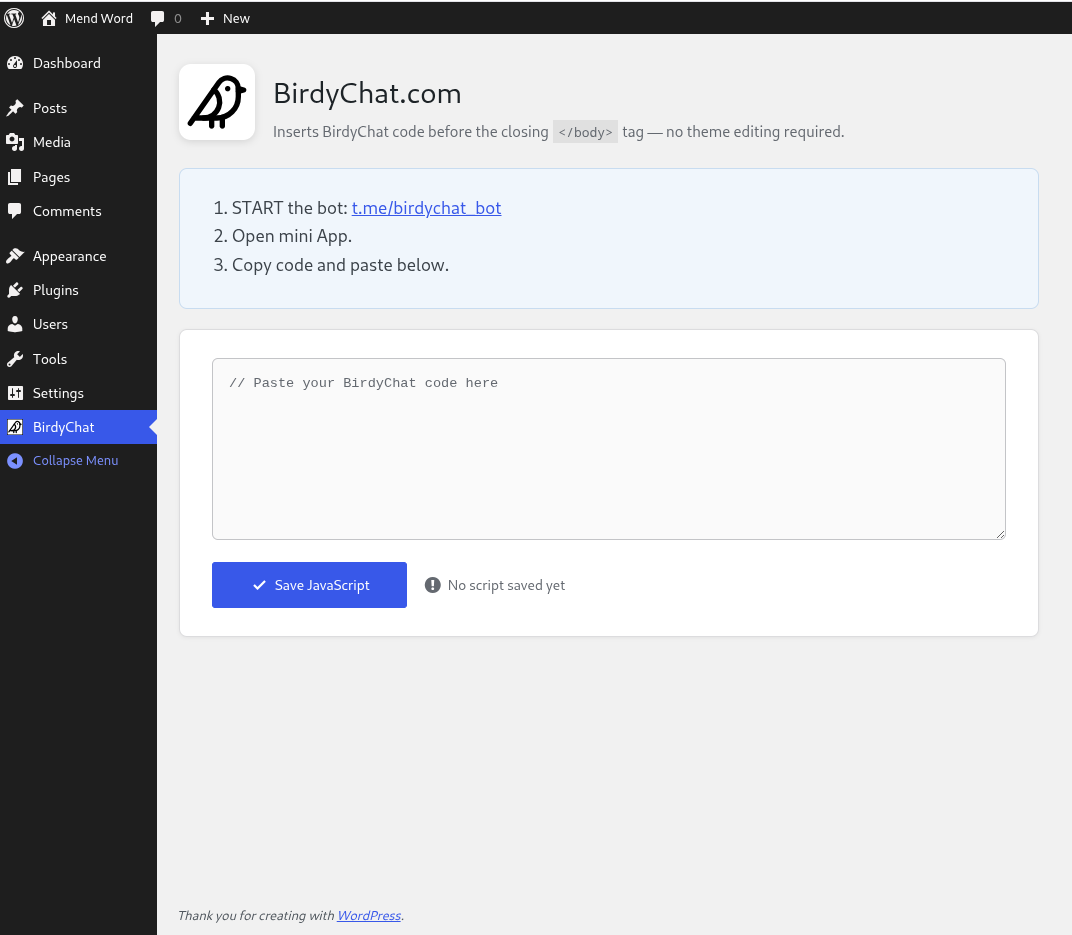
<strong>WordPress birdychat plugin settings page</strong> screenshot-1.png.
Connect your website directly to your Telegram with the BirdyChat Telegram Live Chat Widget. This plugin provides a simple way to install your widget code without touching your theme’s functions.php file, allowing you to manage all customer support from the app you already use every day.
The Ultimate Tool for Busy Business Owners:
-
Voice-to-Text Efficiency: The standout feature! You can reply to customers by sending a voice message in Telegram, and BirdyChat automatically converts it to text for your website visitor. Perfect for responding while you’re on the move.
-
Seamless Visitor Experience: Your customers chat in a professional window right on your site. They don’t need a Telegram account to talk to you.
-
All Chats in One Place: No need to log into a separate dashboard or install heavy support software. If you have Telegram, you have your helpdesk.
Steps to get started:
- Start the bot: t.me/birdychat_bot
- Open the mini app.
- Copy the code and paste it into the textarea below.
How the plugin works
User copies the widget code from the telegram bot (https://t.me/birdychat_bot) and pastes it into the textarea. The widget embed code looks like:
<script src="https://birdychat.com/js/chat-widget.js" data-id="..."></script>
The plugin extracts data-id parameter and validates it.
If successful, the script is enqueued in the footer section of every WordPress page.
External services
This plugin relies on an external service provided by https://birdychat.com:
The plugin first checks that the data-id is in UUID format ( Universally unique identifier, e.g. 123e4567-e89b-12d3-a456-426655440000), then calls the API at https://router.birdychat.com/getserverurl to confirm the ID exists in the BirdyChat database. This call is made once, when the user saves the widget embed code.