
Bibcit Any2HTML
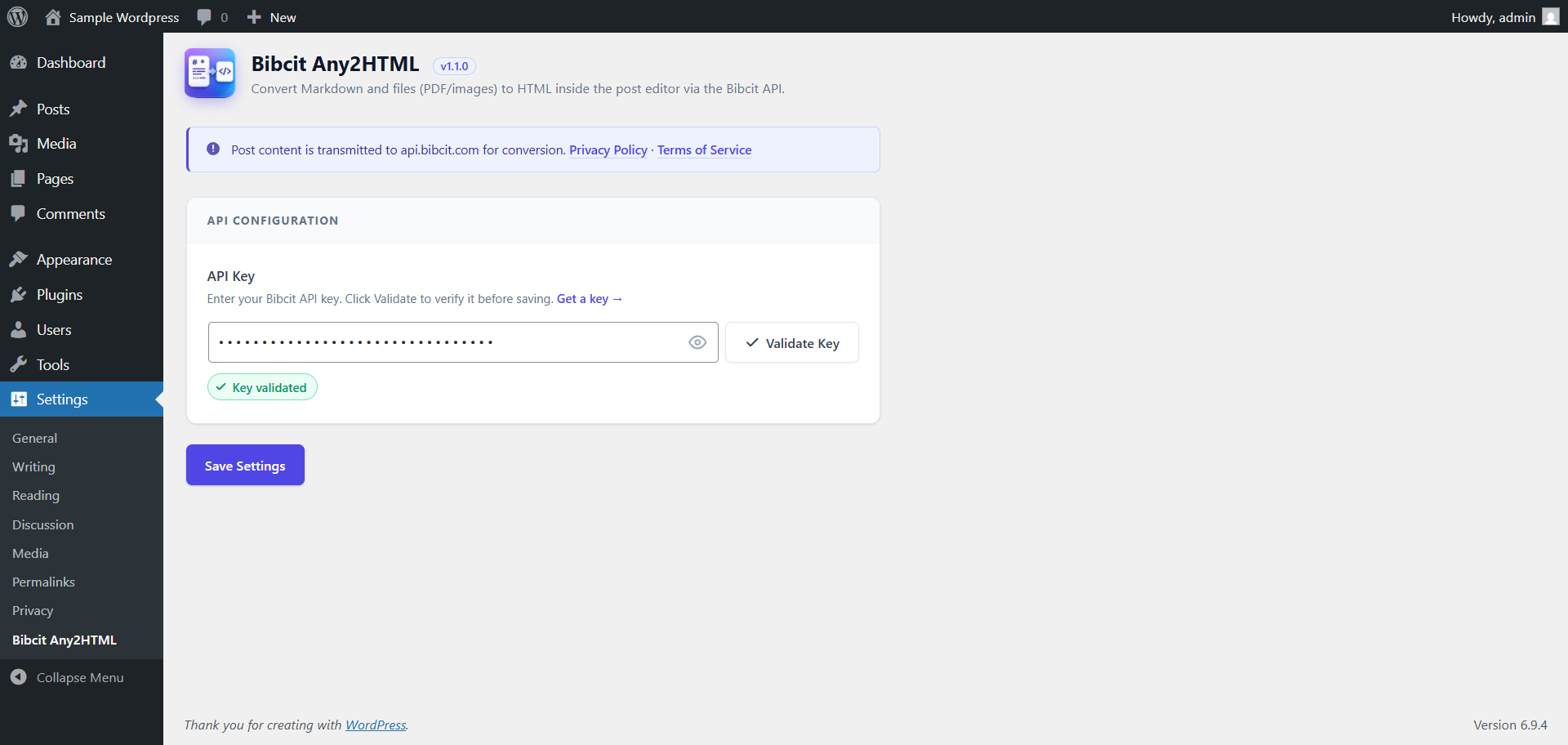
Settings page — API key validation.
Bibcit Any2HTML adds a powerful conversion panel to the WordPress post editor. Whether you’re working with Markdown text, technical diagram code, or document files (PDF/image), the plugin converts your content to clean HTML and inserts it straight into your post — no copy-pasting, no switching tools.
Key Features
Markdown to HTML
Paste any Markdown content into the editor panel and convert it to HTML in one click. Works with headings, lists, tables, code blocks, and all standard Markdown syntax.
Diagram Code to HTML
Convert diagram source code to rendered HTML diagrams directly inside the post editor. Supports a wide range of diagram languages across four categories:
- UML & Software Architecture — PlantUML, C4 PlantUML, Mermaid, Nomnoml, DBML, Structurizr, UMLet
- Graphs & Networks — Graphviz, D2, ERD, SMILES
- Block & Flow Diagrams — BlockDiag, ActDiag, NwDiag, PacketDiag, RackDiag, SeqDiag, BPMN, Ditaa, Pikchr
- Technical & Specialized — WaveDrom, Bytefield, SVGBob, TikZ, Symbolator, WireViz
- Data & Mind Visualization – Vega, Vega-Lite, Excalidraw, Markmap
- Vector Graphics- SVG
Select your diagram type from the dropdown, paste your code, and click Convert to HTML.
File Upload (PDF & Images)
Upload a PDF or image file (JPG, PNG — up to 5 MB) and the plugin will extract the content and convert it to HTML automatically.
Editor Compatibility
Works seamlessly with the Classic Editor, Gutenberg (block editor), and TinyMCE. Converted HTML is inserted at the cursor position.
API Key Management
Enter your Bibcit API key in the settings page and validate it with a single click. The conversion panel only appears once a valid key is confirmed. If a key becomes unauthorized during use, the plugin flags it immediately with a direct link to re-validate.
The full source code is publicly available on GitHub.
Requirements
- A Bibcit account and API key — sign up at bibcit.com.
- An active internet connection (required for API communication).
Third-Party Service
This plugin connects to the Bibcit API (api.bibcit.com), an external service operated by Bibcit.
Data transmitted: Your Markdown text, diagram code, or uploaded file (PDF/image) is sent to the Bibcit API solely for conversion. Your API key is included as a request header (Bibcit-Key) for authentication.
When it is sent: Only when you click “Convert to HTML”, and only when the plugin is active with a valid API key.
Privacy: Content is processed in real-time and is not stored, logged, or retained — ensuring full privacy of your post content.
APIs used by this plugin:
- MassiveMark — Markdown/text to HTML: https://github.com/bibcit/MassiveMark
- MassiveMark Diagram — Diagram code to HTML: https://www.bibcit.com/en/mdiag
- MassivePix — PDF/image to HTML: https://github.com/bibcit/MassivePix
Please review Bibcit’s policies before use: