

Bayle Menu Widget

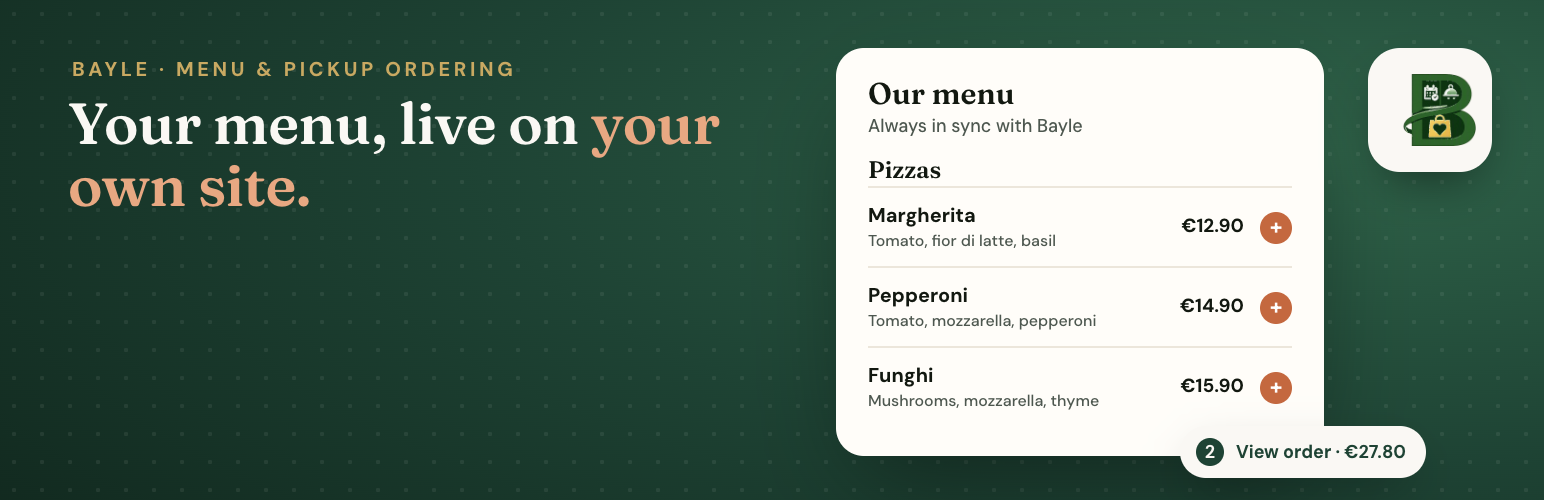
The live Bayle menu on a restaurant page, in the theme's style.
Bayle Menu Widget shows a restaurant’s live Bayle menu on a WordPress page. Dishes, prices, sizes, allergens and diets, photos and the weekly lunch list are managed in Bayle; the plugin shows them as part of your page, styled by your theme (fonts, colours, readable by search engines).
This plugin is an interface to the Bayle menu service at https://menu.bayle.food. You need an active Bayle restaurant with the menu module turned on. Each site sets its own restaurant slug in Settings Bayle Menu. The plugin stores only the slug, default language, display options and the menu base URL. It does not store API keys.
- In your theme’s style (default): WordPress reads Bayle’s public menu feed and keeps a cached copy for 10 minutes. If Bayle cannot be reached, the last good copy is shown, so the page never breaks.
- Embedded Bayle menu page: an iframe of the restaurant’s Bayle menu page, if you prefer.
- Pickup ordering (optional): when online ordering is on for the restaurant in Bayle, guests can add dishes (with sizes and extras) to an order and continue to Bayle’s secure checkout, by default in a window on your site. Pickup time, contact details and payment are handled by Bayle; nothing is paid in WordPress. Untick “Online ordering” in Settings Bayle Menu to show the menu only.
Add the Bayle Menu block, or the shortcode [bayle_menu_widget] (also available as [bayle_menu] when no other plugin uses that shortcode).
For table booking, see the separate Bayle Booking Widget plugin.
External services
This plugin connects to the Bayle menu service, operated by Bayle (https://bayle.food). It is required: without it there is no menu to show.
- Service: Bayle public menu feed and menu page at
https://menu.bayle.food(or another officialhttps://*.bayle.foodhost set by the site admin). - Menu feed (server side): in the default display, WordPress (your server) requests
https://menu.bayle.food/api/{slug}/menu?lang=…when a page with the menu is viewed and no fresh cached copy exists, at most once every 10 minutes per language, and when the admin clicks “Refresh menu now”. It sends the restaurant slug and language, and your site address in the User-Agent. Visitors’ browsers do not contact Bayle for the menu text. - Dish photos: when the restaurant added photos in Bayle, the visitor’s browser loads them from the image addresses in Bayle’s menu feed (https only). This sends the visitor’s IP address and your site address (referrer) to that image host. Turn photos off in the block settings or with
images="0". - Embedded menu page: in iframe display, the visitor’s browser loads
https://menu.bayle.food/{slug}?embed=1&lang=…, which sends the visitor’s IP address and your site address as part of the normal page request. - Pickup ordering (only when online ordering is on for the restaurant in Bayle and in Settings Bayle Menu): when the guest clicks “Continue to checkout”, their browser opens the restaurant’s Bayle checkout with the chosen dish references, quantities and extras, either in a window on your site (an iframe from the menu host above) or on the restaurant’s checkout page. That checkout address comes from Bayle’s menu feed: a
https://*.bayle.foodpage or the restaurant’s own Bayle-hosted store (https only). Contact details (name, email, phone), pickup time and card payment are entered there, not in WordPress. - Human verification: inside the checkout, a Cap.js proof-of-work captcha may run from Bayle’s captcha service at
https://captcha.bayle.food. No Google reCAPTCHA is used, and this plugin does not load the captcha script on your site. - Payments: card payment in Bayle’s checkout is processed by Stripe. This plugin does not load Stripe on your site and never sees card numbers. Stripe terms: https://stripe.com/legal/ssa, Stripe privacy policy: https://stripe.com/privacy
- Why: to show the restaurant’s current menu and, when ordering is on, to place pickup orders with the restaurant.
- Bayle Terms of Service: https://bayle.food/legal/terms/
- Bayle Privacy Policy: https://bayle.food/legal/privacy/
The plugin’s only server-side request is the public menu feed above. It sets no cookies and adds no tracking. The pickup order in progress is kept in the guest’s browser (localStorage) until checkout or until the guest empties it.
Shortcode
Basic:
[bayle_menu_widget]
Options:
slug="your-restaurant"– show another restaurant than the one in Settings.lang="fi|sv|en"– fixed language. If omitted, the Settings default, then the visitor’s language (site language, Polylang or WPML).display="native|iframe"– in your theme’s style, or the embedded Bayle page.layout="list|grid",images="0"(no photos),categories="0"(no section links),ordering="0"(menu only),heading="2|3|4"(section heading level).base_url– only an officialhttps://*.bayle.foodaddress; other values are ignored.
Example: [bayle_menu_widget slug="your-restaurant" lang="fi" layout="grid"]