

Baton – Walkthroughs, Guided Tours & Client Handover
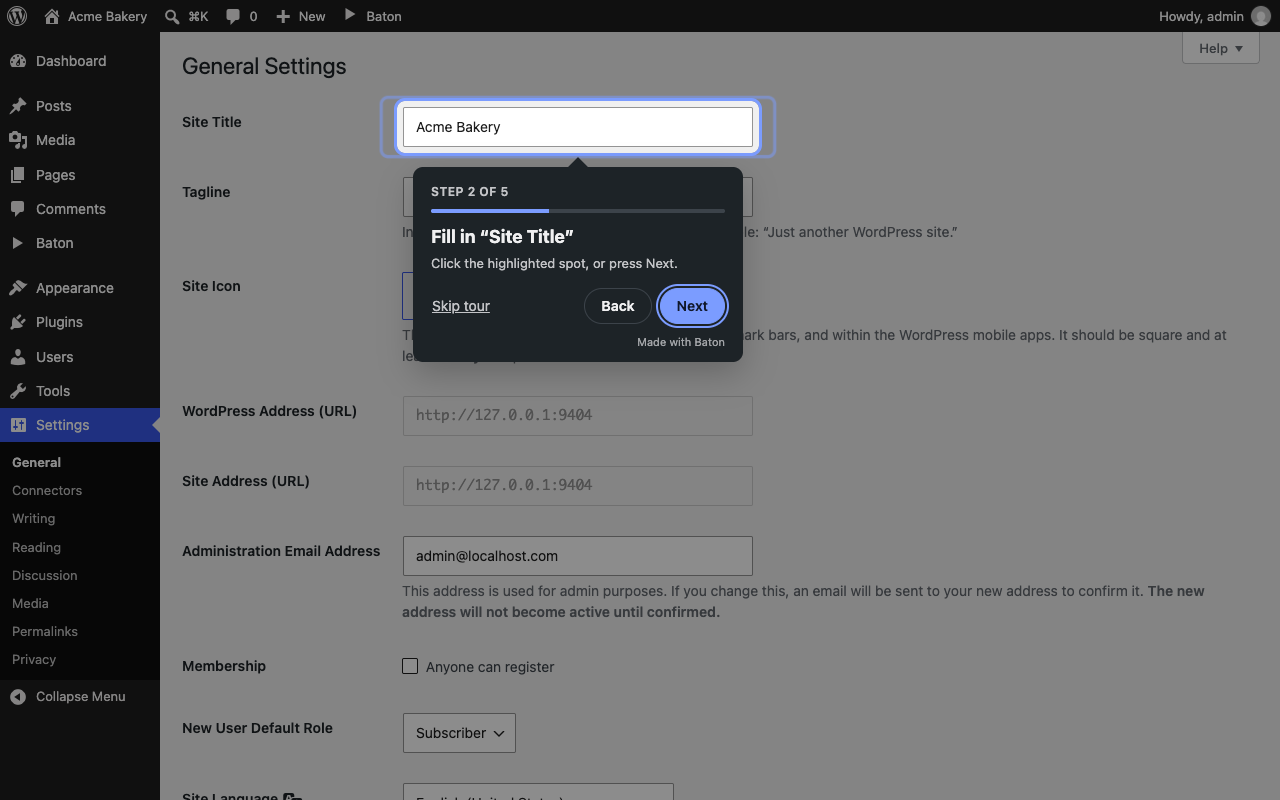
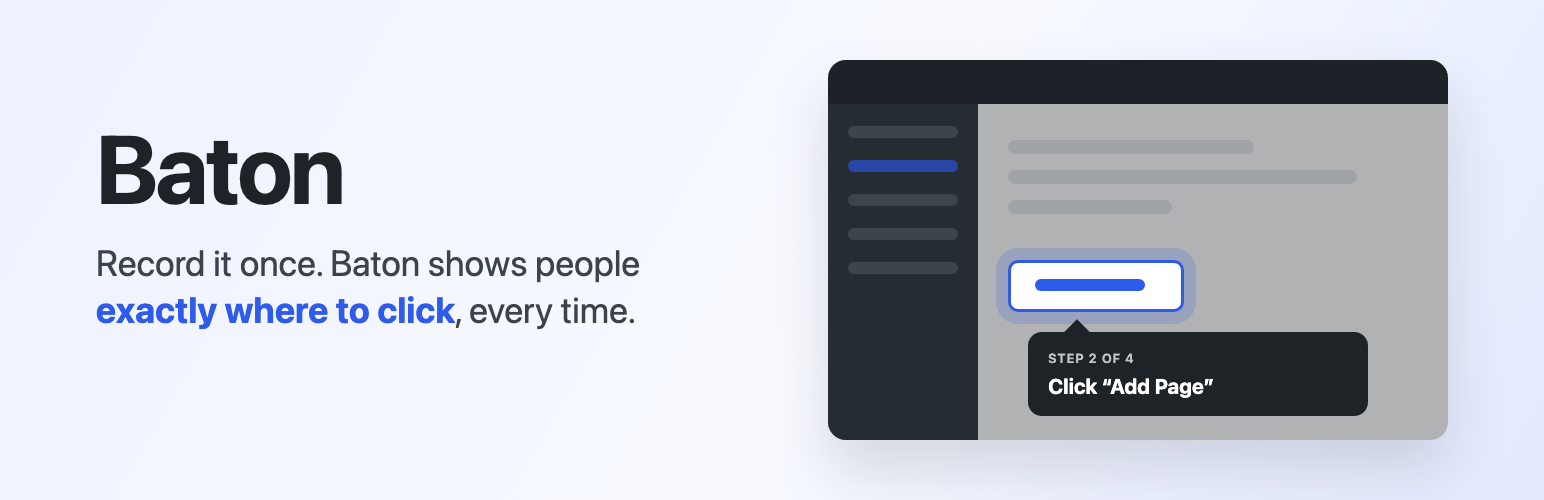
A walkthrough in action: the step is highlighted with a pulsing ring, and the tip says what to do.
Handing a site over usually means a long call, a messy doc, or a screen recording nobody watches. Baton does it differently: it shows people around the actual dashboard.
You just do the task like you normally would. Add a page, update a product, change the menu. Baton watches your clicks and turns them into a walkthrough. The next time your client logs in, the walkthrough launches on its own and shows them exactly where to click: this menu, then that button, then this box, one highlighted step at a time.
How it works:
- In your dashboard, click Baton Record a walkthrough in the admin bar.
- Do the task you want to show, across as many screens as you need.
- Click Stop, give it a name, and let AI write the steps (or write them yourself).
- Click “Take the walkthrough” to try it yourself, then pick who should see it and publish.
What you get:
- A guided tour that highlights each menu, button or box with a pulsing ring and says what to do, in plain words
- Clicking the highlighted spot moves the tour on, so people learn by doing
- Tours that carry on across screens, so you can show a whole task, not just one page
- Works in the block editor too, including inside the writing area
- AI that writes ridiculously simple steps like “Click “Pages””, “Fill in “Site title”” or “Tick “Allow comments””
- Control over who sees each walkthrough (by role) and when (once, or every login until they finish)
- A list of walkthroughs in the admin bar, so people can take them again any time
- A preview button, so you can try any walkthrough (even a draft) before anyone else sees it, or preview a single step
- Works on multisite: each site keeps its own walkthroughs and progress
- A tour link for each published walkthrough, to put on a button, a menu item or in a help doc
- Edit, reorder (drag and drop) or remove any step
Privacy comes first:
- Recording is only for site administrators, and only while you’ve pressed Record
- Only clicks are saved. Anything typed into a form is never recorded
- Clicks on Baton’s own menu are left out
- AI is optional, and never sees anything typed
Baton Pro
Baton Pro is a paid add-on for when you want to guide more than your team. Baton works fully on its own without it.
- Walkthroughs on the front end of your site, for customers, members and students
- Tours for guests and visitors who aren’t logged in
- Start a tour automatically, or suggest it on the pages you choose
- Invite-only walkthroughs, shared with a private link
- Your own name in the dashboard menu, and no “Made with Baton”
- Unlimited AI step writing
Learn more at baton.chidiebere.dev.
External services
Baton AI step writer
Baton connects to the Baton AI step writer, a service run by the plugin author at baton-ai.chidideveloper.workers.dev. It turns the clicks you recorded into short, plain step descriptions like “Click “Pages””. It runs on Cloudflare Workers and uses Cloudflare Workers AI to write the text.
When: only when a site administrator clicks “Save and let AI write the steps” after a recording, or “Write steps with AI” on a walkthrough’s edit screen. Nothing is sent otherwise, and you can always write the steps yourself instead.
What is sent, for every step of that walkthrough:
- The name of the page the step was on (like “Settings › General”)
- The kind of control that was clicked (like “button”, “link” or “checkbox”)
- The text on that control (like “Add Page”)
Each request also carries a one-way scrambled code made from your site address (a SHA-256 hash), so the service can count each site’s daily allowance without knowing which site it is. Your server’s IP address is used to stop too many requests at once. Nothing typed into forms, no page addresses and no user details are sent.
- Terms of use: baton.chidiebere.dev/terms
- Privacy policy: baton.chidiebere.dev/privacy
- The service runs on Cloudflare: terms of service, privacy policy