

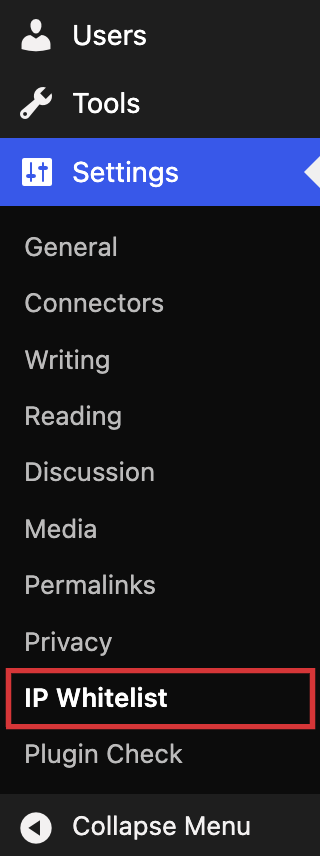
The IP Whitelist entry under the Settings menu.
IP Whitelist lets administrators limit access to the WordPress dashboard and login page to a list of trusted IP addresses. Any visitor whose address is not on the list receives a 403 “Access Denied” response, which keeps brute-force bots and curious strangers away from /wp-admin and /wp-login.php without touching the public site.
Features
- Protects
/wp-adminand/wp-login.php; the login protection can be switched off separately. - Accepts single IPv4 and IPv6 addresses and CIDR ranges such as
203.0.113.0/24or2001:db8::/32. - Optional comments after
#on each line so you can label entries. - Shows the IP address WordPress sees for you, with a one-click “Add to list” button.
- Lock-out guard: the whitelist refuses to enable itself if your own address is not on the list.
- Choose where the visitor IP comes from: the connection address (default) or the
X-Forwarded-For,X-Real-IPorCF-Connecting-IPheader when the site runs behind a proxy, load balancer or Cloudflare. Headers are never trusted unless you select them. - Customisable access-denied message.
- Public site features keep working: AJAX (
admin-ajax.php), cron, WP-CLI, front-endadmin-post.phpsubmissions and password-protected post forms are not blocked. - Emergency bypass: define
AWESOFT_IP_WHITELIST_DISABLEinwp-config.phpto switch the whitelist off without database access. awesoft_ip_whitelist_allowedfilter for developers who need custom allow rules.- Removes all of its options when the plugin is deleted.