


Auto Rename Media On Upload
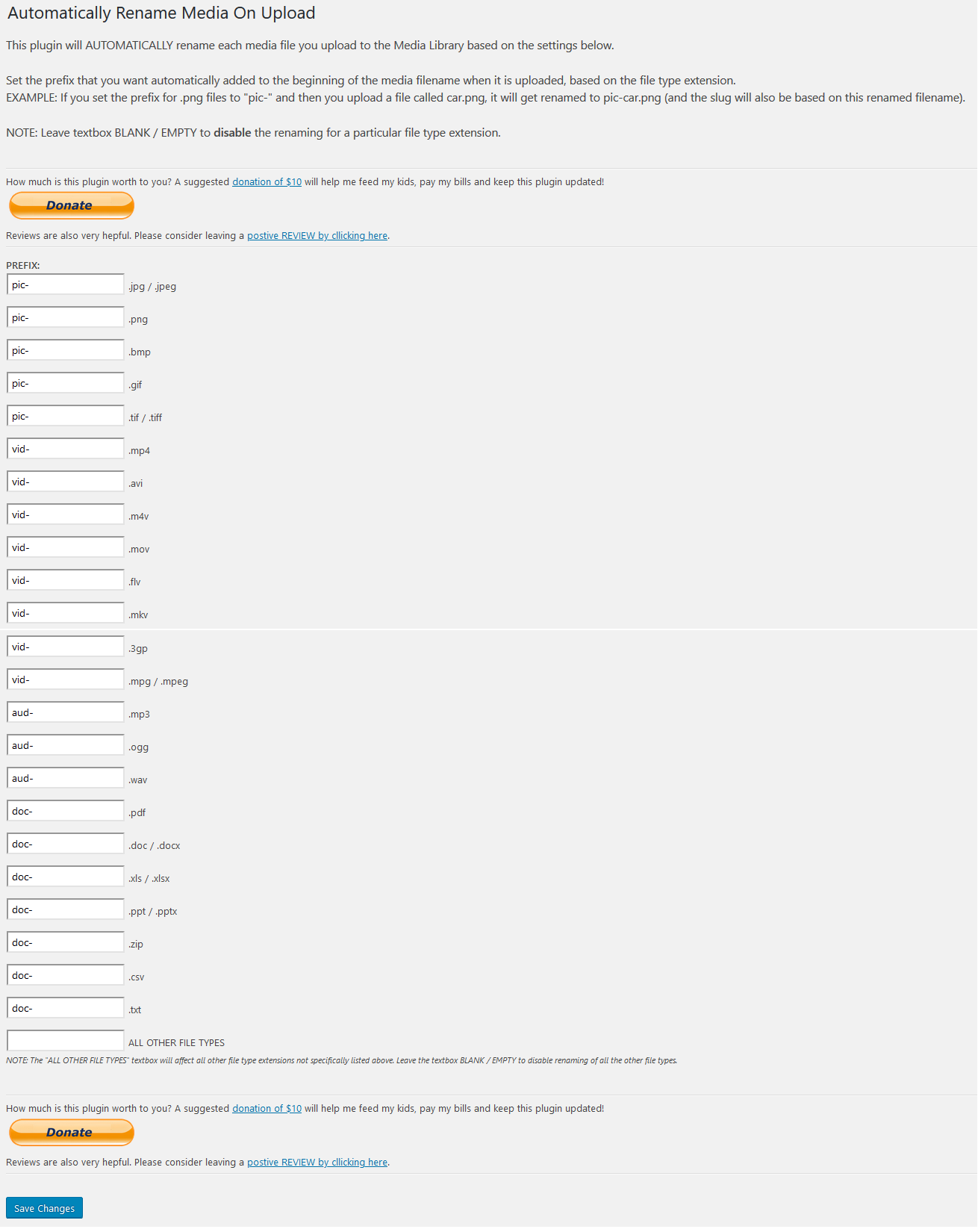
Settings page
This plugin will automatically rename any media files you upload to the Media Library, by adding a prefix to the beginning of the filename based on the filetype.
For example, you can tell it to add the prefix “pic-” to the beginning of all .jpg files that you upload. So uploading an image called car.jpg would get renamed to pic-car.jpg
And since it changes the name of the file, it will also change the “slug” that wordpress uses based on this new name.
You can set an individual/unique prefix for each of the following filetypes:
jpg jpeg png bmp gif tif mp4 avi m4v mov flv mkv 3gp pdf doc docx xls xlsx ppt pptx mp3 ogg wav zip csv txt rtf odt
You will need to go to the settings page and set the prefix you want to use for each of the filetypes.
The default behavior is that it will NOT rename any uploaded files until you have set the prefix on the settings page.