


Attendarra
Front-end registration form with the default violet palette.
Attendarra turns any WordPress post type into a seat-limited event registration form. Attendees fill out a short form, are automatically confirmed or placed on a waitlist depending on seat availability, and — if a Calendly link is configured — are handed straight to a Calendly scheduler to pick their time slot.
Registration and waitlisting
- Seat-limited registration with automatic waitlisting once a seminar is full.
- Automatic waitlist promotion: when a confirmed registrant cancels or is removed, the oldest fitting waitlisted registration is promoted automatically (seat, Calendly link, and email notification included), oldest first.
- Optional “bring a guest” field with a configurable max seats per registration.
- Configurable extra fields per seminar (e.g. “Company”, “Job title”) that appear as extra text inputs on the form and are stored per registration.
- Built-in honeypot spam protection — no CAPTCHA, no extra dependency, invisible to real visitors.
Scheduling and reminders
- Built-in Calendly integration: embed a public scheduling link, or generate single-use scheduling links via the Calendly API. Entirely optional — leave it blank and the form works as a plain RSVP.
- Optional seminar date/time field. When set, it powers automatic reminder emails (configurable hours before the seminar) and a downloadable .ics calendar file offered to confirmed registrants.
Self-service and admin tools
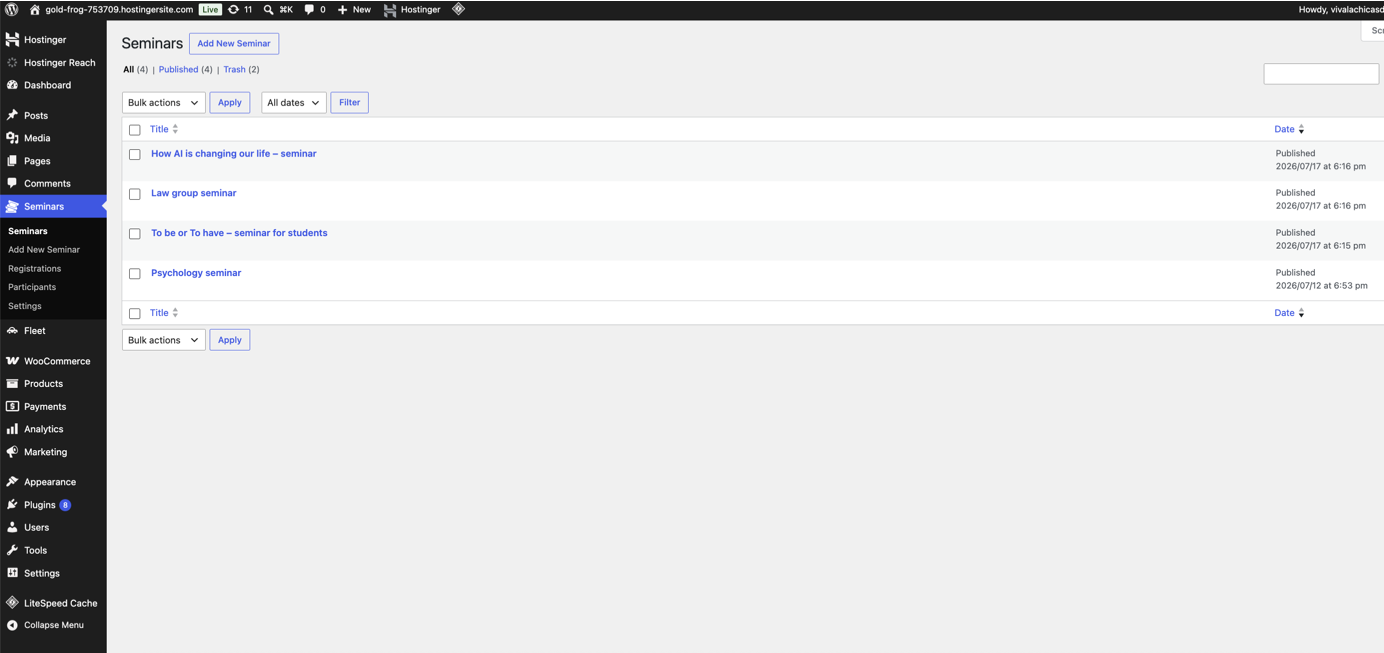
[atdra_seminar_my_registrations]shortcode lets attendees look up their own registrations by email and cancel them without contacting an admin (cancelling frees the seat and triggers waitlist promotion).- Admin dashboard for registrations (update status, bulk remove, one-click CSV export) and a separate participants archive that keeps contact history even after a registration is removed, with its own CSV export.
- A Gutenberg block (“Seminar Registration Form”) lets editors pick a seminar from a dropdown instead of typing the shortcode by hand.
- Configurable confirmation, waitlist, and consent messages per seminar.
- Email notifications to the admin and the registrant on every submission, promotion, and reminder.
Design
- Choose from 5 built-in color palettes (violet, blue, green, amber, slate), or enter your own custom hex colors — set a site-wide default and override it per seminar.
Privacy
- Built-in support for the WordPress personal data export and erasure tools.
- Data (custom database tables, seminars, and settings) is kept by default when the plugin is deleted; a setting lets you opt into full cleanup on uninstall instead.
Calendly modes:
- Public link mode — embeds your existing Calendly link after a confirmed registration.
- Single-use mode — requires a Calendly Personal Access Token and an Event Type URI, and creates a fresh one-time scheduling link per registrant.
External services
This plugin can optionally connect to Calendly, a third-party scheduling service, to let confirmed registrants pick a time slot. Calendly is only contacted if a site owner configures a Calendly link on a seminar; if left blank, the plugin works as a standalone registration form with no external connections at all.
-
Calendly scheduling widget (public link mode): if a seminar has a public Calendly link configured, the plugin loads Calendly’s widget script (
https://assets.calendly.com/assets/external/widget.js) in the confirmed registrant’s browser to display the embedded scheduler. The registrant’s name and email, as entered on the registration form, are sent to Calendly to pre-fill the scheduling widget.
Calendly’s terms of service: https://calendly.com/legal/customer-terms-conditions
Calendly’s privacy policy: https://calendly.com/legal/privacy-notice -
Calendly Scheduling Links API (single-use mode, opt-in): if a site owner enters their own Calendly Personal Access Token and Event Type URI to enable single-use scheduling links, the plugin’s server sends that Event Type URI to Calendly’s API (
https://api.calendly.com/scheduling_links), authenticated with the site owner’s token, to generate a one-time booking link for each confirmed registrant. This request happens only when single-use mode is enabled; no registrant personal data is included in this particular request.
Calendly’s terms of service: https://calendly.com/legal/customer-terms-conditions
Calendly’s privacy policy: https://calendly.com/legal/privacy-notice