
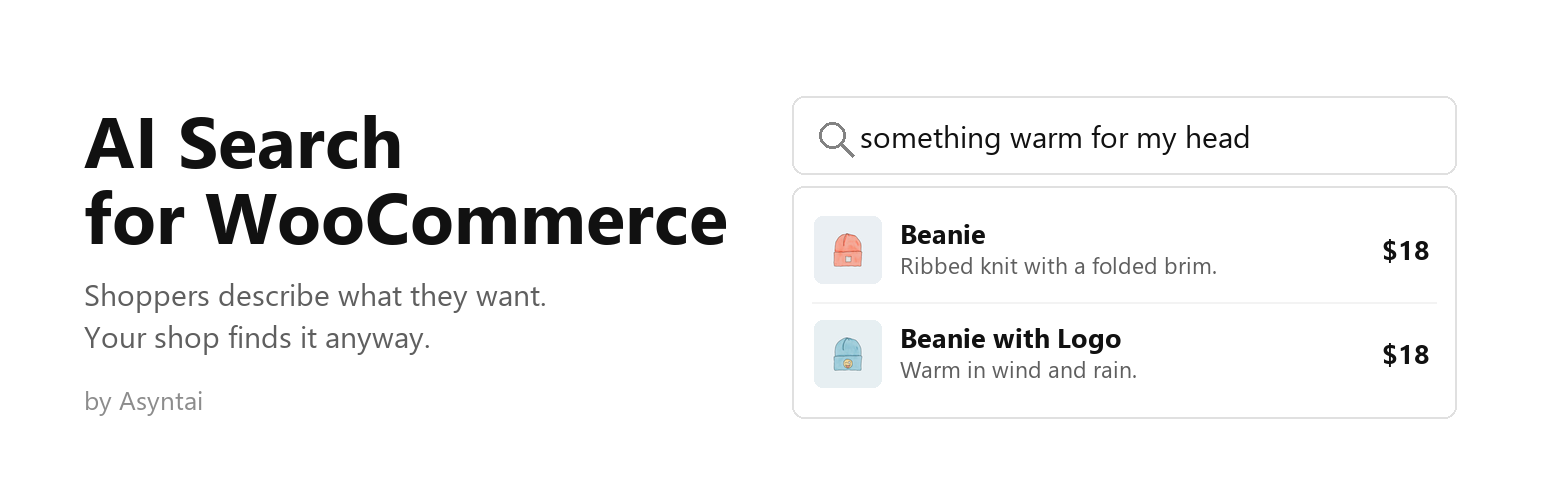

Asyntai AI Search – Smart Product Search

A shopper describes what they want and finds it, without naming the product.
WooCommerce search matches words. A shopper who types “something warm for a winter hike” gets nothing, because no product is called that.
Asyntai AI Search understands the meaning behind the words. It returns matching products with their picture and price, and it returns your pages and posts too, so a question like “how long does delivery take” finds the right page instead of an empty result.
What it does
- Understands intent, not only keywords
- Shows product results with image, price and a direct link
- Searches your pages and posts as well as your products
- Works in the shopper’s own language, out of the box
- Hands the question to your Asyntai chat assistant when one is installed on the site
Setup takes one click
Press Connect and sign in. Nothing to paste, nothing to configure. We only ever read your shop, never change it, and disconnecting undoes it completely.
Where the bar appears
Choose any of these:
- In place of your theme’s own search box, found automatically
- In your main menu, for themes that ship no search box
- The AI Search Bar block
- The AI Search Bar sidebar widget
- The
[asyntai_search]shortcode
Many themes have no search box at all until you add one. When that is the case the settings screen says so, and offers your main menu instead, or the block if your theme has no classic menu. You are never left wondering where the bar went.
Your normal search always keeps working
When the bar may not run, because your plan does not cover it or the month’s allowance is spent, it removes itself and your theme’s own search box comes straight back, so normal WordPress search takes over. A shopper is never left typing into a box that answers nothing.
External services
This plugin connects to Asyntai, a hosted AI search and chat service, because the search index and the AI model run there rather than on your server.
What is sent, and when
- On connect: your site address, your WordPress account email, and a read-only WooCommerce API key that this plugin creates for you.
- After connect: Asyntai reads your product catalogue through that read-only key so it can build the search index. It reads nothing else, and it can write nothing back.
- On every visitor search: the words the visitor typed, so results can be returned.
- Once an hour, from your server: your Asyntai site id, to ask whether the search bar may be shown.
- Nothing when you open the plugin screen. The “Try your search bar” button opens your bar on Asyntai in a new tab, and only when you click it. Searches you run there are not counted against your allowance.
No visitor names, email addresses or order details are ever sent.
Asyntai is a hosted service, provided at https://asyntai.com/.
Terms of Use: https://asyntai.com/terms-and-conditions/
Privacy Policy: https://asyntai.com/privacy-policy/
An Asyntai account is required. A free account is enough to run the search bar on your shop through this plugin. Every plan includes a monthly allowance of AI replies, shared with the Asyntai chat assistant, and each visitor search uses one. When the allowance runs out the bar switches itself off until the month resets, and your normal WordPress search takes over in the meantime. The plugin screen always shows how much you have left.