
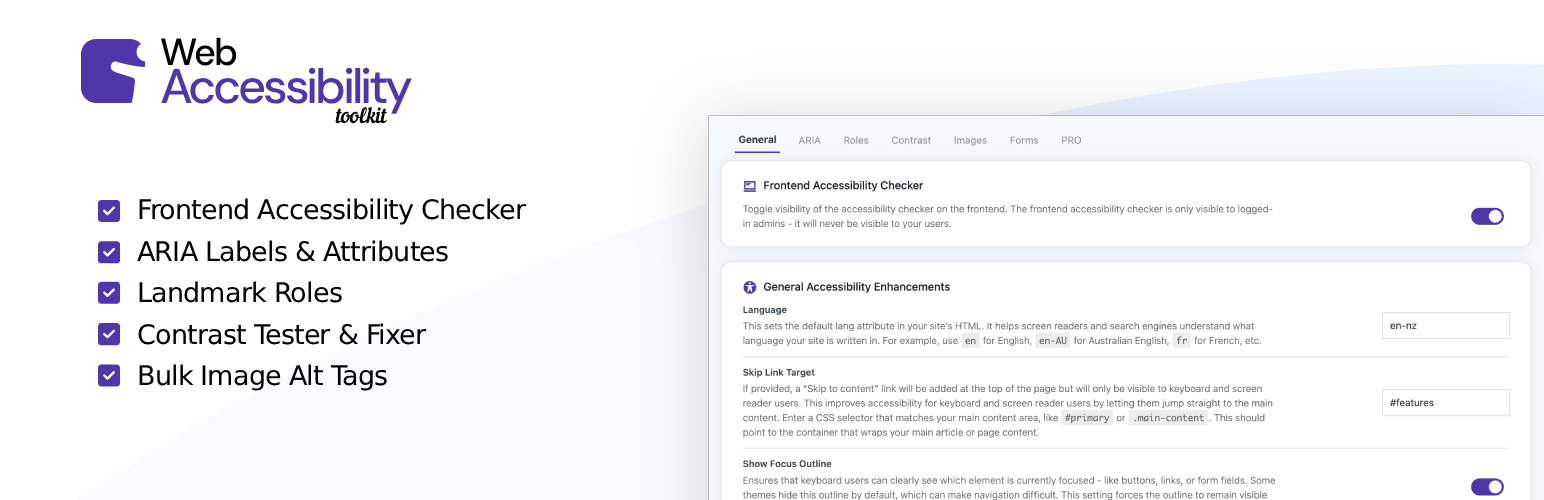

Web Accessibility Toolkit – Accessibility Checker & ARIA for WCAG, Section 508 & ADA Compliance
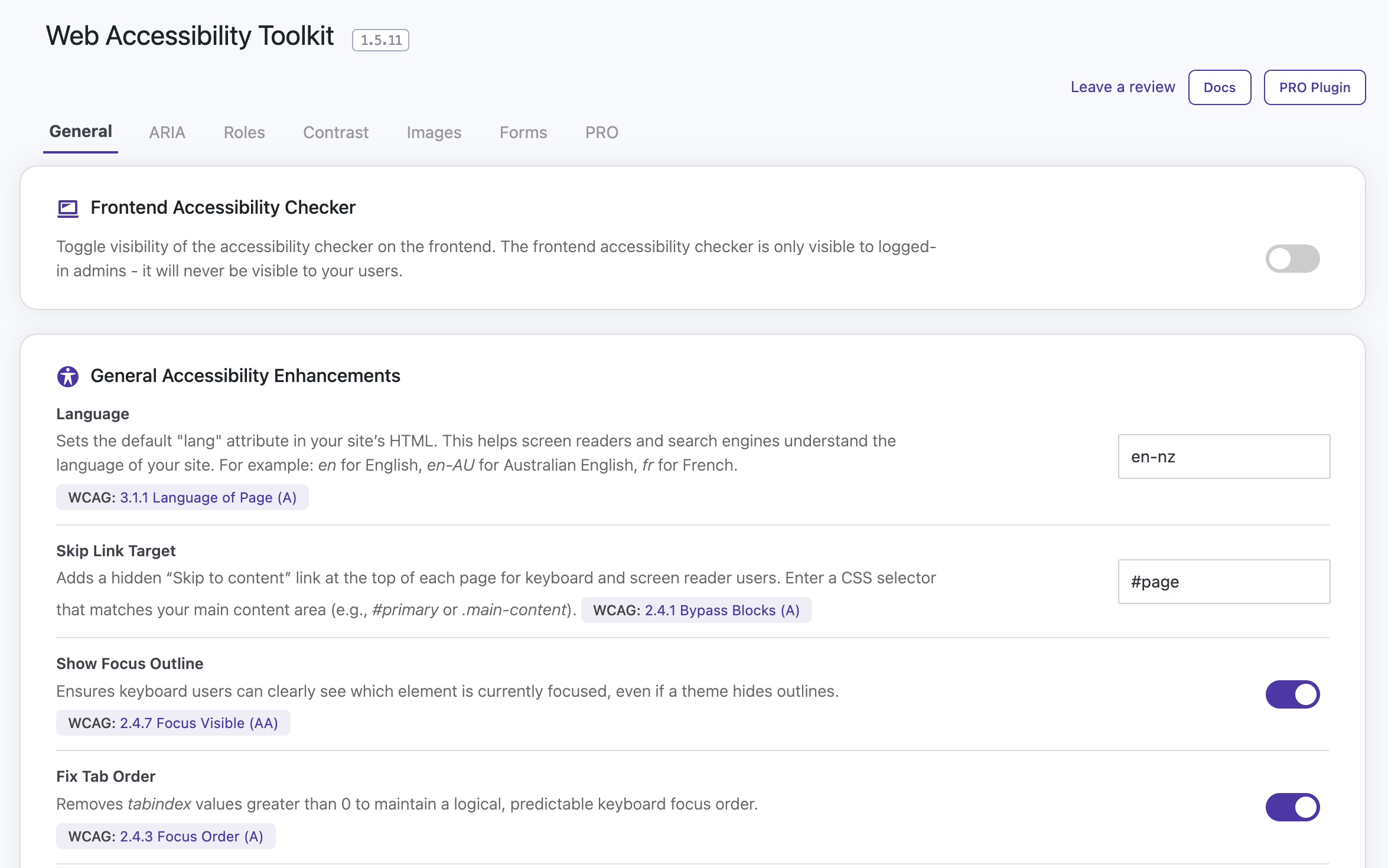
The General Settings section - configure general accessibility options
Web Accessibility Toolkit helps your WordPress site meet ADA compliance and WCAG compliance standards. It includes powerful accessibility checking and fixing tools.
This plugin is not an ‘overlay’ or a ‘widget’. It provides real code fixes to assist with WCAG & ADA compliance for WordPress.
Scan your site with the built-in Accessibility Checker to identify issues such as missing ARIA labels, low contrast text, missing alt tags, incorrect heading structure & plenty more.
Apply one-click fixes for many common accessibility issues to improve usability. Web Accessibility Toolkit helps meet requirements for laws and standards like WCAG, ADA, EAA, Section 508, EN 301 549, and AODA.
Check Your Site Now | Docs | PRO Plugin
Accessibility Checker
The built-in Accessibility Checker scans your WordPress site in real time. It can identify common accessibility issues that could affect WCAG compliance and ADA compliance. With a single click, you can run an accessibility check on any page and get clear, actionable details.
The checker highlights issues directly on the page, including:
- Missing or empty ARIA labels.
- Low color contrast between text and background.
- Missing alt text on images.
- Skipped heading levels (e.g., jumping from H2 to H4).
- Broken ARIA references.
- Interactive elements without keyboard focus.
- Improper tab order.
- Missing page titles.
- Duplicate link text with different destinations.
- Duplicate IDs in the DOM.
- Form fields without labels or ARIA labels.
- Use of user-scalable=no in viewport meta tags.
- Non-focusable interactive elements.
Each issue includes details on what it means, why it matters for accessibility and how to fix it. Many problems can be resolved instantly using the plugin’s one-click fixes. While others provide guidance so you can address them in your theme or content.
Accessibility Fixes for WCAG, Section 508 & ADA Compliance
-
ARIA Attributes
Add ARIA attributes such as
aria-label,aria-hidden,aria-expanded,aria-live,aria-level, and more to any element. -
ARIA Roles
Assign semantic roles like
banner,navigation,main,complementary, andcontentinfoto improve screen reader navigation. -
Image Alt Tags
Shows a list of all images that are missing alt tags, and allows you to easily update them all from the one spot.
-
Contrast Adjustments
Override text and background colors for low-contrast elements using accessible HEX values.
-
Skip Link Target
Add a keyboard/screen-reader-visible “Skip to content” link by defining a main content selector.
-
Language Override
Set or override the HTML
langattribute for improved screen reader compatibility. -
Focus Outline Enhancements
Ensure visible focus styles are enforced for better keyboard navigation.
-
Fix Tab Order
Remove tabindex values greater than 0 to maintain a logical focus order.
-
Make Viewport Scalable
Remove user-scalable=no from the viewport meta tag to allow pinch-zooming.
-
CSS Selector-Based Targeting
Use any valid CSS selector to apply changes without modifying theme or template files.
Why Use Web Accessibility Toolkit?
Most WordPress themes don’t include full accessibility support. Web Accessibility Toolkit lets you patch those gaps quickly, keeping your site more inclusive and compliant with ADA & WCAG guidelines.
Whether you’re a developer working on a client site or a business owner aiming for better usability, this plugin makes accessibility updates faster and easier.
The Web Accessibility Toolkit is NOT an overlay widget, which can often do more harm than good for accessibility. This plugin fixes underlying code issues.
Compatibility
- Compatible with all WordPress themes
- Compatible with all WordPress plugins
- Works alongside popular page builders
- Designed with WCAG 2.1 AA standards and ADA compliance in mind