
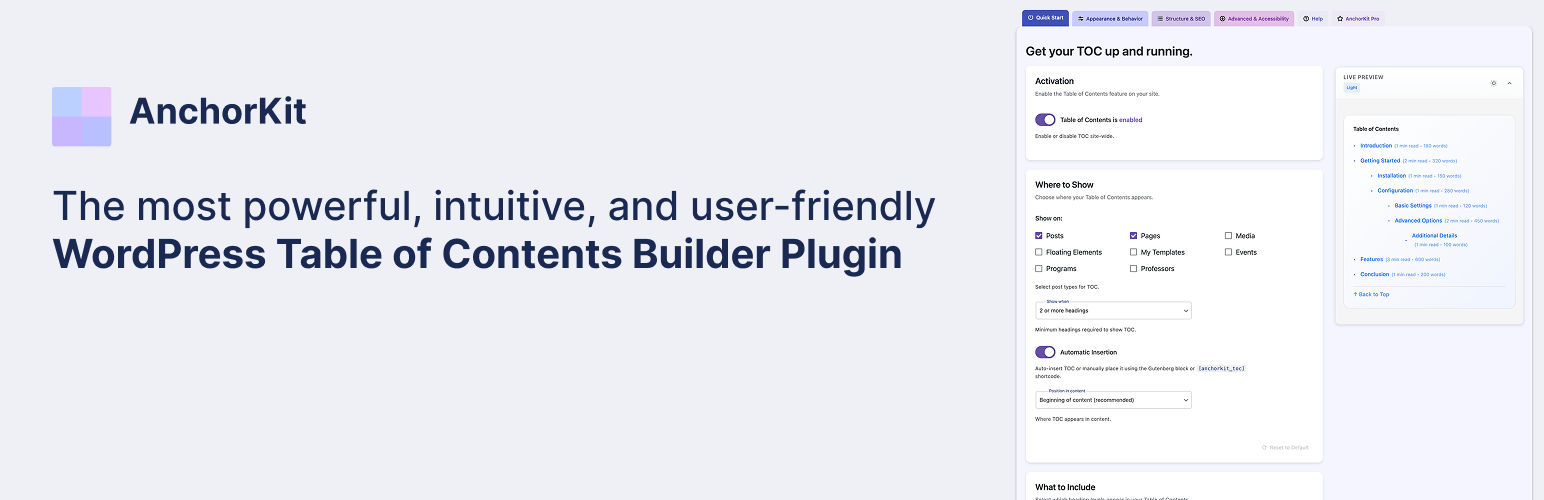

Table of Contents – AnchorKit
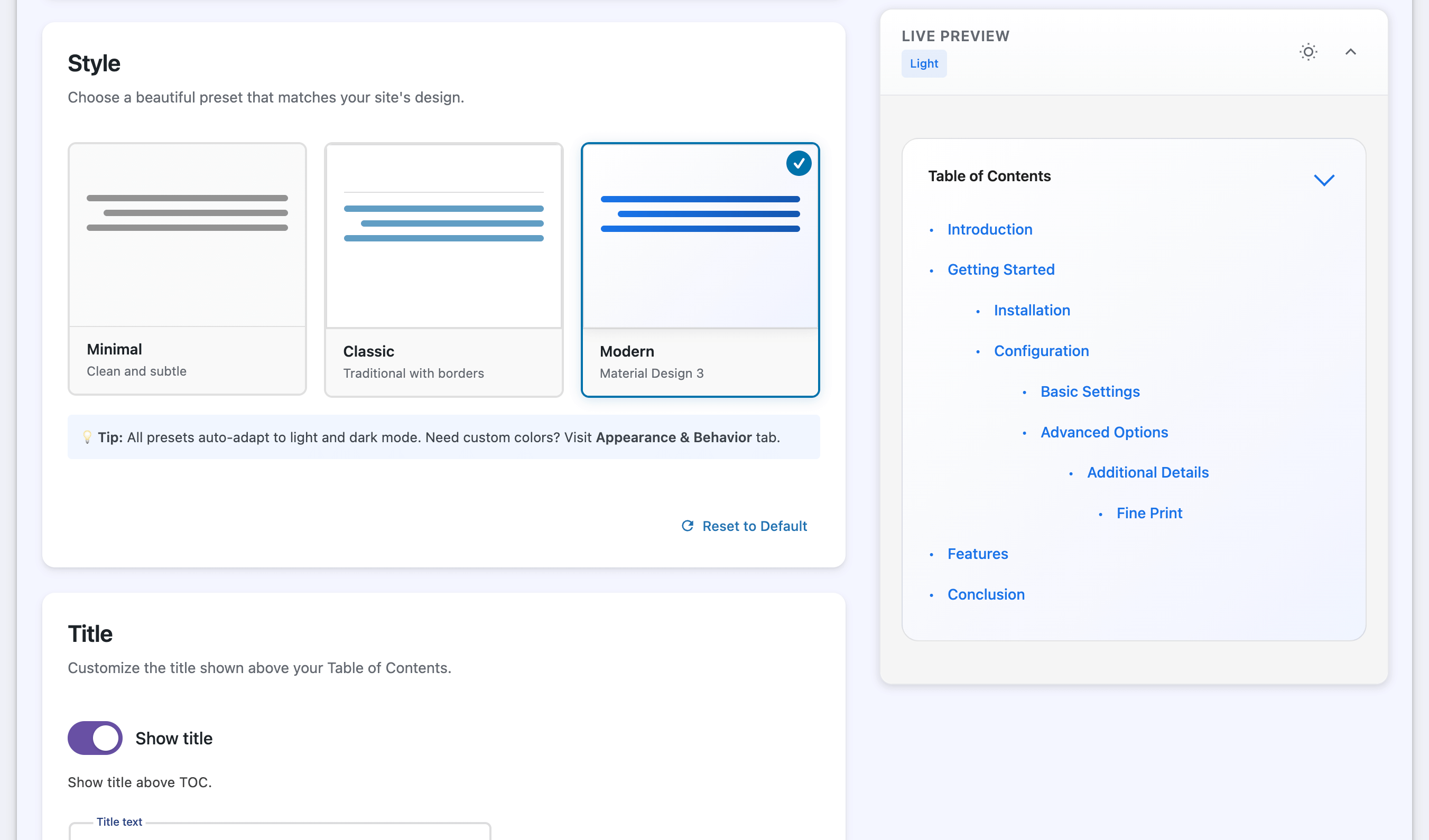
The settings page with live preview: pick a preset, set colors, and see the result instantly in light or dark mode.
AnchorKit adds a table of contents to your posts and pages automatically, or exactly where you want it with the table of contents block, the [anchorkit_toc] shortcode, or a sidebar widget. It reads your headings, builds anchor links to each section, and scrolls readers there smoothly.
You design it in a settings page with a live preview, so you see every change before you save. It follows your visitor’s light or dark mode, and it is built accessibility-first: semantic navigation markup, a customizable ARIA label, keyboard support, and respect for reduced-motion preferences.
Free features
Placement
- Auto-insert a table of contents on posts, pages, and custom post types
- Choose the position: before the first heading, after the first paragraph, top of content, or end of content
- Only show it when a post has enough headings (1 to 10, you choose)
- Place it manually with the Gutenberg block, the
[anchorkit_toc]shortcode, or the classic widget - Works with the Classic Editor, the block editor, and any page builder that supports shortcodes (Elementor, Divi, WPBakery and others)
Content
- Pick which heading levels to include (H1 to H6)
- Nested (hierarchical) or flat list
- Exclude headings with CSS selectors, for example
.no-toc - Anchor IDs generated from your heading text
- Replace heading text in the TOC with custom labels
Design
- Live preview while you edit settings
- Light, dark, and automatic (follows the visitor’s system setting) themes
- Minimal preset, plus a custom styling mode for colors, fonts, spacing, borders, width, and alignment
- Collapsible TOC that starts expanded or collapsed
- Smooth scrolling with an offset for sticky headers
Accessibility and mobile
- Semantic
navmarkup with an ARIA label you can change - Keyboard navigation and screen reader support
- Respects the “reduce motion” setting
- Custom mobile breakpoint and an option to hide the TOC on small screens
For developers
- 15+ actions and filters, such as
anchorkit_toc_headings,anchorkit_should_display_toc, andanchorkit_toc_html - 20+ shortcode attributes (see below)
- No front-end tracking and no third-party requests on visitor pages
AnchorKit Pro
Pro adds the features long-form sites and agencies ask for most:
- Sticky table of contents: keep it in view while readers scroll, inside the content or floating on the left or right
- Scroll spy: highlights the section the reader is on
- Back-to-top link and View more/less for long tables of contents
- Reading time and word count per section
- Elementor widget with live preview, and the full set of options in the Gutenberg block
- More design control: Classic and Modern presets, custom bullets and numbering formats, advanced typography, box shadows, entrance animations, scroll easing, and a custom CSS class
- Smarter headings: exclude by keyword, trim patterns from heading text, and set a minimum and maximum depth
- SEO: Schema.org JSON-LD structured data, plus sequential or prefixed anchor IDs
- Integrations: Advanced Custom Fields (build the TOC from ACF fields) and AMP
- Priority email support
Plans start at $59/year for one site. The Agency plan covers unlimited sites. Every plan has a 14-day money-back guarantee. Upgrade from Settings > AnchorKit > AnchorKit Pro. Checkout and licensing are handled by Freemius.
Shortcode
Add the table of contents anywhere with:
[anchorkit_toc]
Attributes override your global settings for that one TOC:
[anchorkit_toc header_label="In this article" heading_levels="2,3" initial_view="hide"]
Display
header_label="Contents": TOC titledisplay_header_label="no": hide the titletoggle_view="no": remove the collapse toggleinitial_view="hide": start collapsedtheme="dark":system,light, ordarkhierarchical="yes": nest sub-headingssmooth_scroll="no": turn off smooth scrollingdevice_target="mobile": show only onmobileordesktop
Content
heading_levels="2,3": include only these heading levelsmin_headings="3": only show the TOC if the post has at least this many headingspost_types="post,page": limit to these post typespost_in="1,2": only these post IDspost_not_in="1,2": never these post IDs
Pro attributes
preset="modern": Classic or Modern presetdisplay_counter="yes": numbered listclass="my-toc": custom CSS classsticky="yes": sticky TOCview_more="5": show the first 5 items, then a “View more” buttonshow_reading_time="yes"andshow_word_count="yes": section metadata