

AI Image Alt Text Generator – Imagerr AI

Attachment Page - Example 1
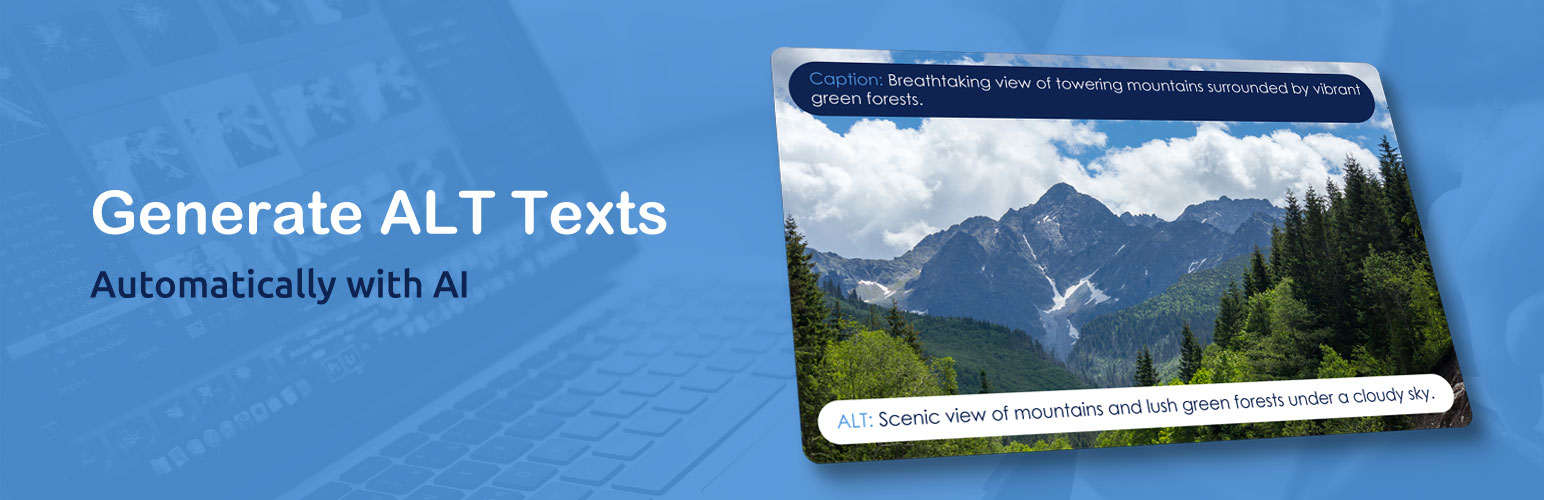
This plugin uses AI to generate alt text, titles, descriptions, and captions for your images automatically. It improves your accessibility and SEO.
By Imagerr.ai.
Important: This plugin comes with a Free Trial: You will get some free credits to test the plugin out. However, to use it further, you will need to purchase a credits package.
No setup required – Imagerr AI uses its own built-in ChatGPT API access. You don’t need your own API key.
Besides the image Alt text, this plugin can generate the following too:
– Image Title
– Image Caption
– Image Description
The Imagerr AI plugin has been developed to work specifically with WordPress. It works with any WordPress theme or page builder. You can also use it apart from WordPress, through its web app.
Using this plugin, an ALT text will be generated for your WordPress media library image(s) with just one click or automatically when the images are uploaded. You can also generate the ALT texts in bulk for all your images.
New: With the “Replace on posts” option during Bulk Generation, the plugin will now search for each image across all post types (including Elementor and Divi content) and automatically update its alt text everywhere it’s used — not just in the media library. This ensures that reused images always show the most accurate and updated alt text across your entire website.
This is a unique feature that sets Imagerr AI apart from other similar plugins.
The plugin uses the modern Chat GPT integration (no setup needed), which generates high-quality, accurate alt texts for all your photos and images.
Besides SEO, nice descriptive image ALT texts are essential for a good accessibility score of your WordPress website or blog. With this plugin, you can take advantage of this.
The plugin can also exclude particular images from the generation automatically (e.g., in order to skip decorative images). You can do this by ticking the checkbox “Exclude from Imagerr generation” on a particular image or by excluding the images from the generation in bulk in the Media Library.
Plugin Features:
- Free Trial
- Powered by ChatGPT (no API key required)
- Generate Image Titles
- Generate Image Captions
- Generate Image Descriptions
- Add SEO Keywords
- Multilingual (supports more than 130 languages and locales around the world)
- Works with WooCommerce product images
- Bulk Alt Texts
- Alt Texts on Images Upload
- Replace on Posts (updates alt text across all post types, including Elementor & Divi)
- Exclude selected images
- SEO-Friendly
- Improve Your Accessibility Score
This plugin works with any WordPress theme and page builder.
External Service Information
Imagerr AI is a service-based plugin. It does not generate image metadata on your server. Instead, it connects to the Imagerr AI API to create alt text, titles, descriptions, and captions for your images. An Imagerr AI account and an API key are required.
When the plugin connects
The plugin contacts the Imagerr AI API only when you take an action that needs it:
- when you save or test your API key in the plugin settings
- when you generate metadata for an image, individually or in bulk
- when automatic generation is enabled and a new image is uploaded to your Media Library
- when the plugin checks your account status and remaining credits
Without a connection to the service, you can still view and edit your existing image metadata manually.
What data is sent
- Image data: the image file or its URL, so the service can analyze it.
- Generation settings: the output language, the metadata fields you want generated, and any custom instructions or keywords you have entered in the plugin settings.
- Depending on your settings, the plugin may also send the title of the post or page where the image is used, SEO keywords from supported SEO plugins, and WooCommerce product names and descriptions.
- Account and connection data: your API key and your site’s domain, which are used to authenticate requests and manage credits.
The plugin does not send your WordPress login details or other site content such as posts, pages, or user data.
AI provider: To analyze images, Imagerr AI uses OpenAI as its AI provider. Your images and any relevant text content are sent to OpenAI solely to generate the requested text and to perform safety checks. See OpenAI’s Terms of Use and Privacy Policy.
Technical logs
To diagnose connection and account setup problems, investigate failed requests, keep the service reliable and secure, and improve it, Imagerr AI collects limited technical logs. These may include your account identifier, timestamps, request identifiers, error codes, processing times, and credit changes. They do not include passwords, raw API keys, image contents, or full request and response bodies.
Legal
- Imagerr AI website: https://imagerr.ai
- Terms of Service: https://imagerr.ai/terms/
- Privacy Policy: https://imagerr.ai/privacy/