


Advanced Email Filter for Elementor Forms
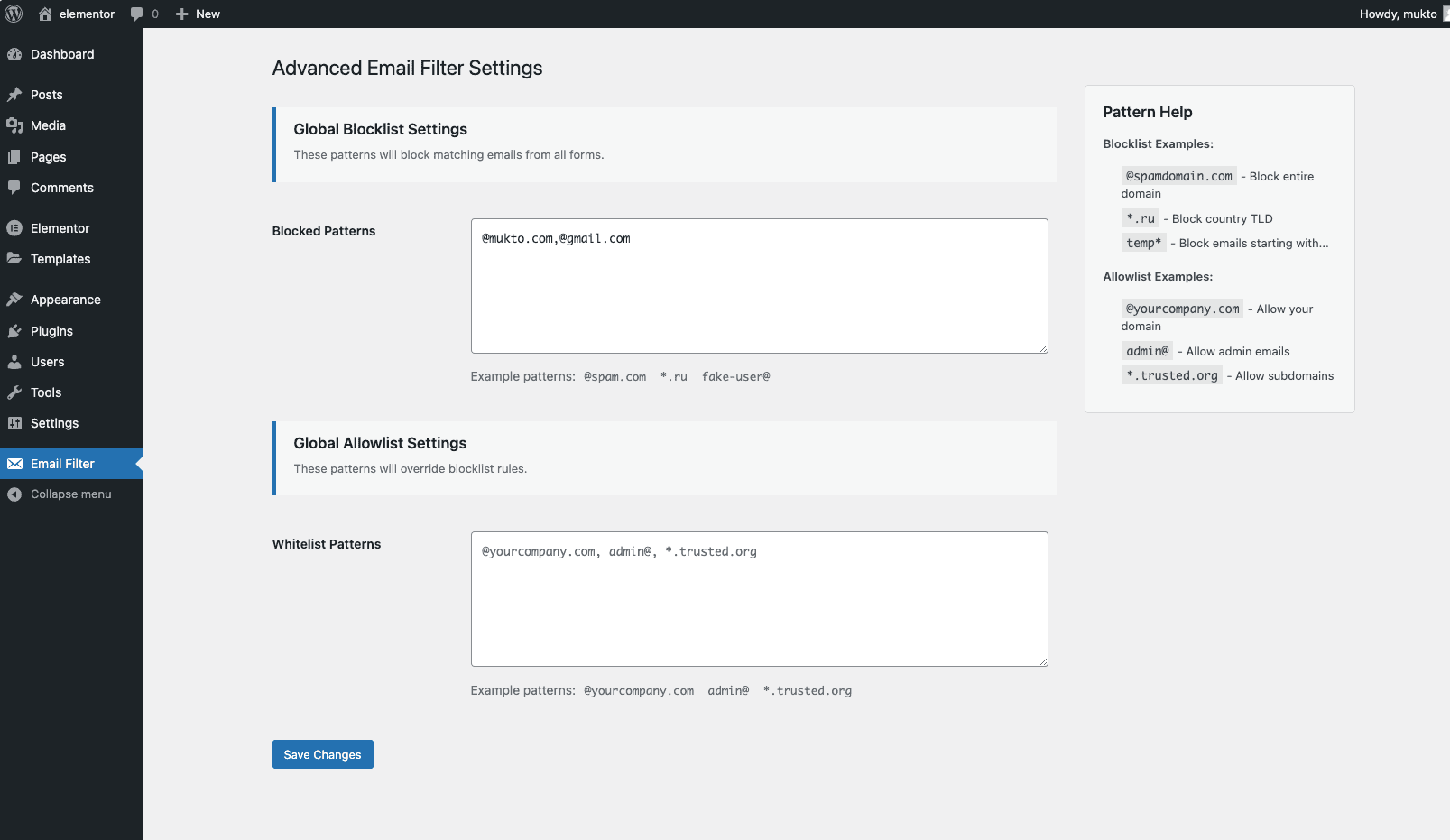
Global Blocklist/Whitelist management
Advanced Email Filter for Elementor Forms adds enterprise-grade email validation to your Elementor pro forms. Protect against spam submissions while maintaining flexibility for legitimate users.
Features
- Global blocklist/allowlist management
- Per-form email filtering rules
- Wildcard support for domains and patterns
- Business email only filter
- Disposable / temporary email blocking
- Automatically refreshed domain databases with a local last-known-good cache
- Compatible with Elementor Pro forms only
Learn more about all features | Read Documentation
Configuration
There are two places where you can control email filtering.
Global Settings
Navigate to Email Filter -> Settings to configure:
-
Blocklist: @spamdomain.com, *.ru, fake-user@
-
Allowlist: @yourcompany.com, admin@, *.trusted.org
Form-Specific Settings
- Edit Elementor Form widget
- Open Email Filtering section
- Add patterns:
- Blocklist (form-specific)
@temp-domain.com, *.xyz - Allowlist (form-specific)
@client-domain.com, manager@
- Blocklist (form-specific)
External services
When Business Email Only or Disposable Email Blocking is enabled, this plugin downloads public domain databases from https://lists.mukto.info/aefe/. These lists are required to identify personal and disposable email providers.
The submitted email address and form contents are never sent to this service. A request is made only to download the domain-list JSON files. As with any web request, the server may receive standard connection information such as the requesting site’s IP address and user agent.
Downloaded lists are stored under wp-content/uploads/aefe/ and refreshed no more than once every seven days. If an update fails, the previous valid local list remains in use.
This service is operated by the plugin author. Privacy policy
Hooks & Filters
Customize validation behavior using these hooks:
// Modify validation error message
add_filter('aefe_validation_error', function($message, $email) {
    return sprintf(__('Error: %s is blocked', 'text-domain'), $email);
}, 10, 2);