

Activity Link Preview For BuddyPress

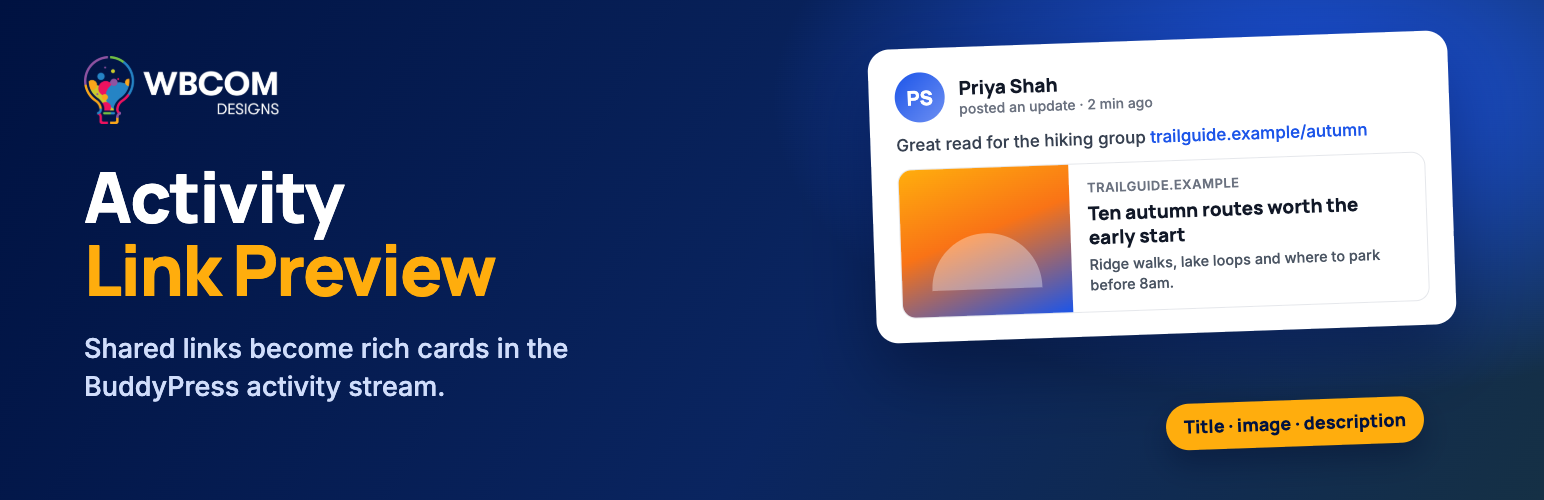
Link preview in an activity post - title, description and image pulled from the shared link.
Activity Link Preview For BuddyPress turns a plain URL into a rich card. When a member pastes a link into the activity composer or a comment, the plugin reads the page, pulls a title, description and image, and shows a preview card before they post. Saved previews render server-side, so they still display when JavaScript is off.
It needs BuddyPress or BuddyBoss Platform active. There is no settings page: previews work as soon as you activate the plugin, and developers can change behaviour through filters.
What you get
Rich previews as members type
* Detects URLs as they are typed or pasted into the activity form.
* Shows title, description and a featured image in a card the member can review before posting.
* Multiple image selection: when a page offers several images, prev and next buttons let the member pick one, with an “Image X of Y” counter.
* The preview clears itself when the URL is removed from the composer, and blocked or invalid URLs show an inline error instead of failing quietly.
Internal member and group cards, with no HTTP request
* Sharing a link to a member profile on your own site (/members/username/) builds a card from your database: display name, the XProfile About text, and the member’s avatar.
* Sharing a link to a group (/groups/group-slug/) builds a card with the group name, description and group avatar.
* Because this reads locally, there is no self-request and no external fetch, which keeps busy sites fast.
Comments and embeds
* Link previews work in activity comments and replies, not just top-level posts.
* Native embeds for Twitter/X and Facebook.
* Inline video and rich embeds via WordPress oEmbed (YouTube, Vimeo and other providers WordPress supports).
* Short URLs (bit.ly, tinyurl and similar) are resolved to the real destination before the preview is built.
Fast and safe by default
* Per-URL caching, plus 15-minute negative caching so a slow or unreachable link is not retried on every render.
* Comment rendering never fetches remote URLs, so a dead link cannot delay a page load.
* SSRF protection blocks localhost, private and reserved IP ranges, and re-validates redirect targets.
* Nonce verification, logged-in-only parsing, and sanitized and escaped output.
Works alongside your platform
* On BuddyBoss Platform with its own link preview enabled, this plugin stands down so you never get two cards on one post.
* On Youzify with its wall URL preview enabled, it does the same.
* Preview data is included in the BuddyPress REST API activity response.
Developer friendly
* bp_activity_link_preview_load_assets – control which pages load the CSS, JS and social SDKs.
* bp_activity_parse_url_preview – filter the preview data returned by the parse endpoint.
* bp_activity_link_parse_url – filter the parsed result before it is returned.
* bp_activity_link_parse_url_shorten_url_provider – add or remove short-URL providers to resolve.
* bp_oembed_discover_support – opt in to oEmbed discovery for unknown providers.
* bp_activity_link_preview_enable_comments – turn preview handling in activity comments on or off.
Perfect For
- BuddyPress and BuddyBoss communities where members share articles, videos and news
- Groups that use the activity stream as a reading or link-sharing feed
- Communities that link internally to member profiles and groups
- Any activity stream that currently shows bare, unclickable-looking URLs
Premium Support
Our support team can help with setup, theme compatibility and troubleshooting. Reach us through the links below.
Documentation
- Activity Link Preview documentation – Setup, FAQ and the developer filter reference
Translations
- English (default)
- Ready for translation in your language with the included POT file
- RTL language support included
Links
Compatibility
- WordPress 6.5 and higher
- PHP 8.1 and higher
- BuddyPress 6.0+ or BuddyBoss Platform (required – the plugin deactivates itself if neither is active)
- Tested with popular themes including BuddyX, Reign and Youzify
What’s New in 1.7.6
Twitter/X and Facebook embeds now appear on every activity view, including single activity pages, and tweets follow your site’s dark mode. Links typed without http:// get a preview, cards take their colours from Reign, BuddyX Pro and block themes, and the composer controls are easier to tap. See the changelog for the full list.
Third-Party Services
This plugin renders native Twitter/X and Facebook embeds. Those embeds can only be rendered by each network’s own script, so the plugin loads that script directly from the network:
- Twitter/X widgets.js, loaded from platform.twitter.com. Terms of service: https://x.com/en/tos – Privacy policy: https://x.com/en/privacy
- Facebook SDK, loaded from connect.facebook.net. Terms of service: https://www.facebook.com/terms.php – Privacy policy: https://www.facebook.com/privacy/policy/
These scripts load only on BuddyPress activity screens (the activity directory, member activity and group screens), never site-wide. On those screens they load whether or not a Twitter or Facebook link is actually present, so the visitor’s browser contacts Twitter and Facebook on every activity page view. Those services can therefore see the visitor’s IP address, user agent and referring page, and may set their own cookies.
If your site needs to avoid that (for example to satisfy a consent requirement), use the bp_activity_link_preview_load_assets filter to stop the assets loading:
add_filter( 'bp_activity_link_preview_load_assets', '__return_false' );
No data is sent to Wbcom Designs, and the plugin itself collects nothing.
More from Wbcom Designs
- BuddyNext – Our standalone community plugin with a feed, spaces, profiles, messaging and moderation. Link previews are built in, for new sites that do not need BuddyPress.
- MediaVerse – Photo and video albums, reactions and private messaging for your members.
- BuddyX – A free community theme on WordPress.org. Preview cards take their colours from BuddyX, in light and dark mode.
- Jetonomy – Forums, question-and-answer boards and idea spaces for your community.