

Ace Login Block
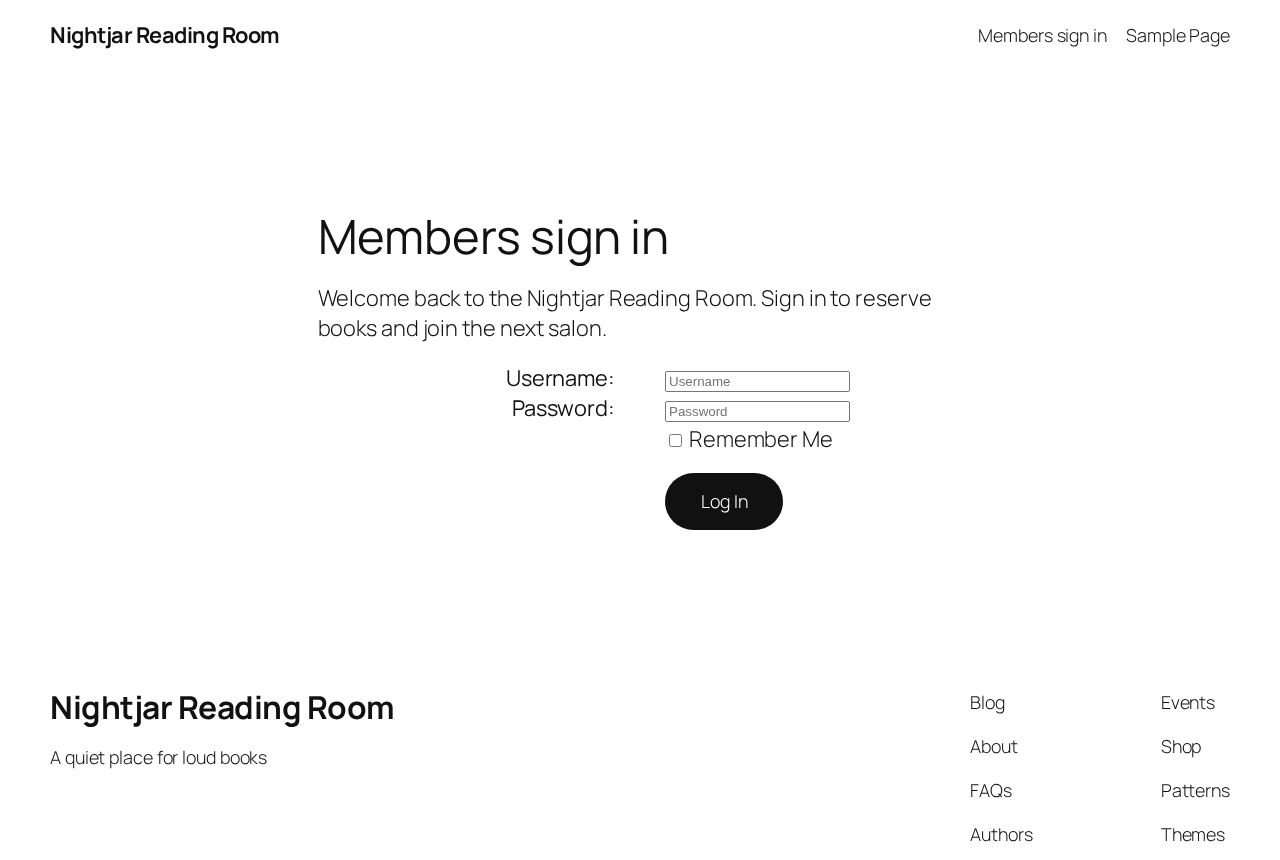
A login page built with the Login block, shown on a fictional reading-room site using Twenty Twenty-Five.
Requires PHP 8.2 or later. Passkeys also need PHP’s OpenSSL extension; if it is missing, passkeys switch themselves off and everything else keeps working. Tested on WordPress 6.6, 6.9 and 7.1.
If PHP is older than 8.2 or the bundled libraries cannot load, new logins are refused rather than quietly dropping your second-factor policy. Restore the supported runtime and the complete plugin package through your hosting account. Existing sessions and public pages remain available where WordPress itself supports that runtime.
Ace Login Block allows you to replace the default WordPress login page with a custom page of your choosing, all designed and managed within the block editor. This lets you create a branded login experience for your users while leveraging the flexibility and ease of Gutenberg.
Features include:
- Replace the default WordPress login page with a custom block-based design.
- Full integration with the block editor, giving you complete control over the login page layout.
- Allow the default WordPress login functionality for POST requests to ensure smooth login submissions.
- Customise redirects and add additional fields or branding elements to the login page.
- Preserve core password reset and recovery screens when using a custom login page.
- Role-based redirects and per-role 2FA requirements.
- Passkeys (security keys) for passwordless login and as a second factor.
- Email and authenticator app 2FA, plus backup codes.
- Remembered devices that skip 2FA only (password still required).
- Login lockout after repeated failed attempts. By default, 5 failures within 15 minutes locks the account for 30 minutes. Repeated failures from one IP address, or against a username that does not exist, are limited too.
- A Security tab with a log of failed and blocked logins, filters, one-click unlocking and an optional email when a lockout happens.
- Passkey policy settings: RP ID override, attestation preference, and per-role passwordless control.
Security:
- Email codes expire after five minutes and can only be used once.
- Second-factor codes are checked in constant time, with a low hourly attempt limit.
- Authenticator app secrets are encrypted at rest with libsodium.
- The 2FA endpoints do not reveal whether a username exists.
- A passkey used instead of a password has to pass user verification.
- If a factor an account depends on cannot be used, that account is refused with a clear message. The policy is never quietly dropped.
Ace Login Block provides a seamless way to craft unique, branded login experiences while ensuring compatibility with WordPress’s login handling.
Source
The source code for this plugin, including unminified JavaScript and CSS, is available on GitHub:
GitHub Repository
License
This plugin is licensed under the GPLv2 (or later) as it is required to follow WordPress.org repository rules.
Source and contributions
Source and build instructions: https://github.com/AceMedia/WordPress-Login-Block-and-Page
Public bug reports and feature requests are welcome in GitHub Issues. Ace Media maintains the upstream project and invites code contributors; please discuss changes before submitting a pull request. The GPL-2.0-or-later licence preserves your rights to use, study, modify and redistribute the code.